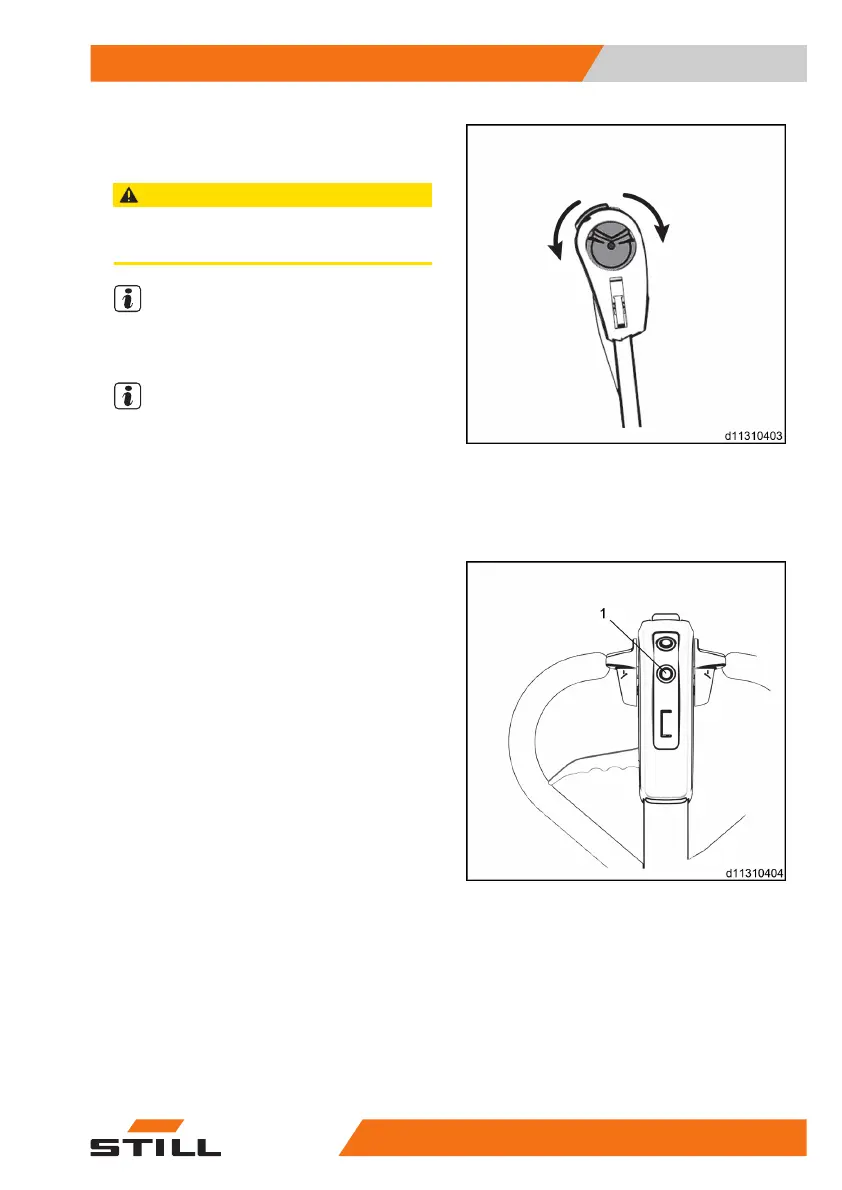
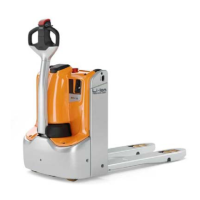
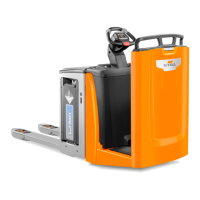
– Rotate the drive button to drive the vehicle
forward or backward.
CAUTION
Carry out a routine inspection on the vehicle before
using it.
NOTE
The drive switch can be used to adjust the ve-
hicle’s speed.
NOTE
Releasing the drive switch causes the vehicle
to brake.
Lifting, lowering, braking and using
the horn
Lifting
– Press and hold down the lift button on the
control handle (1). The forks will be lifted to
the maximum height until they stop by
themselves.
Operation
4
Drive system
595001 801 1505 EN - 12/2019



 To Next Page