4 Operation
Auxiliary equipment
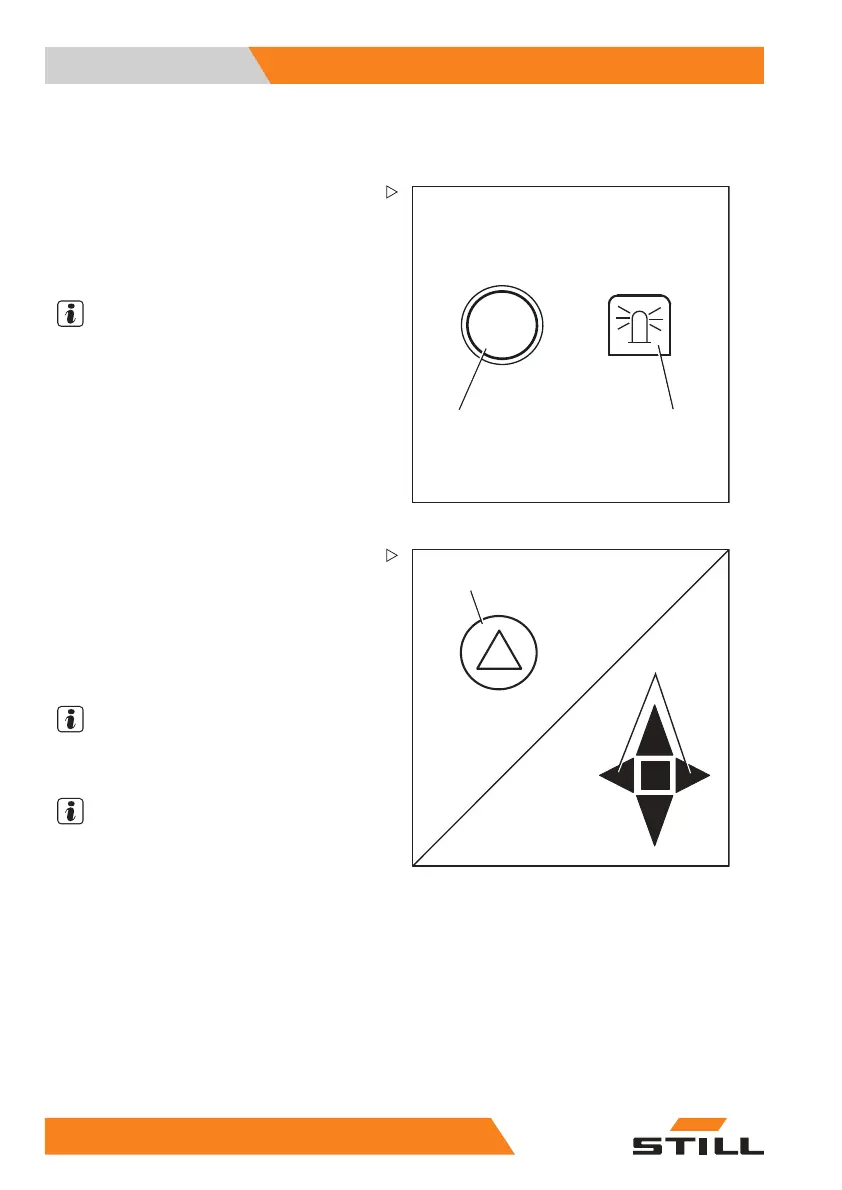
Switching the rotating beacon on and
off
5060_003-045_V2
2
1
– Push the button (1) for switching on the
rotating beacon.
The rotating beacon symbol (2
) appears on
the display. The rotating b
eacon is switched
on.
NOTE
Pushing the button again switches the rotating
beacon off again.
5060_003-011_V2
1
2
Switching the hazard warning
system on and off
– Push the button (1) to switch on the hazard
warning system.
All direction indicators and indicator
lights (2) flash.
NOTE
Pushing the button again switches the hazard
warning system off again.
NOTE
The hazard
warning system can also be
switched on w
ithout the key switch being
switched on.
210
174749 EN - 03/2017



 To Next Page