Operation 4
Testing and activities before dail
yuse
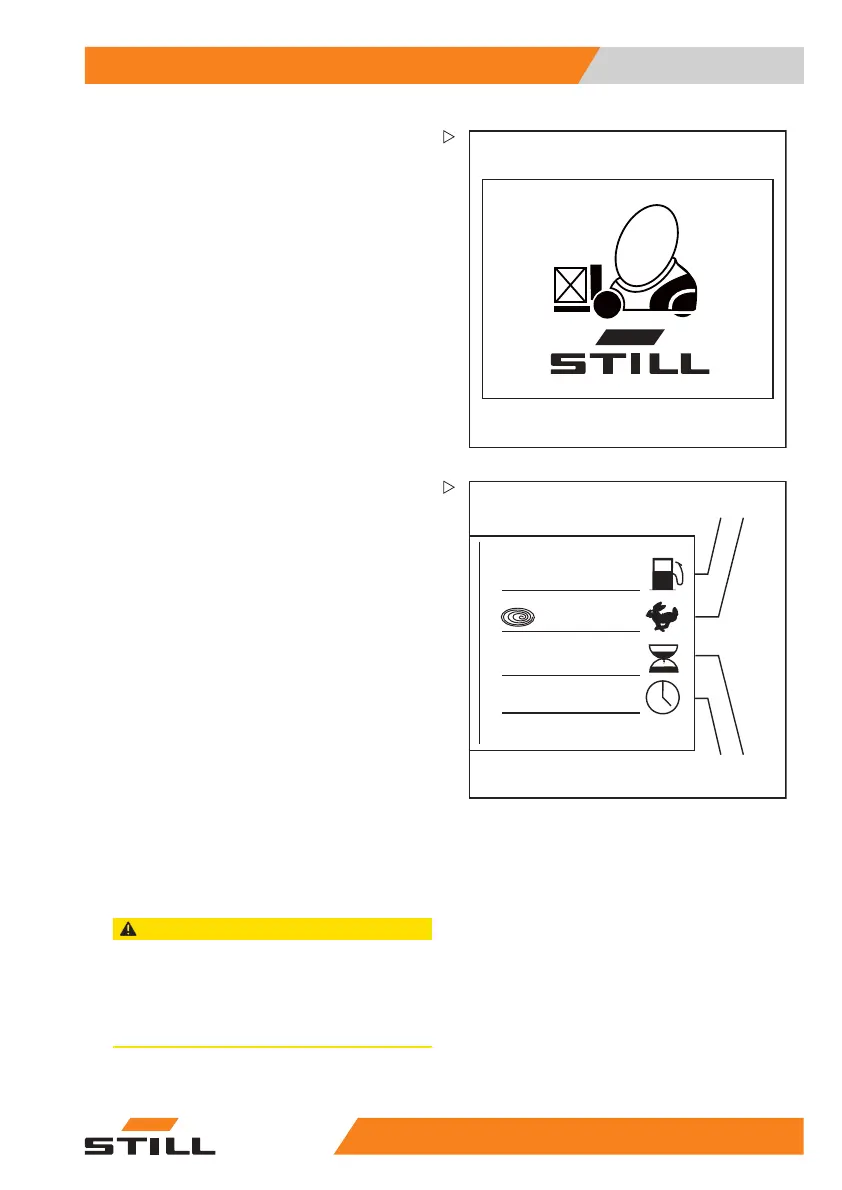
When the key switch is switched on, the
display shows the welcome screen in the
set language until the truck controls have
completely started up.
If the truck has the "access authorisation with
PIN code" variant, the display initially changes
to the input menu for access authorisation.
If the truck is ready for ope
ration, the standard
displays are shown.
%
75
2
234,7 h
12:15
1
2
3
4
7312_003-057_V2
Standard display elements
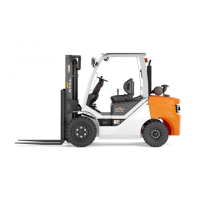
In the factory setting, the following indicators
can be seen in the display and operating unit:
1 Fuel level
Shows the fuel l
evel in the fuel tank as a
percentage (%)
.
2 Drive programme
Displays the current drive programme
numerically (1-5). The drive programme
can be changed; see the chapter entitled
"Setting the drive programme".
3 Operating ho
urs
Displays the total operating hours
completed by the truck. The hour meter
operates as soon as the engine is started.
4 Time
Displays the current ti
me digitally in hours
and minutes. The time can b
e adjusted;
see the chapter entitled
"Setting the
time".
CAUTION
Lack of fuel can cause malfunctions!
If the fuel tank has been run empty, the fuel injection
system can draw in air bubbles. This can lead to
malfunctions in the fuel injection system.
– Never run the fuel tank empty.
174
749 EN - 03/2017 83



 To Next Page