SatLink VSAT User Guide
Publication no. 101557
Copyright © 2009 – STM Group, Inc.
Page 114 (160)
FTP to DVB interface
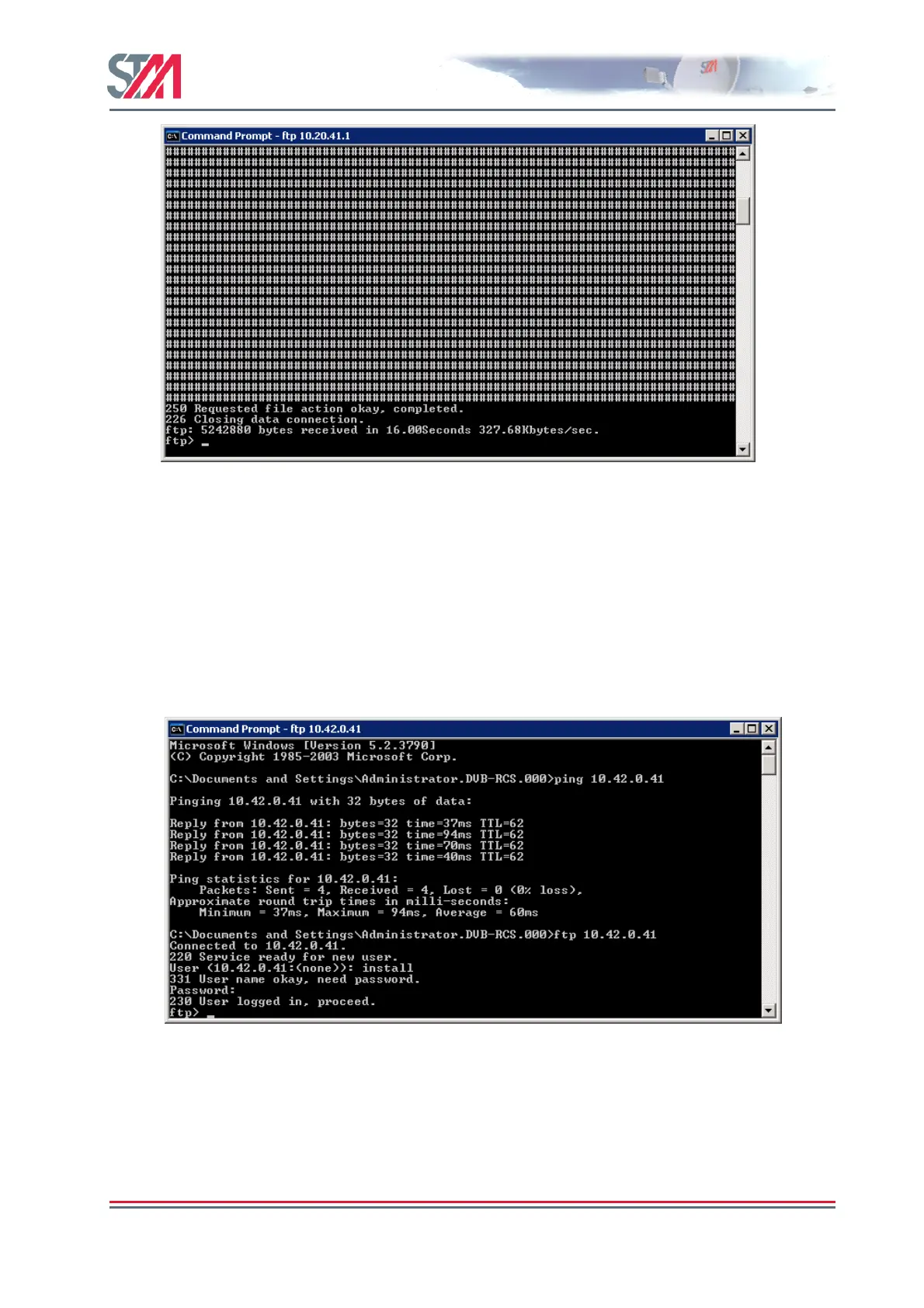
The following example shows how to use the internal FTP to DVB interface for uploading.
The same procedure can be followed for downloading FTP to DVB interface.
1. Logon the VSAT to the HUB.
2. From a workstation on the HUB side, log on to the VSAT using DOS prompt and the FTP
command. You can use either root or install user.
3. Type FTP <DVB IP address of the terminal>.
4. Enter the correct user name and password.
5. Type bin on the command prompt.
6. Type hash on the command prompt.
7. Type put xxx.tst [xxx could be any letter] to upload from the VSATs DVB interface. Note,
make sure this xxx.tst file already exists on the hub or workstation first before the test.
8. Same steps can be followed for uploading from the LAN interface.



 To Next Page