SatLink VSAT User Guide
Publication no. 101557
Copyright © 2009 – STM Group, Inc.
Page 18 (160)
6. SatLink VSAT Configuration and Line-up Using Web
Interface
Follow all the procedures mentioned below when installing the SatLink VSAT and lining up the ODU
using the Web interface. Please see section 7 for SatLink VSAT status monitoring using Web interface
6.1 Log On to the VSAT Web interface
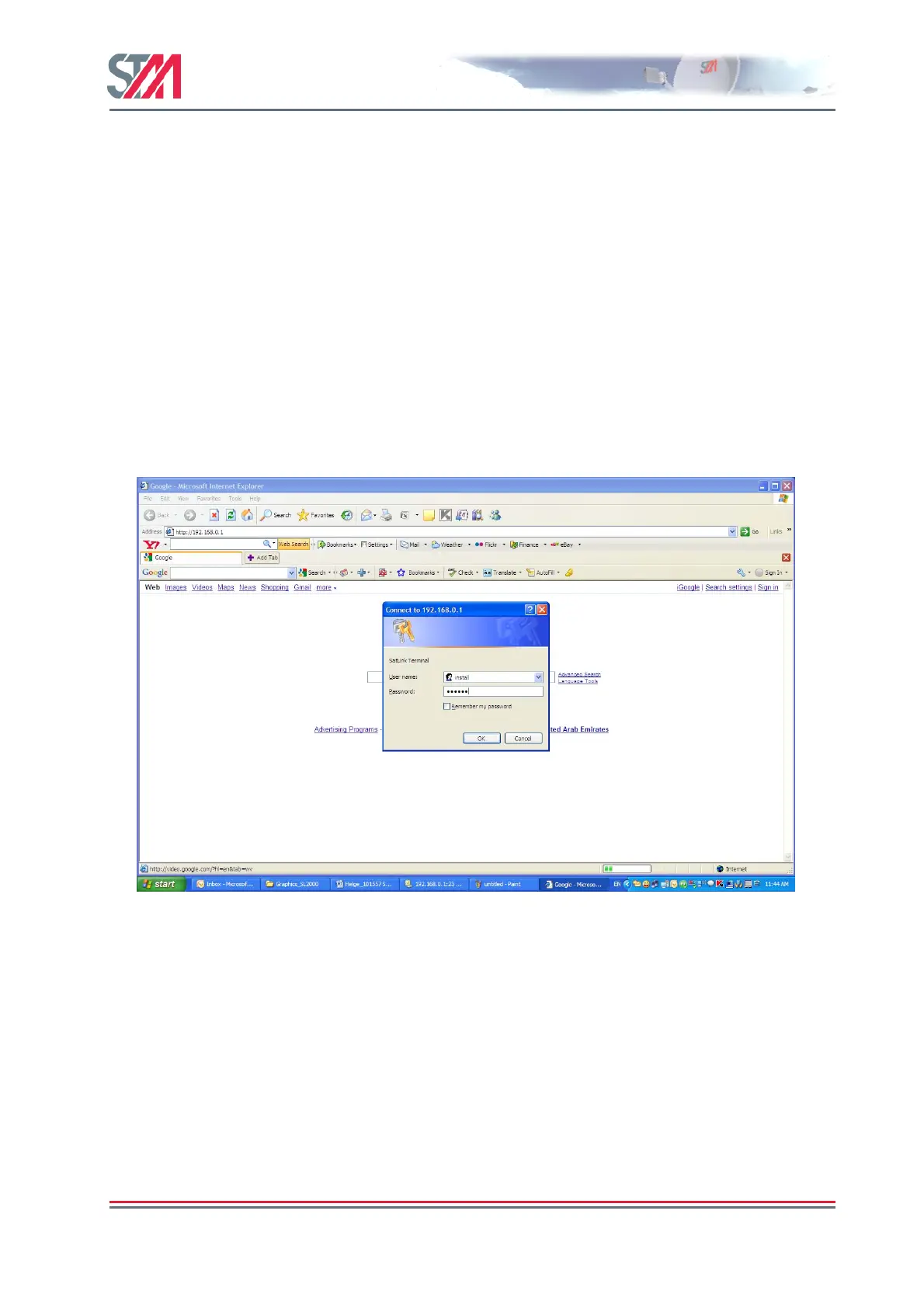
1) Start the web browser and type in the IP address of the STM SatLink VSAT in the address field.
2) Loginwith username
install and factory default password dvbrcs. Click the OK button.
User name: install
Password : dvbrcs
Figure 15 : Logon Page
6.2 Configuring VSAT Parameters required to logon to the Hub
The SatLink VSAT Web interface is used to configure a number of parameters before the VSAT can
acquire the forward link and communicate with the Hub via the satellite connection. A default
configuration specifying most of these parameters is pre-loaded on each STM SatLink VSAT, either in
the factory or by the service provider before installation. The following configuration parameters are
typically to be configured using the VSAT Web interface:
- DVB-S2 Reception parameters
- VSAT GPS Position
Other parameters are typically configured automatically from the Hub when the VSAT logs on for the
first time . When other ODUs than the SatLink 403x transceiver is used or if e.g. the Hub operator does



 To Next Page