Stonex S850
+
GNSS Receiver – User Manual 31
3.10 Management
The management page contains functions for the correct operativity of S850
+
.
3.10.1 Firmware Update
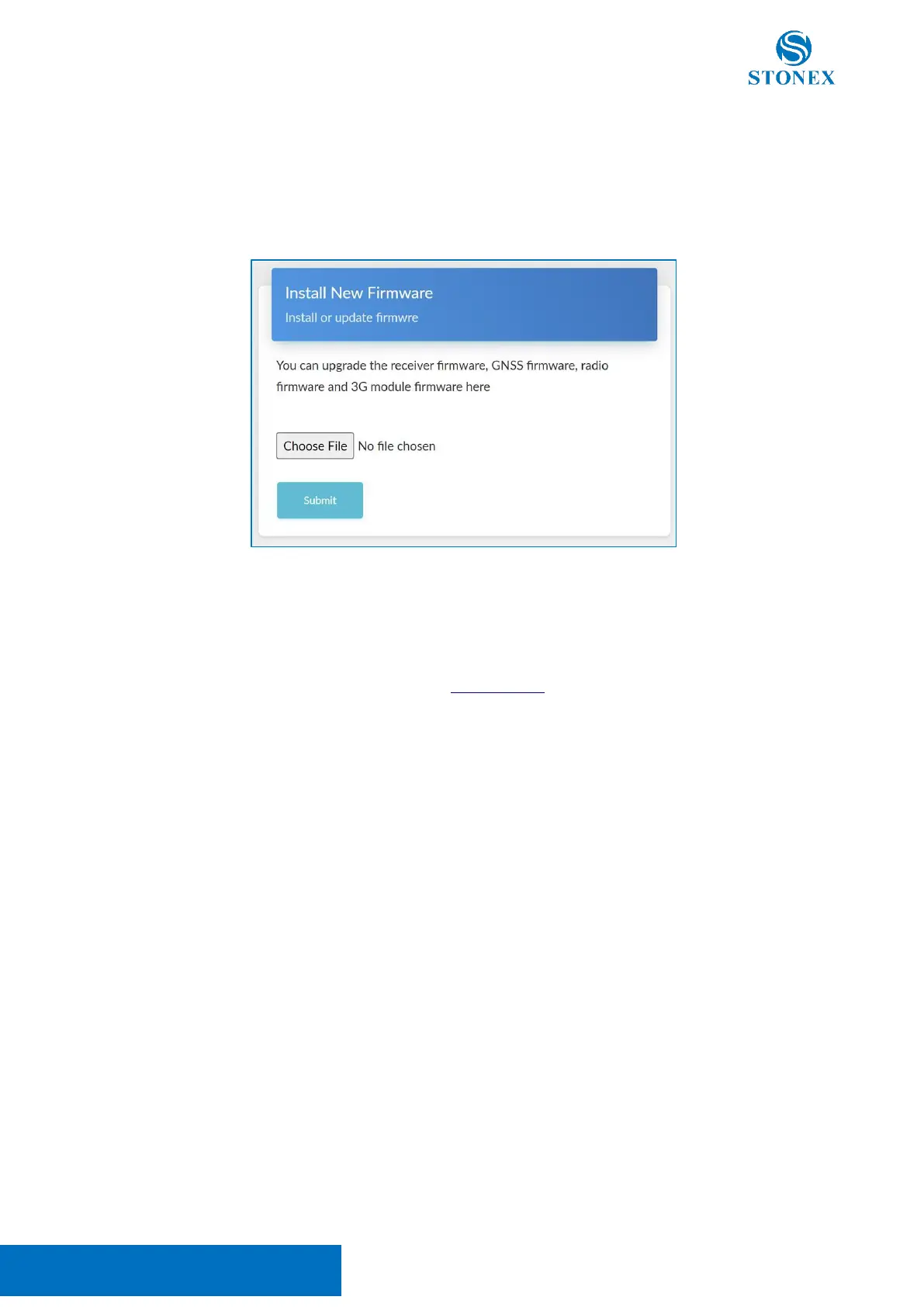
To update a firmware, select the firmware file using the file explorer (Choose File) then press Submit.
When the file has been decompressed, press Confirm to start the update. The motherboard firmware update
will restart automatically the S850
+
.
Attention! Do not turn off the receiver during the update.
Once the firmware updates are completed perform a Factory Reset.
Attention! Use only firmware files provided by your local reseller.



 To Next Page