Stonex S850
+
GNSS Receiver – User Manual 15
3.5.1.2 Network
S850
+
can connect to the Internet using a SIM card or a Wi-Fi connection.
Internet Settings
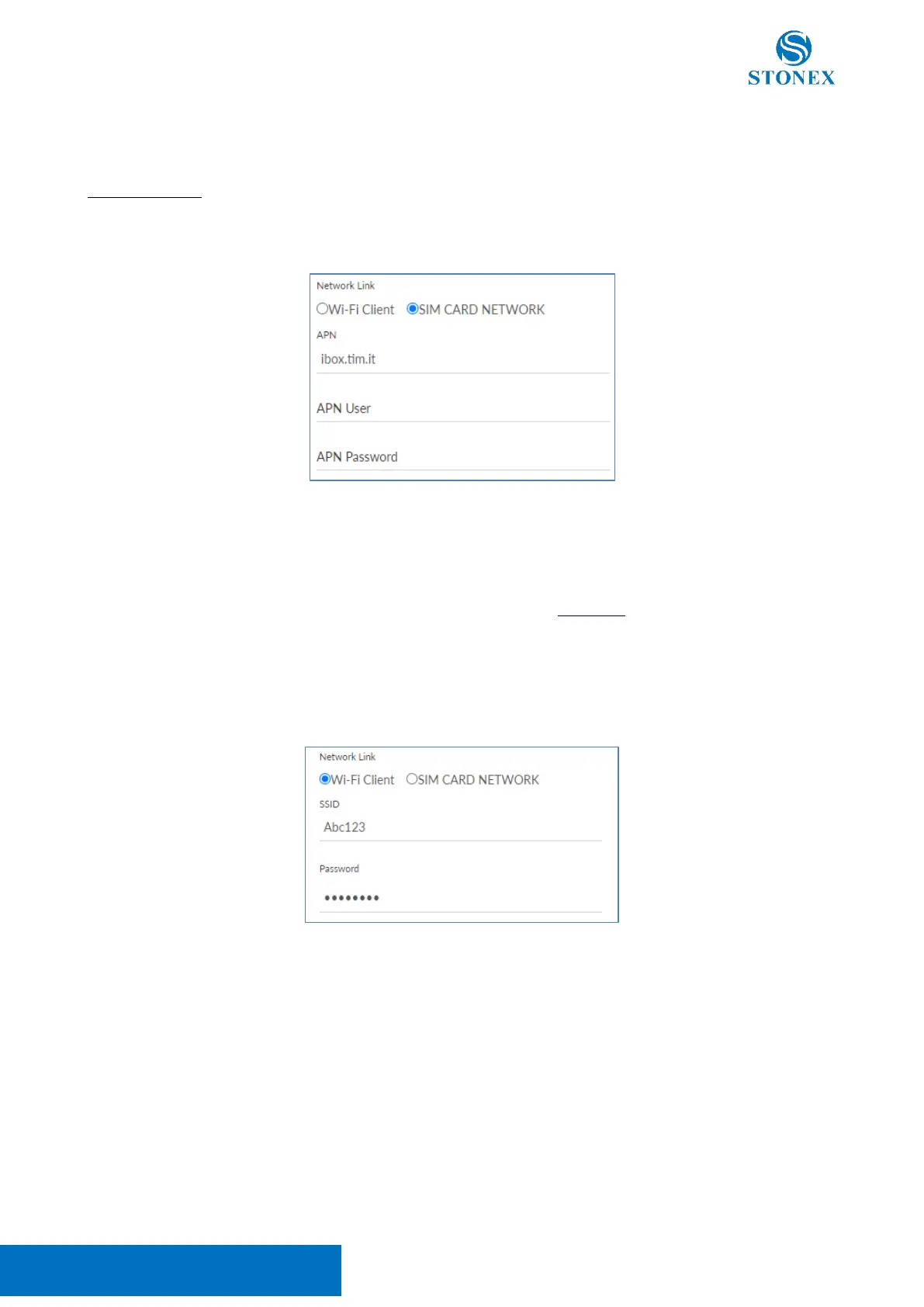
To use a SIM card, it must not have a PIN code, then set the SIM provider’s Access Point Name (APN).
To use a Wi-Fi connection, the SSID and the password must be set manually. SSID and password must
contain only alphanumeric characters.
Attention! Using this functionality will disable the S850
+
Wi-Fi hotspot and the IP address of the WebUI will
change. To access the WebUI the procedure is the same as shown in Chapter 3, but it’s necessary to connect
to the same Wi-Fi network set in the WebUI and use the IP address associated with the S850+ by the
network instead of 192.168.10.1.
It’s possible to reactivate the S850+ Wi-Fi hotspot, using Stonex Cube-a by setting Wi-Fi connect mode:
Master in Device > Wi-Fi Mode Settings.



 To Next Page