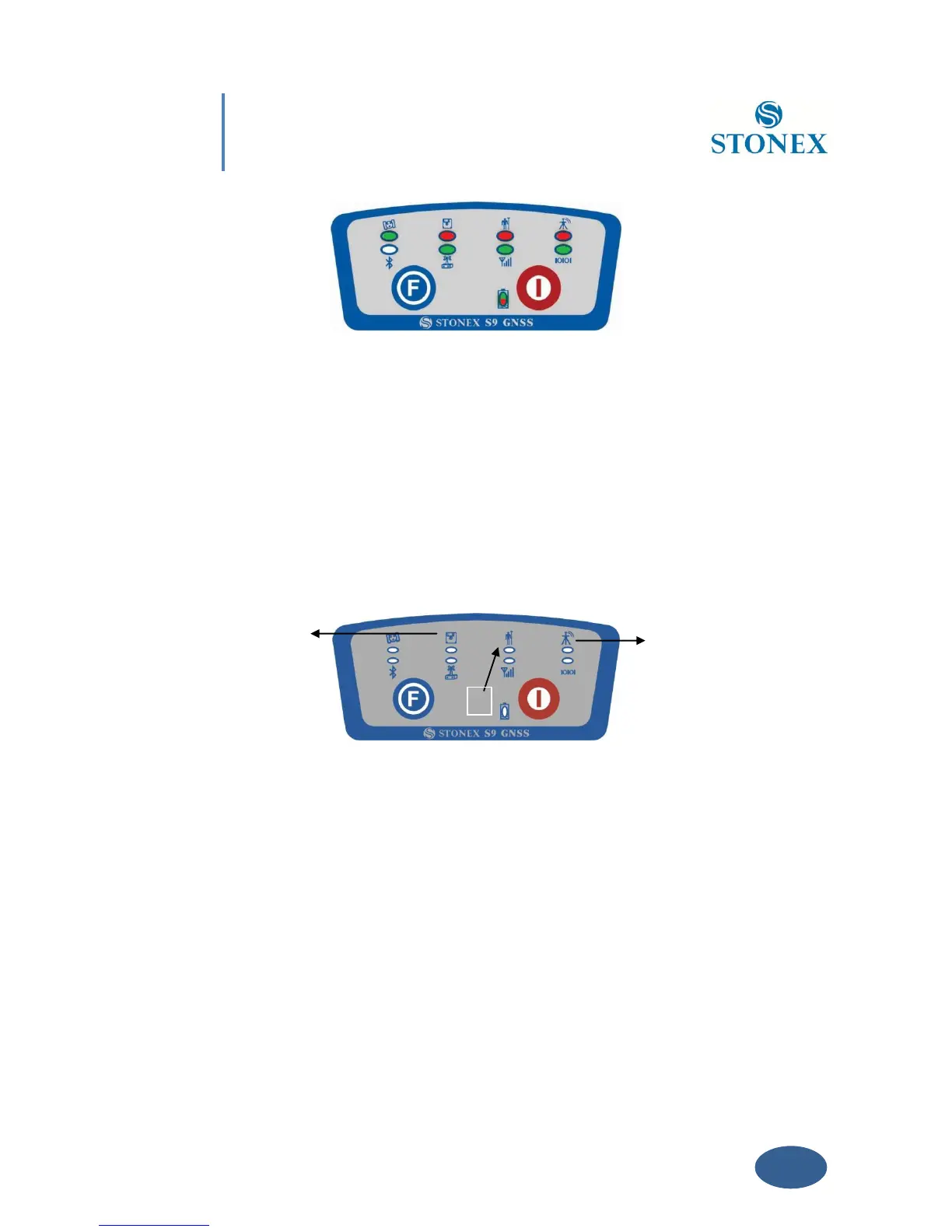
Fig. 4.2 - S9III, all led blinking at the same time
- Now every time you press F key, the STATIC/ROVER/BASE lights will switch on in the
corresponding order. You can select three different red lights, each of them refers to one
working mode.
- Press I key when the chosen light is blinking and the receiver will start in the selected
working mode . Summary of working modes:
1. Static mode
2. Rover mode
3. Base mode
Fig. 4.3 - S9III summary of working mode led
How can you select data link?
- After you entered working mode, press and release F key, the UHF/GPRS/EXT lights will
blink by turns at every pressure of F key. Then you can select different green lights, each



 To Next Page