V. 2 Setting
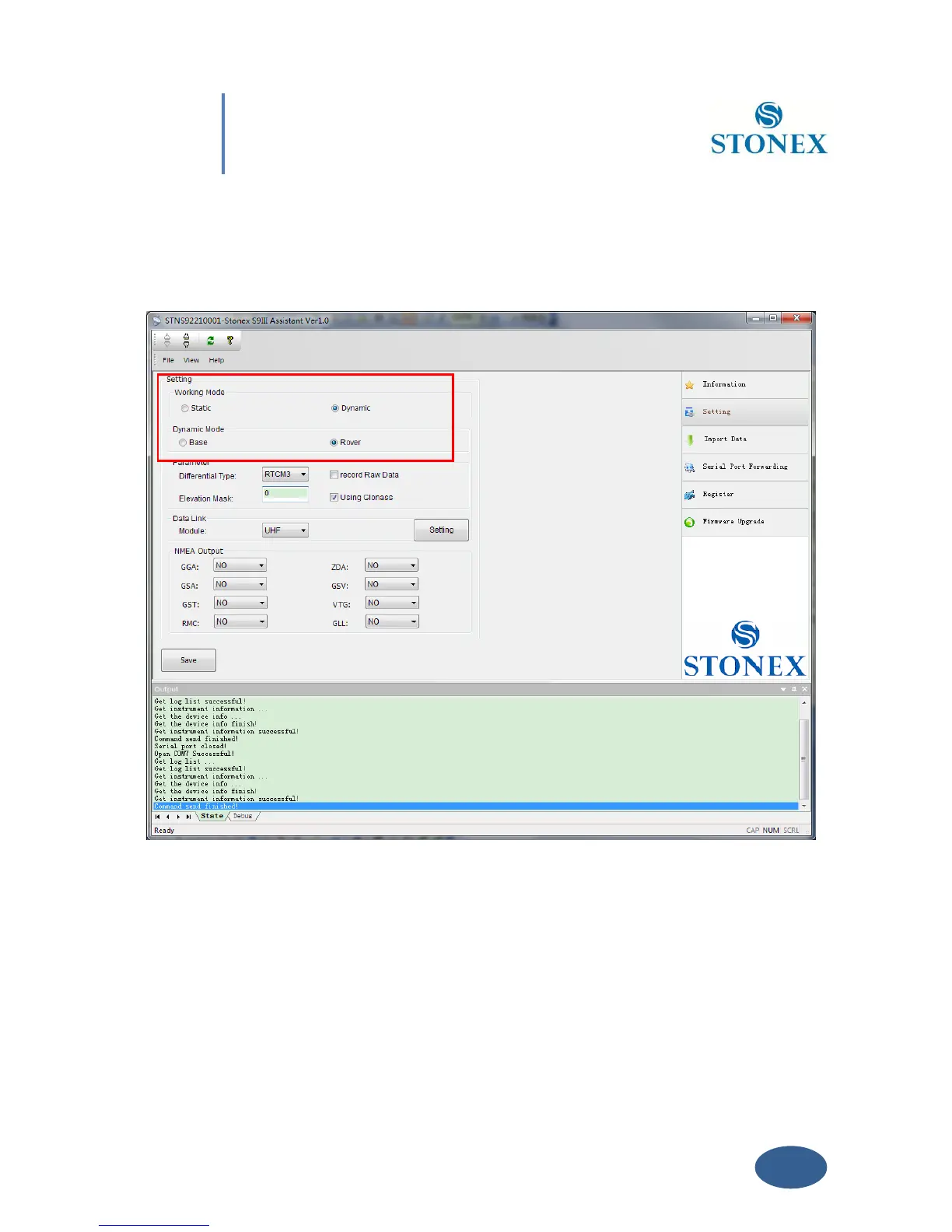
If you click on the menu “Setting ” on right, a new menu window is opening as in Fig. 5.4.
Fig. 5.4 – Setting window
From this window you can set the most important parameters of the receiver without opening
the CONFIG .INI file and modifying it by hand in a text editor.
You can set the survey working mode (Static, Dynamic - Base/Rover) and kind of datalink
(NETWORK, UHF, EXTERNAL, BLUETOOTH) of S9III (see the red rectangle in Fig. 5.4).
Some definitions of working mode:



 To Next Page