Fig. 5.2 - Opening COM port
Try to get connection inserting different COM number (like COM1, COM2, etc), and then select
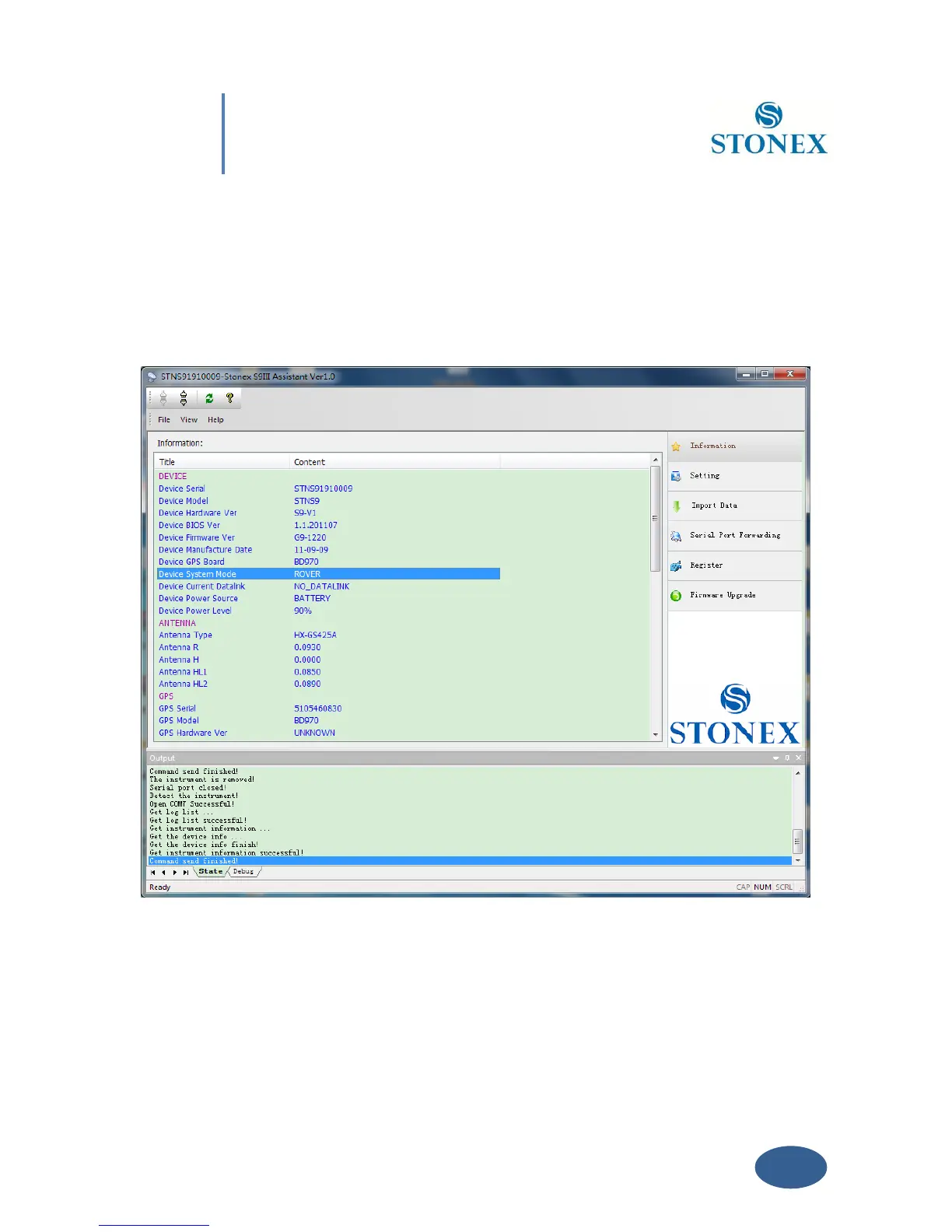
“OK” button. When you have find the right COM port, you should see the screen shown in Fig
5.3 that show you in the main window the system information.
Fig. 5.3 – Information page of Stonex Assistant
From the showed information you can understand about: the battery level, the firmware
version of GNSS board, the antenna information, the firmware of radio and gprs internal
device, the free disk space and the current working and datalink setting.



 To Next Page