IV.5 How to download static data
For a correct connection between receiver and PC, follow the procedure described below. By
using a different procedure it may be very difficult to make a connection.
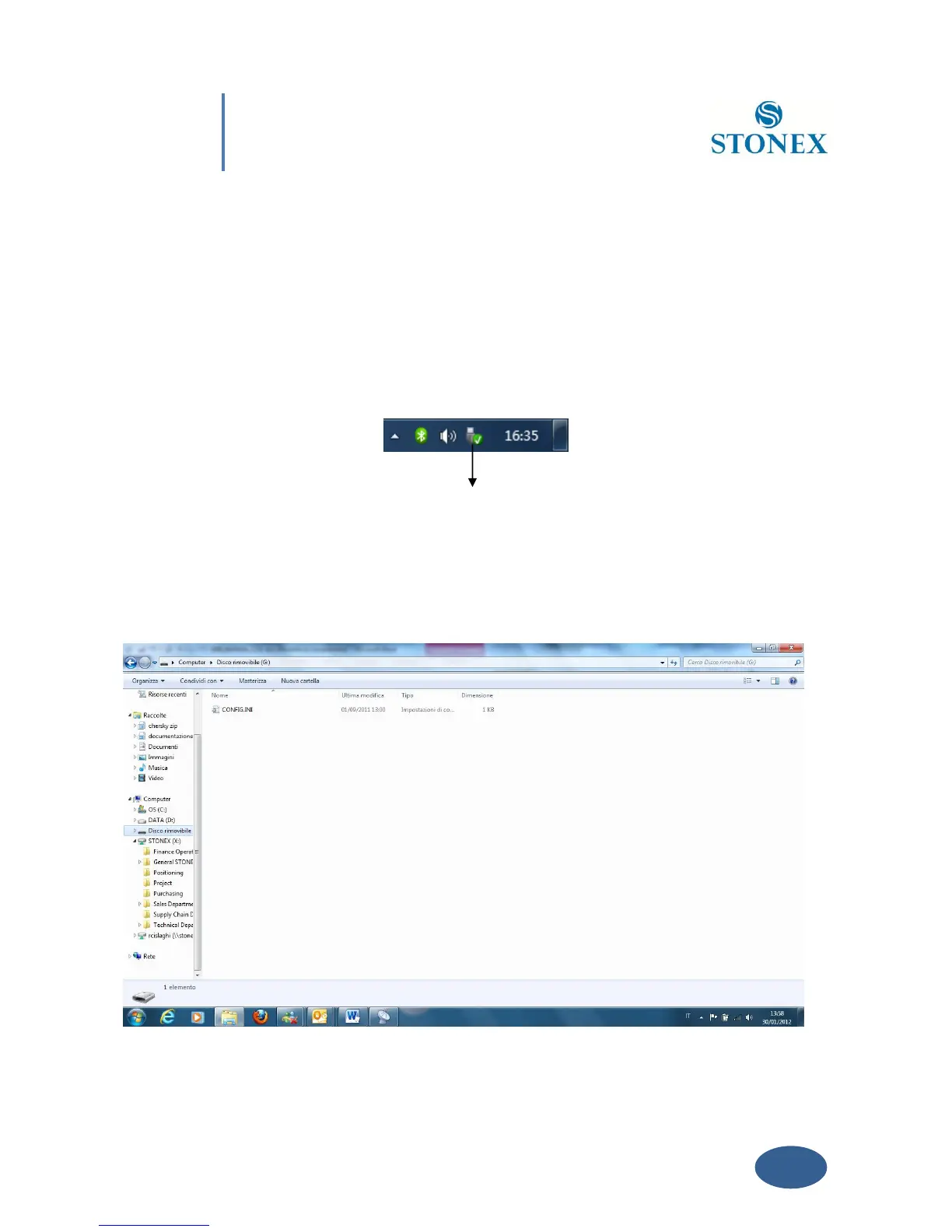
At first turn on the mainframe, then connect the cable to the communication interface of the
receiver (7-pins Lemo port), then insert the USB port in the PC. The taskbar will show as
follows:
Fig. 4.6 - Taskbar of windows including the receiver
The PC considers the receiver as a “removable disk”, so open the “removable disk”, and then you
can get the data files in the memory.



 To Next Page