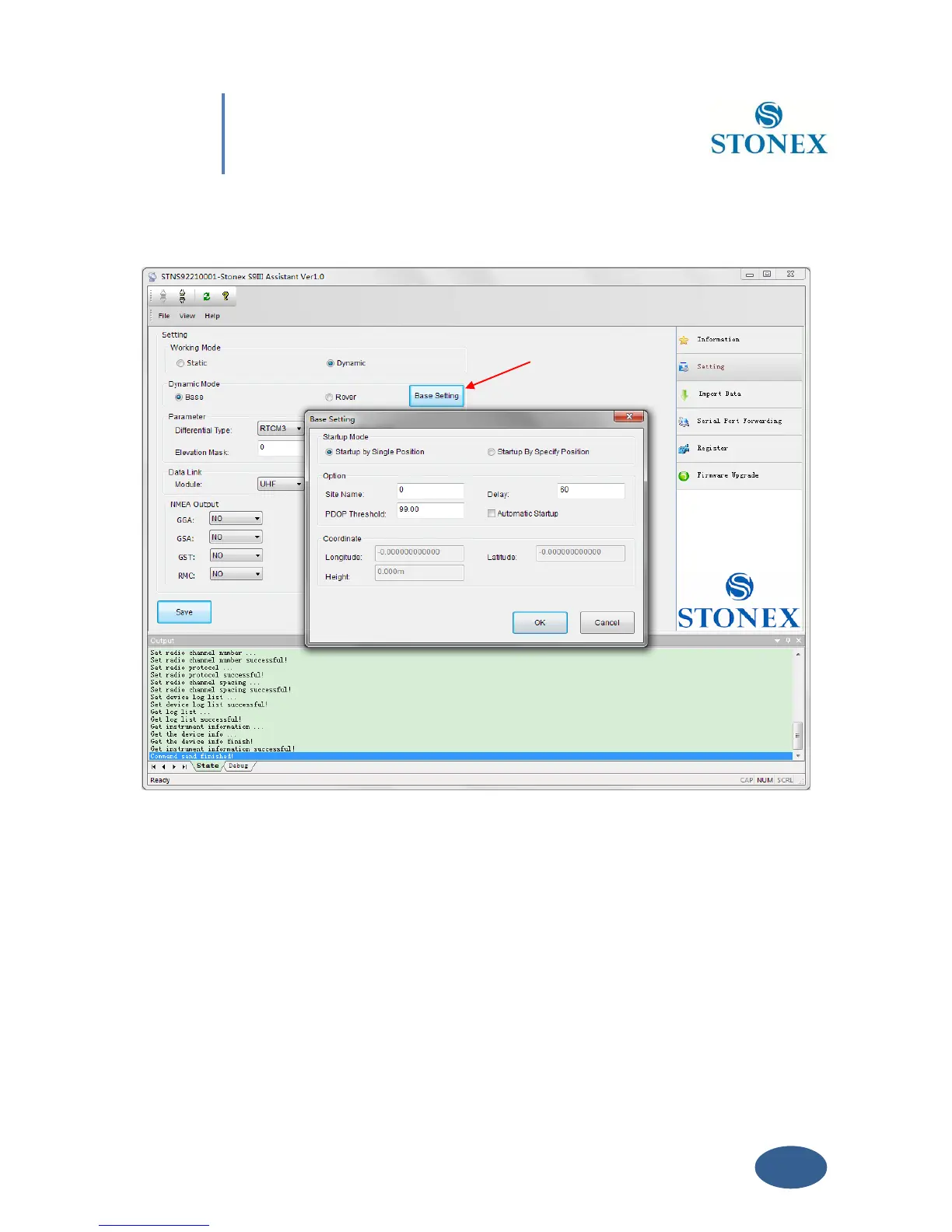
see red arrow in Fig. 5.7. Click on it, and the Base Setting module will appears on the screen:
Fig. 5.7 – Base Setting window
Inside this form, you can choose if the Base coordinates must be inserted manually ( “Start Up
By Specific Position” ) if known, or calculated from GPS observations ( Automatic Start Up By
Single Position) if unknown.
Automatic Start Up By Single Position
If checkbox “Automatic Start Up“ is selected, the GPS Receiver will calculate the geographical
coordinates of the base using an average value from GPS observations. The time delay after



 To Next Page