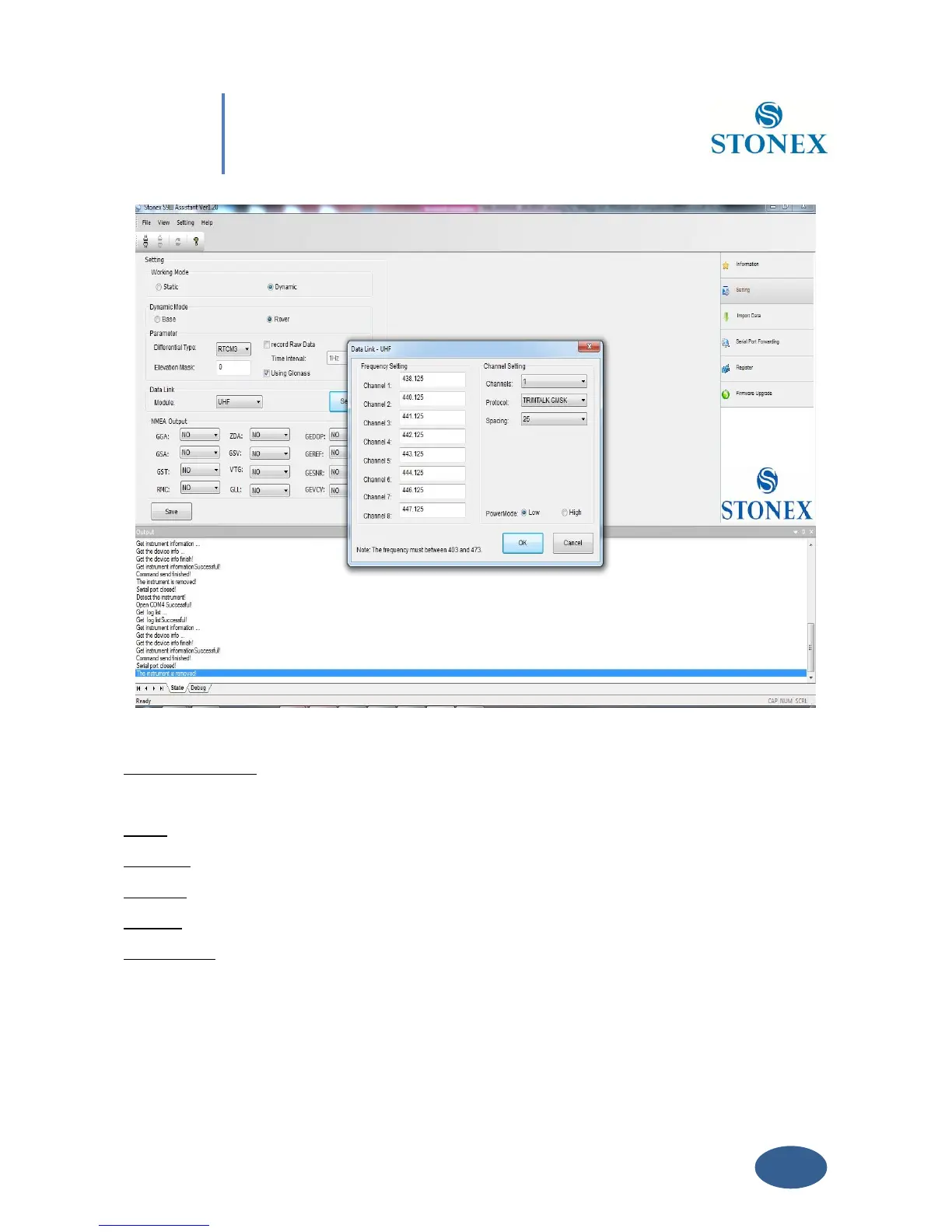
Fig. 5.12 - UHF Radio Settings
Frequency setting: insert the frequency, expressed in Mhz, of the radio link associated to each
channel .There are 8 channels available in the internal UHF radio .
Name: You can associate a name to each Radio.
Channels: Selected the “default” Radio channel active after power on .
Protocol: Select the type of Radio protocol. For internal Radio, Select TrimTalk GMSK.
Spacing: Select Minimum Channel Spacing ( use 25KHZ like default ).
Power mode: Select the transmission power level low (0,5 Watt) or high (1 Watt).
Click on button “OK” to confirm your choice.



 To Next Page