Preparation
Instructions for use • S-PILOT
®
• PYB194_EN_V1.0_02-2021_IFU_CE-MDR 23
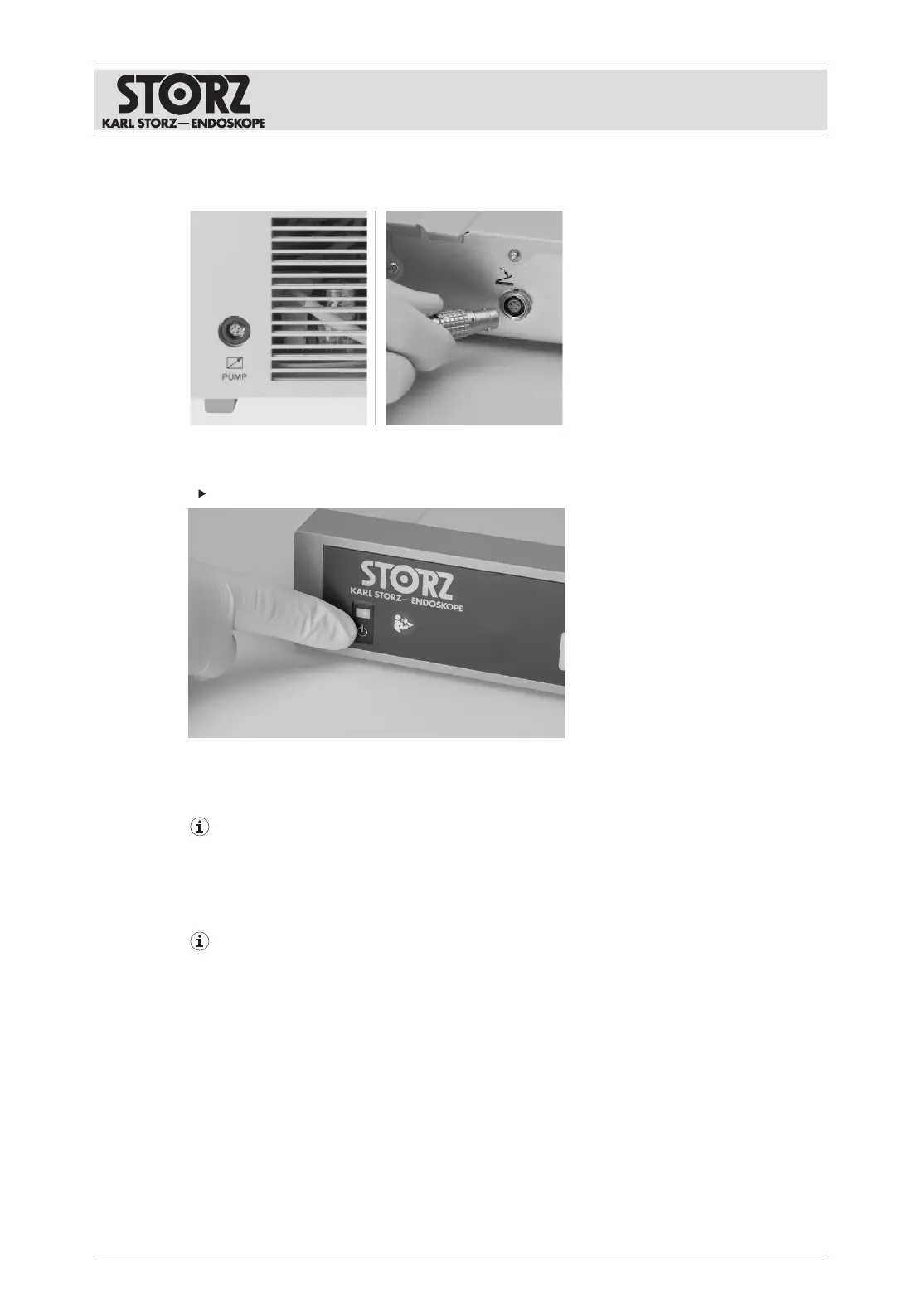
2. Connect the control cable (20701070) to CALCUSON and to the footswitch socket on S-
PILOT
®
.
5.8 Putting the product into operation
Turn on the product using the power switch.
ð The power switch LED lights up green.
ð The tappet of the tube squeeze valve moves backwards and then forwards.
ð After a successful self-test, a ready signal sounds.
If the power switch LED lights up permanently after the device is switched on and the
tube squeeze valve does not open and close, there may still be an SD card in the slot. As
soon as the SD card is removed, the system will start normally.
5.9 Functional test
The pressure for suctioning should be limited to the level required for the intervention by
setting the vacuum pump or, if the vacuum is supplied centrally, by a pressure regulator.
Prior to each application, the combined products must be checked to ensure they are
functioning correctly.
5.9.1
S-PILOT
®
with UNIDRIVE
®
S III
1. Connect UNIDRIVE
®
S III to the power supply.
2. Connect the footswitch (20016230) to the footswitch socket on UNIDRIVE
®
S III.
3. Connect the motor handpiece.
4. Switch on UNIDRIVE
®
S III and wait until the boot sequence is complete.
5. Connect S-PILOT
®
to the power supply.
6. Connect UNIDRIVE
®
S III and S-PILOT
®
to the control cable (27610070).








 To Next Page