Objet500 User Guide 6 Operating and Maintaining the Objet500 3DPrinter
DOC-07027 Rev.E 6-32
Pattern Test
Thepatterntestisthebasicverificationoftheprinter’sabilitytoproduce
qualitymodels,sinceitdemonstratestheconditionofthenozzlesintheprint
heads.Makesure,therefore,thatyouperformthistestweekly,andwhenever
yoususpectaprintingproblem.
Toperformthepatterntest:
1. Makesurethatthebuildtrayisempty.
2. Prepareasheetofpinkpaper—A-4orLettersize.
3. Intheprinter,tapethepinkpapertothesurfaceleftofthebuildtray.
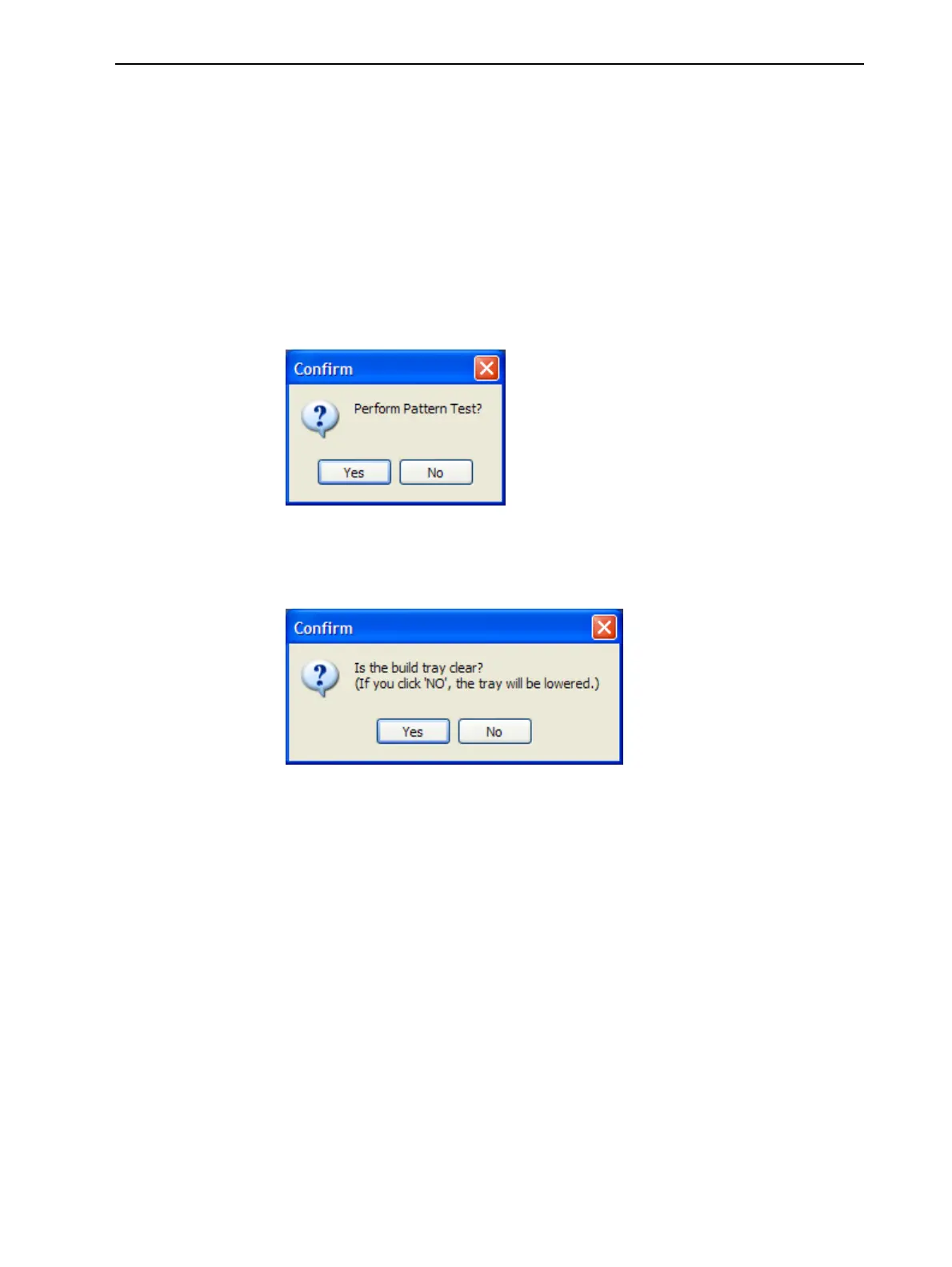
4. PressF3,oropentheOptionsmenuandselectPatternTest.
Figure6-33PatternTestconfirmation
5. Ifthebuildtrayisnotclear,clickNointhefollowingdialogbox.
Thislowersthebuildtray,sothatmodelsonthetrayarenotdamaged.
Figure6-34Buildtray(Z)leveladjustment



 To Next Page