Objet500 User Guide 6 Operating and Maintaining the Objet500 3DPrinter
DOC-07027 Rev.E 6-61
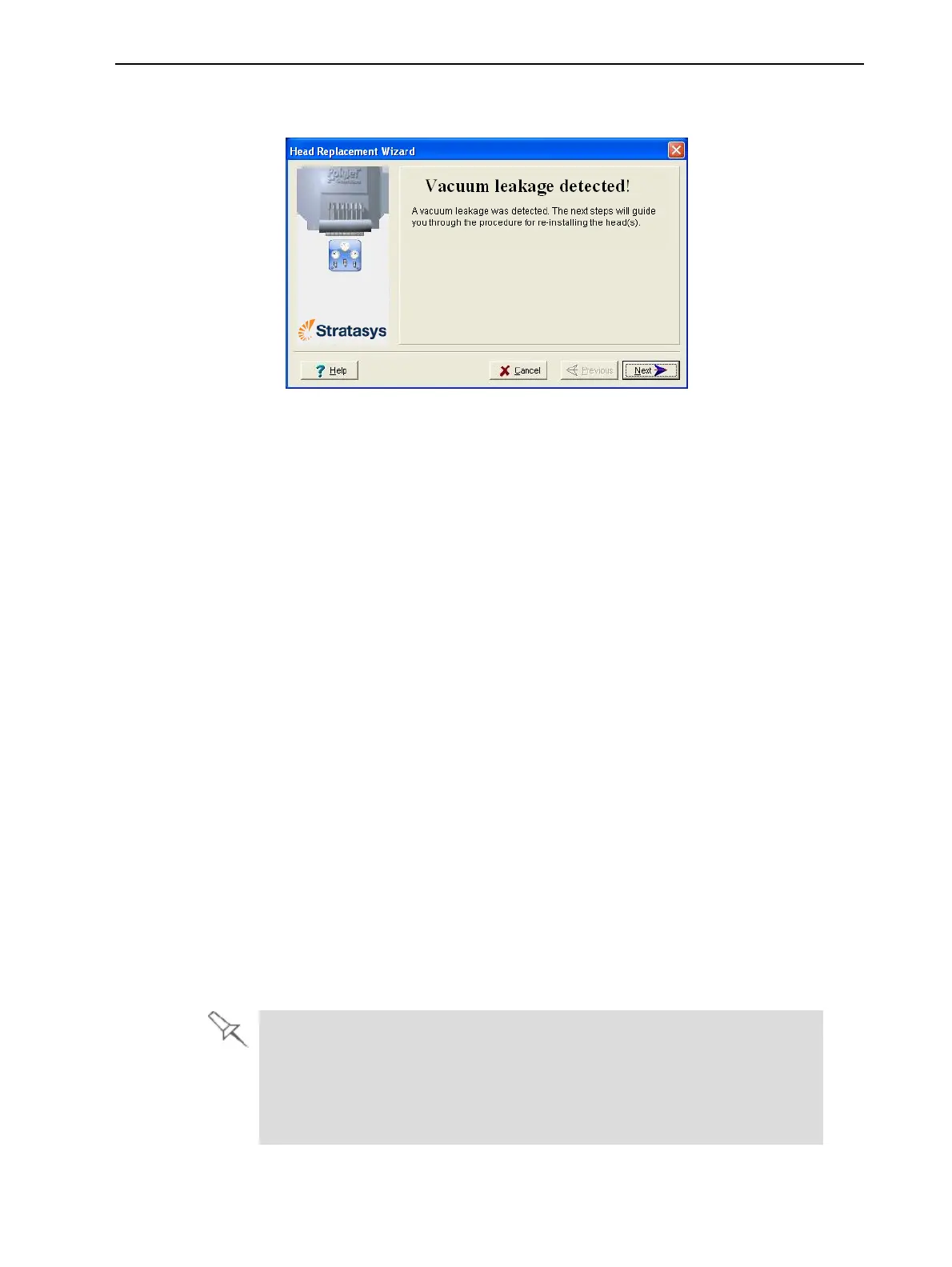
•Ifthevacuumtestisnotsuccessful,thereplacementheadwasnotsealed
properlyduringinstallation,andthefollowingwarningscreenappears.
Figure6-87Vacuum-leakagewarningscreen
Ifthishappens:
a. ClickNext.
b. Followtheinstructionsonthewizardscreenstore-installthehead.
Testing and
Calibrating the
UV Lamps
ThelevelofUVradiationfromthelampsusedforcuringmodelscanchange
overtime.Toensureoptimumcuringofmodelsduringprinting,apop-up
messageremindsyoutotestthelampsandcalibratethelevelofUVradiation
afterevery300hoursofprinting.YoudothisbyrunningtheUVCalibration
Wizard.
TomeasuretheUVradiation,youneed:
•StratasysTOL-03005-S(UVsensorandcable)
or—
•astand-aloneUVradiationmeter,approvedforusewiththeprinter
Thewizardcomparesthemeasuredradiationtotherecommendedradiation
levelforeachofthelamps,ateachprintingmode—HighSpeed,andHigh
QualityandDigitalMaterial.
Whencalibratingthelamps,thewizardattemptstoadjusttheradiationlevel,
ifnecessary.
•Ifthereadingiswithintheacceptablerange,thewizardcontinuestothe
nextphase.
•Iffurtheradjustmentisnecessary,thecurrentphaseisrepeated.
•IfthelevelofUVradiationistoolowtobeproperlyadjusted,thewizard
continuestothenextphase,butthefinalwizardscreenindicatesthatthe
lamp’sradiationfortheprintingmodeisunacceptable.
BeforetestingandcalibratingtheUVlamps:
l MakesuretheglasslensoneachoftheUVlampsisclean.Foreasy
access,runtheHeadCleaningWizard,andusethespecialcleaningpad
supplied.
l MakesurethattheglassovertheUVradiationsensorisclean.



 To Next Page