Objet500 User Guide 6 Operating and Maintaining the Objet500 3DPrinter
DOC-07027 Rev.E 6-69
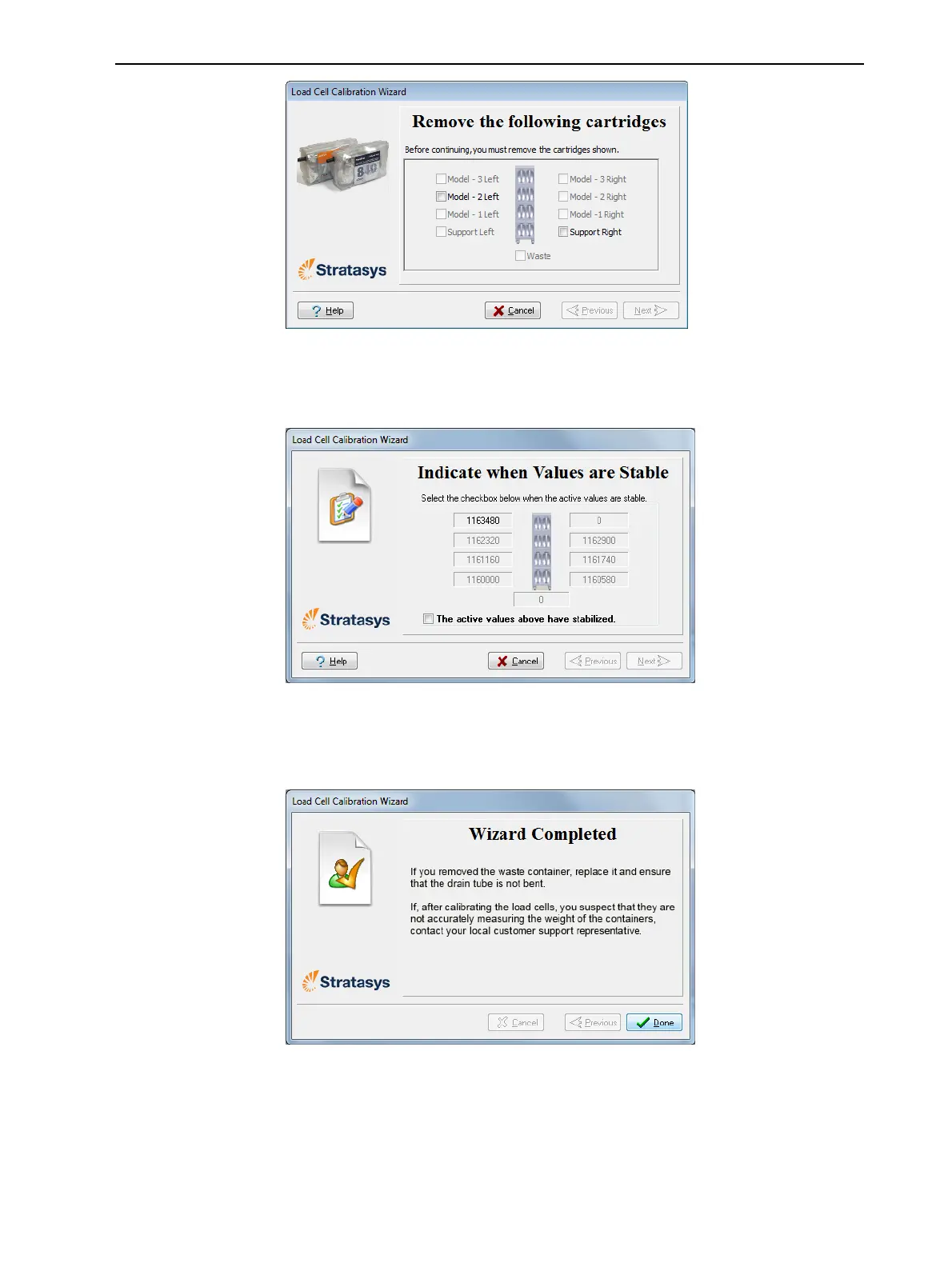
Figure6-102Confirmationofcartridgeremoval
4. Inthenextwizardscreen,observethenumbersandwaituntilthelevelis
relativelystable—twounitsaboveorbelowtheaveragelevelshown.
Figure6-103Levelstabilization
5. Selectthecheckbox,andclickNext.
6. ClickDoneinthefinalwizardscreen.
Figure6-104Finalwizardscreen
Replacing the
Odor Filter
Iftheprinterexhaustisnotconnectedtoanexternalventilationsystem,a
built-inactivated-carbonfilterremovesodorsfromprintingmaterials.This
filtershouldbereplacedregularly(asnecessary)tokeepyourworking
environmentpleasant.



 To Next Page