Objet500 User Guide 6 Operating and Maintaining the Objet500 3DPrinter
DOC-07027 Rev.E 6-70
Replacing the
UV Lamps
TheUVlampsusedforcuringmodelshavealong,butlimited,workinglife.
YoucantestandadjusttheireffectivepowerwiththeUVCalibrationwizard
(see"TestingandCalibratingtheUVLamps"onpage6-61).Ifyouneedto
replaceaUVlamp,followtheseinstructions:
1. Makesuretheprinterisinofflinemode.
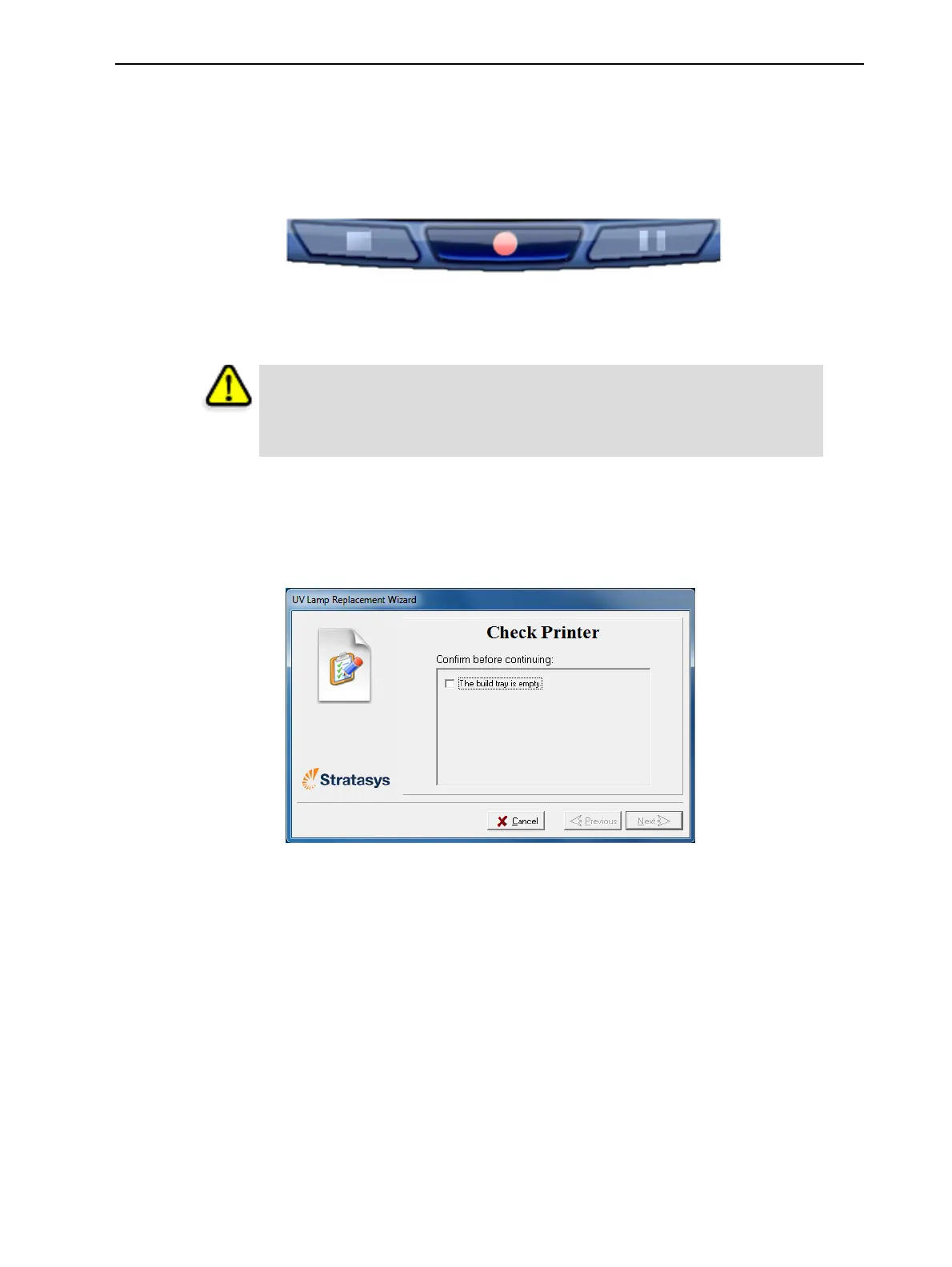
Figure6-105Offlinemodeindicator(red)
Theonline/offline buttonatthebottomoftheprinterinterfaceshouldbe
red.Ifnot,clickittoswitchtheprintertoofflinemode.
Warning
Beforecontinuing,makesurethatthesafetyinterlockisnotdefeated,and
thattheUVlampisnothot.
2. StarttheUVLampReplacementwizardfromtheOptionsmenu(see
"CleaningandReplacingtheWiper"onpage6-29).
3. Makesurethatthebuildtrayisempty,andconfirmthisinthewizard
screen.Then,closetheprintercoverandclickNext.
Figure6-106“Emptytray”confirmationscreen
Theaxesmovetothe“home”position.



 To Next Page