Objet500 User Guide 3 Introducing the Objet500 3D Printing System
DOC-07027 Rev.E 3-5
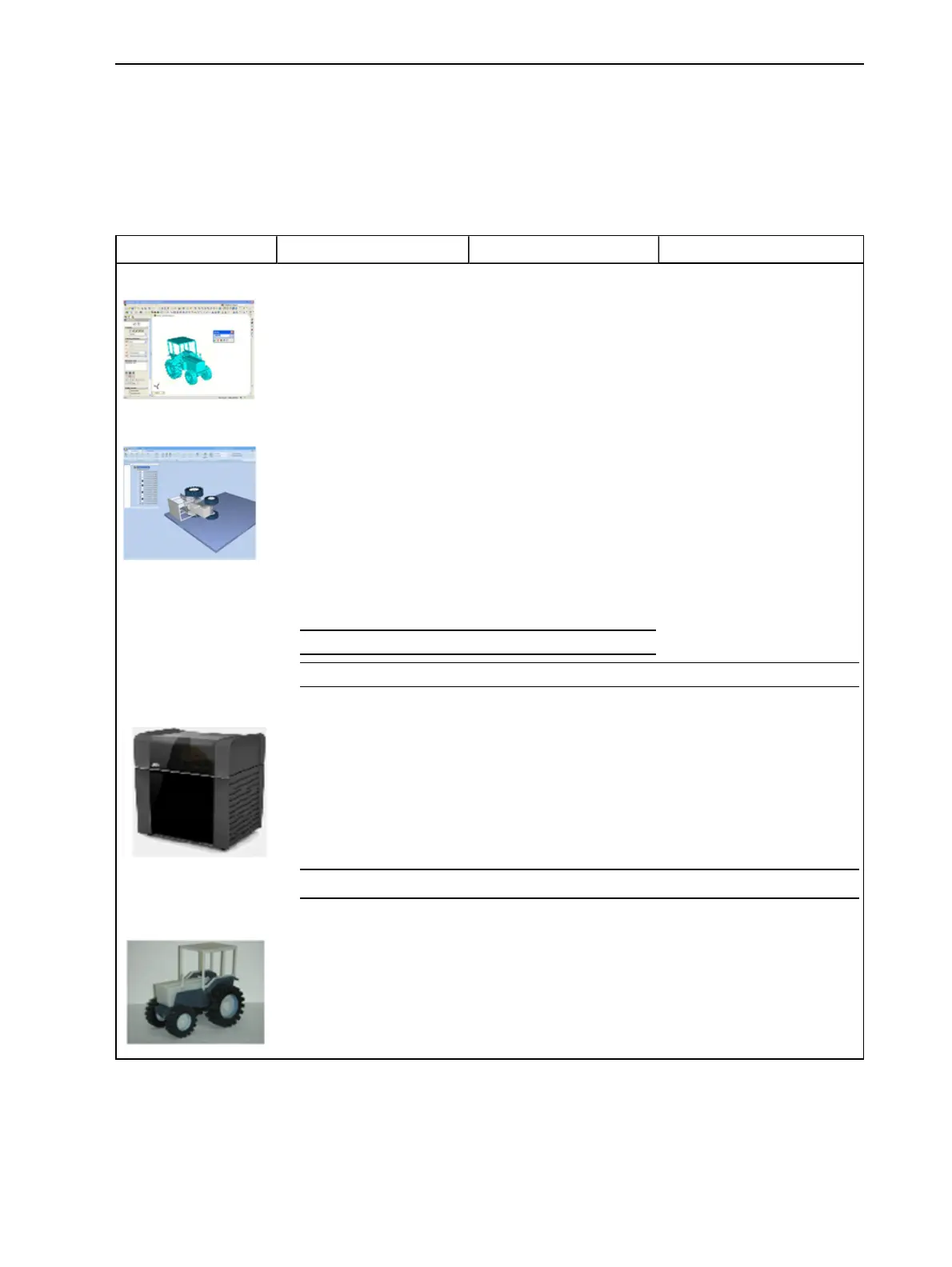
Workflows
WithPolyJetprintingsystems,youhavegreatflexibilityinpreparingmodel
filesandprintingthem.Belowarethemajorworkflowsavailable.
DetailedinstructionsforimplementingthelistedtasksareinChapter5
("UsingObjetStudio").
Stage Workflow A Workflow B Workflow C
CAD program
• Designa3Dobject.
• Saveitasasinglestl
file.
• Designa3Dobject.
• Saveitasan
assemblyofstlfiles.
• Designa3Dobject.
• Applycolorstoparts
(Connex3 only).
• Savetheobjectasa
VRML/wrlfile.
Objet Studio
• Open(Insert)thestl
file.
• Separatetheobject
intoitscomponents
(“shells”).
• Assignmaterialstothe
components.
• Open(Insert)thestl
filesasanassembly.
• Assignmaterialsto
theassembly’s
components.
• Open(Insert)anobjdf
file.
(objdf filescontain
model-material
information.)
• Open(Insert)a
VRML/wrlfile.
(wrlfilescontainmodel-
materialandcolor
information.)
lSavetheobjectasanobjdffile(optional).
lSavethebuildtray./Sendthebuildtotheprinter.
Stratasys Printer
Models are produced in the printer.
lRemovetheSupportmaterialfromthemodels
Finished model
Finished model.
PolyJetworkflows,fromdesigntofinishedmodels



 To Next Page