Objet500 User Guide 6 Operating and Maintaining the Objet500 3DPrinter
DOC-07027 Rev.E 6-68
Figure6-100FinalUVCalibrationWizardscreen
Calibrating the
Load Cells
Loadcellsaresensorsthatmeasuretheweightofthematerialcartridgesand
thewastecontainerintheprinter.Itisimportantthatyouperiodicallycheck
thattheweightmeasurementsareaccuratetopreventunnecessarywasteof
printingmaterials.Itisrecommendedthatyoucalibratetheloadcellsoncea
month.
Tocalibrateloadcells:
1. StarttheLoadCellCalibrationwizardfromtheOptionsmenu.
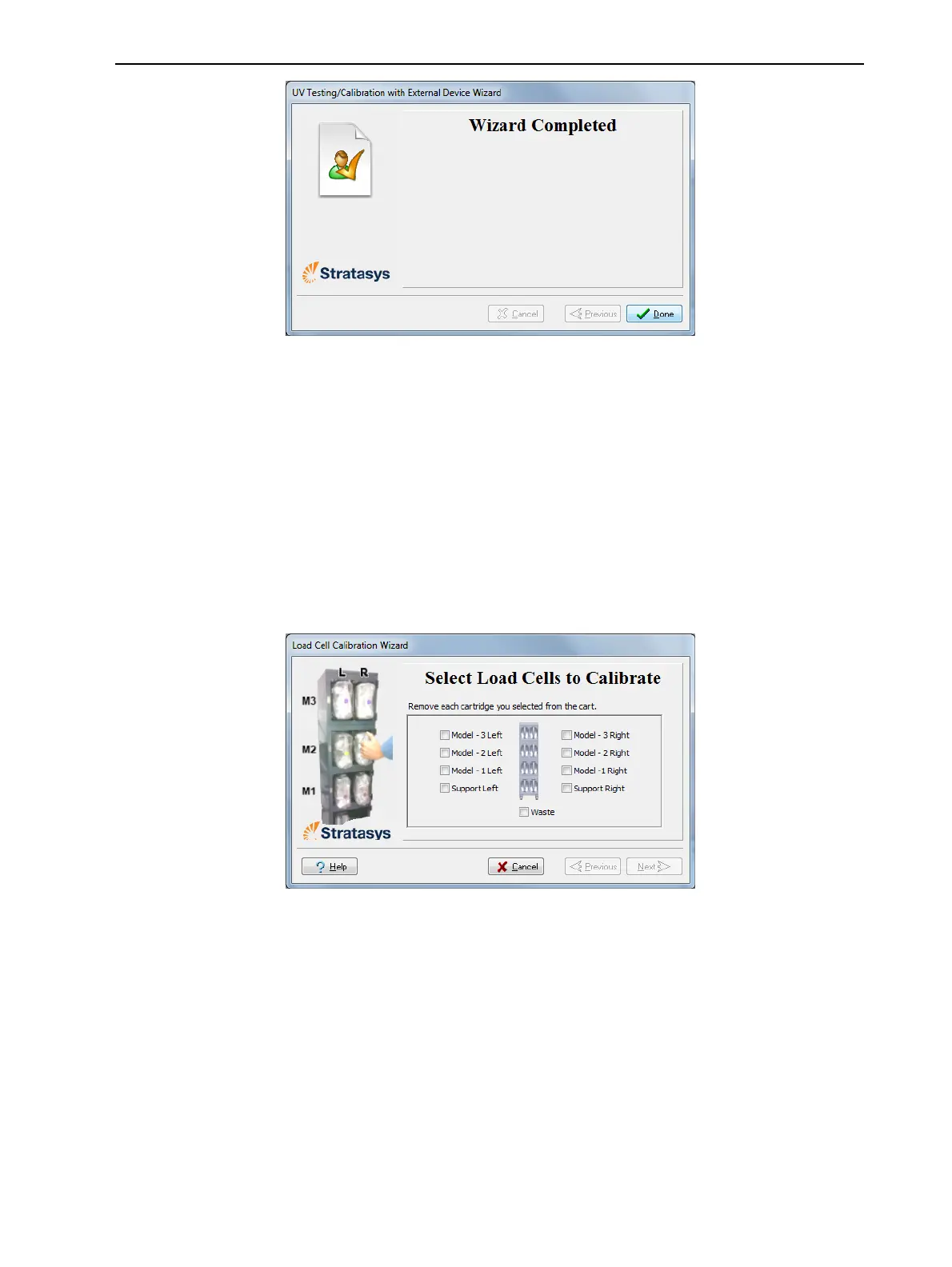
2. Inthefollowingscreen,selectoneormoreloadcellsthatyouwantto
calibrate.
Figure6-101Loadcellselection
3. Removeeachselectedcartridgefromthematerialscart,andclickNext.



 To Next Page