Objet500 User Guide 6 Operating and Maintaining the Objet500 3DPrinter
DOC-07027 Rev.E 6-60
InstallationProblems
Iftheprinterdetectsthatthereisaproblemafteryouinstallprintheads,
relevantwarningscreensappear.
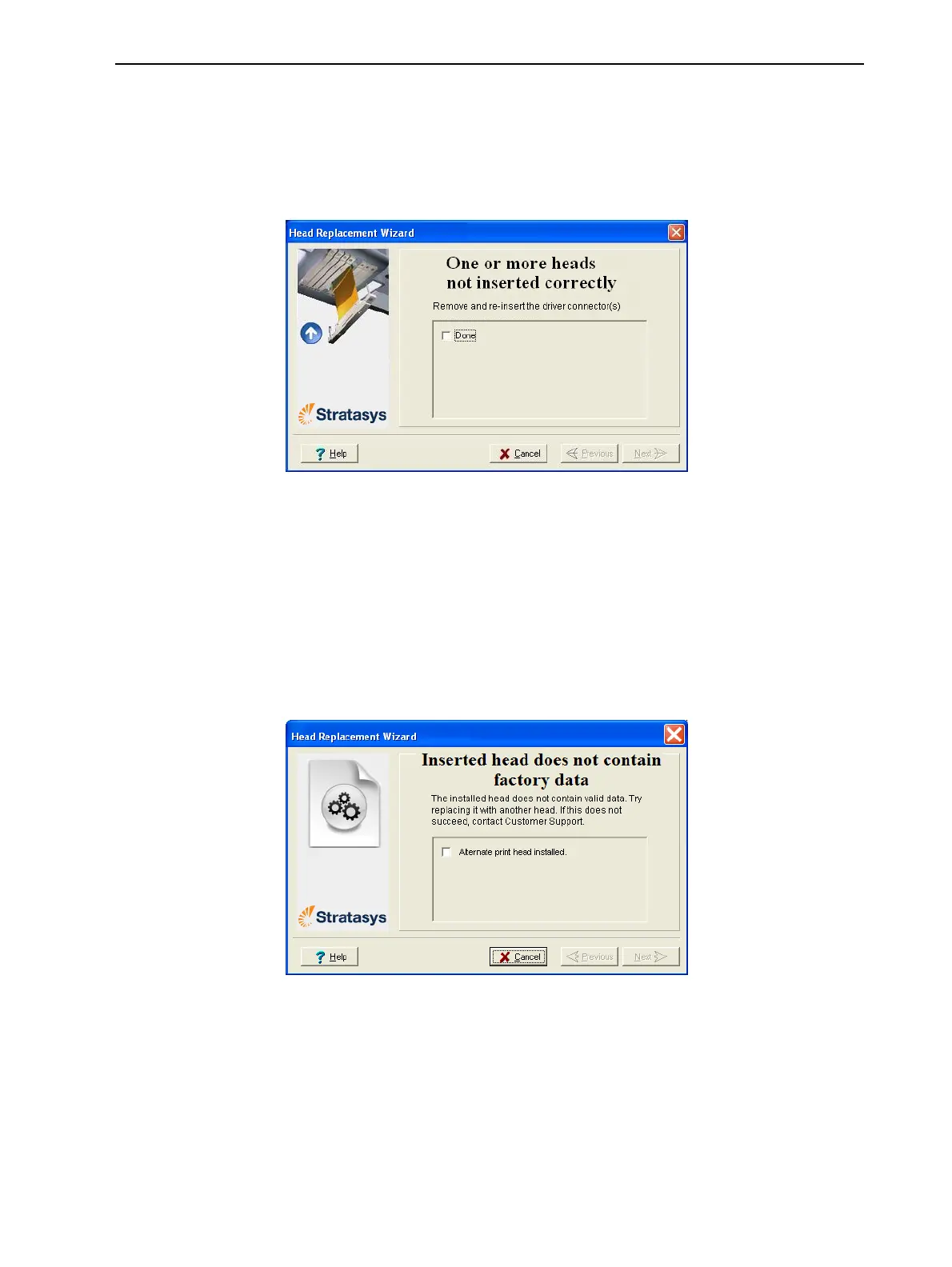
•Iftheprintersoftwaredoesnotdetectthereplacedhead,thefollowing
warningscreenappears.
Figure6-85Incorrect-installationscreen
Ifthishappens:
a. Opentheprintheadcompartment(seeFigure6-74onpage6-55).
b. Re-inserttheprint-headdrivercardintoitssocket(seeFigure6-78on
page6-57).
c. Inthewizardscreen,selectthecheckboxtoconfirmthatyouhave
re-insertedthecard,andclickNext.
•Ifthereplacementheadwasnotfactory-calibrated,thefollowingwarning
screenappears.
Figure6-86Invalid-datawarningscreen
Ifthishappens:
a. Removetheheadandreplaceitwithanotherone(startingwithstep10
onpage6-54).
b. Inthewizardscreen,selectthecheckboxtoconfirmthatyouhave
installedanotherprinthead,andclickNext.
c. ContactyourauthorizedCustomerSupportcenteraboutthe
unformattedhead.



 To Next Page