Objet500 User Guide 6 Operating and Maintaining the Objet500 3DPrinter
DOC-07027 Rev.E 6-59
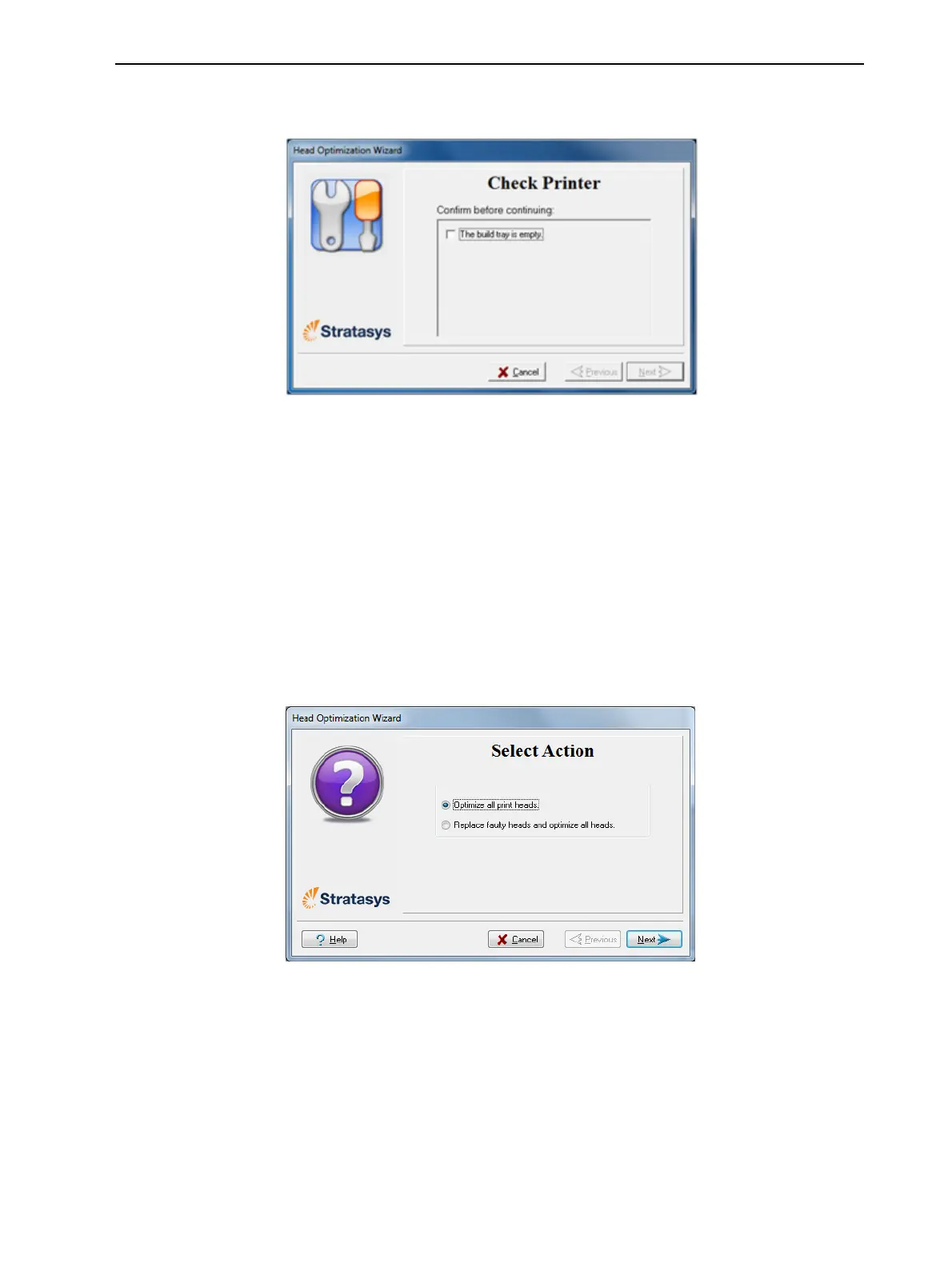
23.Inthenextwizardscreen,confirmthatyouhaveremovedalltoolsand
objectsfromtheprinter.
Figure6-83Cleared-trayconfirmationscreen
24.Closetheprintercover.
Thewizardcontinuesbyheatingtheheads,thenfillingandpurgingthem.
Iftherearenoinstallationproblems,theoptimizationprocedurebegins,
tocalibratetheprintheadstothebestworkingconfiguration—
"Optimizing(Calibrating)PrintHeads"onpage6-43.
Ifinstallationproblemsaredetected,thewizardalertsyouandinstructs
youhowtocontinue(see"InstallationProblems",next).
25.Afterreplacingprintheads,youshouldchecktheheadalignmentbefore
usingtheprintertoproducemodels.Inthefinalwizardscreen:
❒ SelectOptimizeallprintheadsandclickNext.RuntheHeadAlignment
wizard.
Figure6-84FinalwizardScreen



 To Next Page