Objet500 User Guide 4 Installing Objet Studio
DOC-07027 Rev.E 4-5
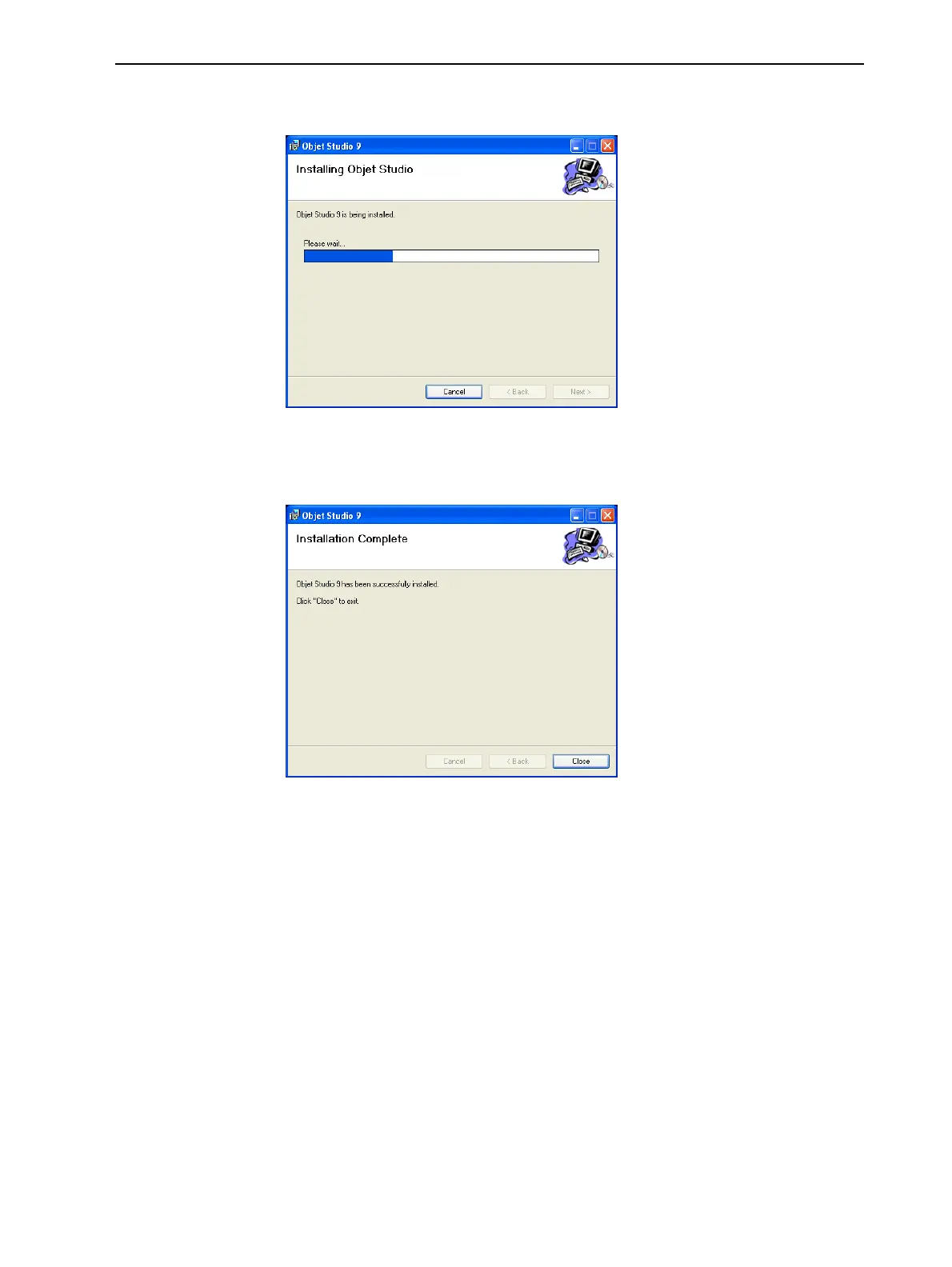
Installationbeginsandaprogressbarappears,showingtheprogressofthe
installationprocess.
Figure4-6Installationprogressbar
Wheninstallationiscomplete,thefinalInstallShieldwizardscreen
appears.
Figure4-7Finalinstallationscreen
10.Restartthecomputertocompletethesoftwareinstallation.
Theinstallationprocessendswhentheappropriateicon(s)appearonthe
computerdesktop:
•ObjetStudio
•StopJobManager(forserversandstandalonestations)
How to Uninstall Objet Studio
IfthereiseveraneedtouninstalltheObjetStudiosoftware,donotattempt
todosofromtheWindowsControlPanel.(Thisdoesnotcompletelyremove
allsoftwarecomponents.)Instead—
➢ FromtheStartmenu,selectAllPrograms>Stratasys>UninstallObjet
Studio.



 To Next Page