Objet500 User Guide 5 Using Objet Studio
DOC-07027 Rev.E 5-4
Launching Objet Studio
AfteryouinstallObjetStudio,alaunchicon appearsontheWindows
desktop.Opentheapplicationbydouble-clickingthisicon,orbyselecting
ObjetStudiofromtheStartmenu.
OpenObjetStudiobydouble-clickingthe icononyourdesktop,orby
selectingObjetStudiofromtheStartmenu.
Windows
®
7
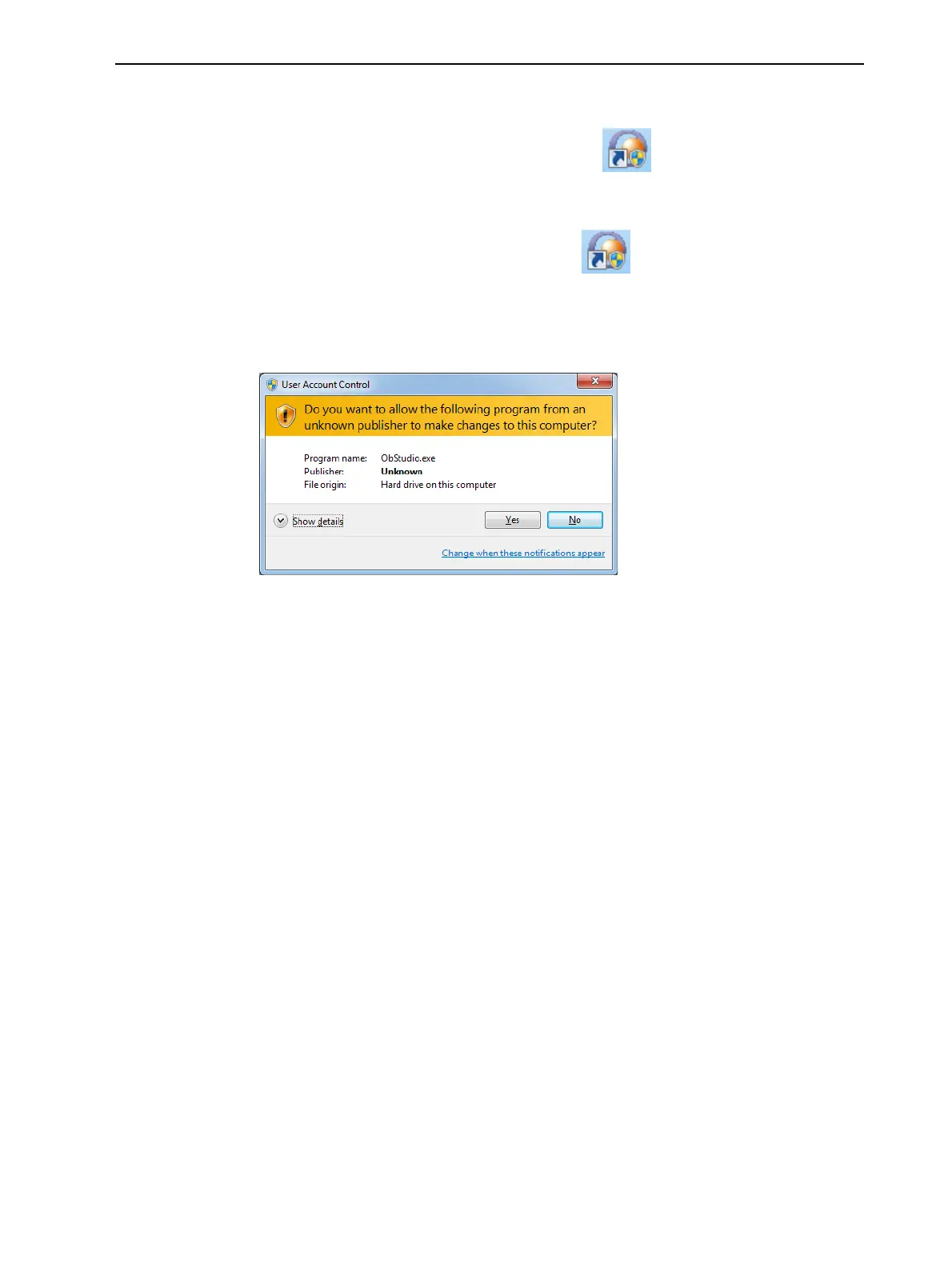
Security
Warning
DependingontheUserAccountControlsettingsinWindows
®
7,youmight
seethefollowingwarningwhenopeningObjetStudio.
Figure5-1SecurityWarning
IfyouclickYes,ObjetStudioopens.However,thiswarningmessagewill
appeareachtimeyouopentheprogram,unlessyouchangetheUserAccount
Controlsettings.
Topreventthewarningmessagefromappearingagain:
1. Clickthelinkatthebottomofthesecuritywarningdialogbox(Change
whenthesenotificationsappear).



 To Next Page