Objet500 User Guide 5 Using Objet Studio
DOC-07027 Rev.E 5-32
Automatic
Positioning
Afterplacingseveralobjectsonthebuildtray,youcanletObjetStudio
arrangethembeforeprinting.Thisensuresthattheobjectsarepositioned
properly,andthattheywillbeprintedintheshortesttimeandwitha
minimumofmaterial.
Toautomaticallyarrangeobjectsonthebuildtray:
➢ OntheTray Settingsribbon,click .
or—
FromtheToolsmenu,selectAutomaticPlacement.
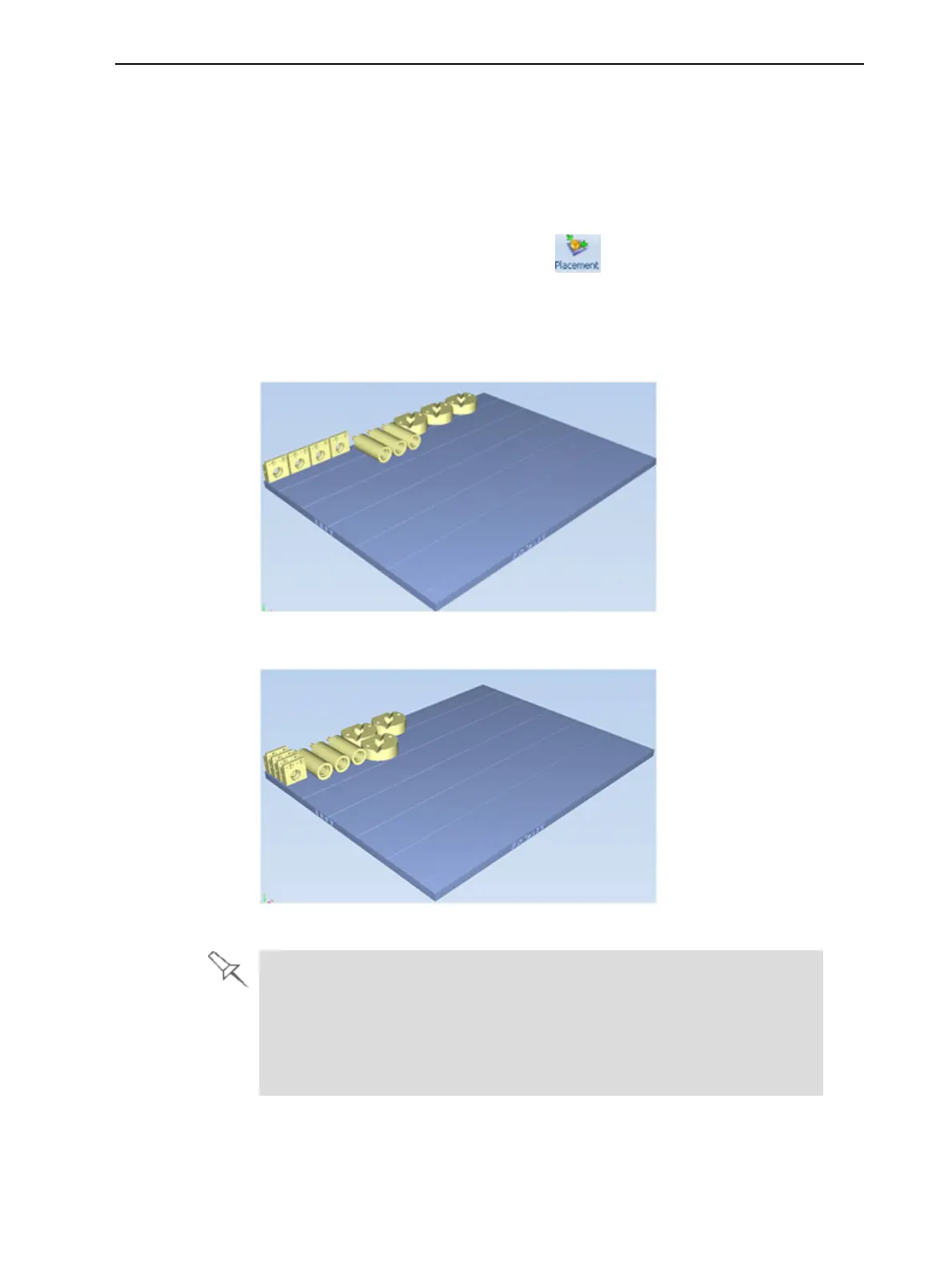
Theeffectsofautomaticpositioningareshowninthefiguresbelow.
Figure5-36Traybeforeobjectsareproperlyarranged
Figure5-37TrayarrangementafterapplyingAutomaticPlacement
l Forbestresults,arrangethetraywithAutomatic Placement,onthe
TraySettingsribbon,evenifyouinsertedtheobjectswiththeOrient
Automaticallyoption.
l ThephysicalcharacteristicsofeachtypeofModelmaterialyouusecan
affectthepositioningofobjectsonthetray.Therefore,selectmaterials
beforerunningAutomatic Placement.



 To Next Page