Objet500 User Guide 5 Using Objet Studio
DOC-07027 Rev.E 5-41
Toresetallofthevaluesinthedialogbox:
➢ ClickReset.
Note: Theobjectdoesnotchange.Anychangespreviouslyappliedremain.
ToundoallchangesmadewiththeTransformdialogbox:
➢ ClickCancelActions.
AfterclosingtheTransformdialogbox,clickingUndo(ontheModel
SettingsribbonorfromtheEditmenu)cancelsallchangesmadewiththe
dialogbox.
Changing an
Object’s
Orientation
Thereareseveralmethodsforchangingtheorientationofobjectsonthe
buildtray.
Torotateanobject:
➢ SelecttheobjectandusetheObjectmenuoptions(seealso"Repositioning
Objects"onpage5-39).
Tore-alignanobject’splane:
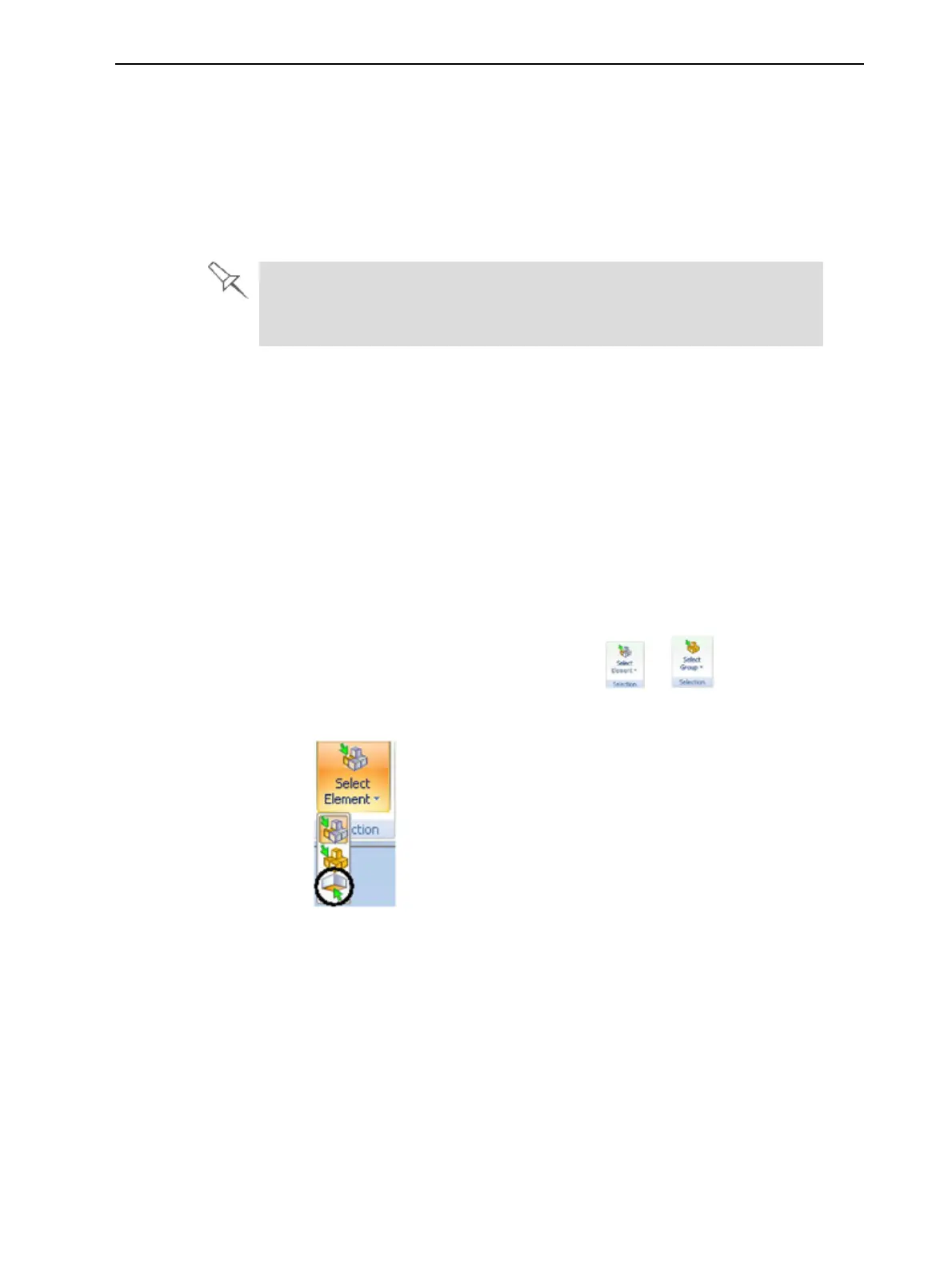
1. OntheTray SettingsorModel Settingsribbon—
a. ClicktheiconintheSelectiongroup: or .
b. Ontheflyouttoolbar,clicktheSelect Planeicon:
or—
FromtheToolsmenu,selectPlaneAlignment>SelectPlane.



 To Next Page