5
Before you start installing your set-top box,
please check you have the following items:
• Your set-top box;
• Your plug-mounted power supply;
• A SCART lead;
• Your remote control;
• Two ‘AAA’ batteries for the remote
control.
Note:
The front panel of your set-top box is
covered with a protective clear plastic
film. You should carefully remove this film
before using your set-top box.
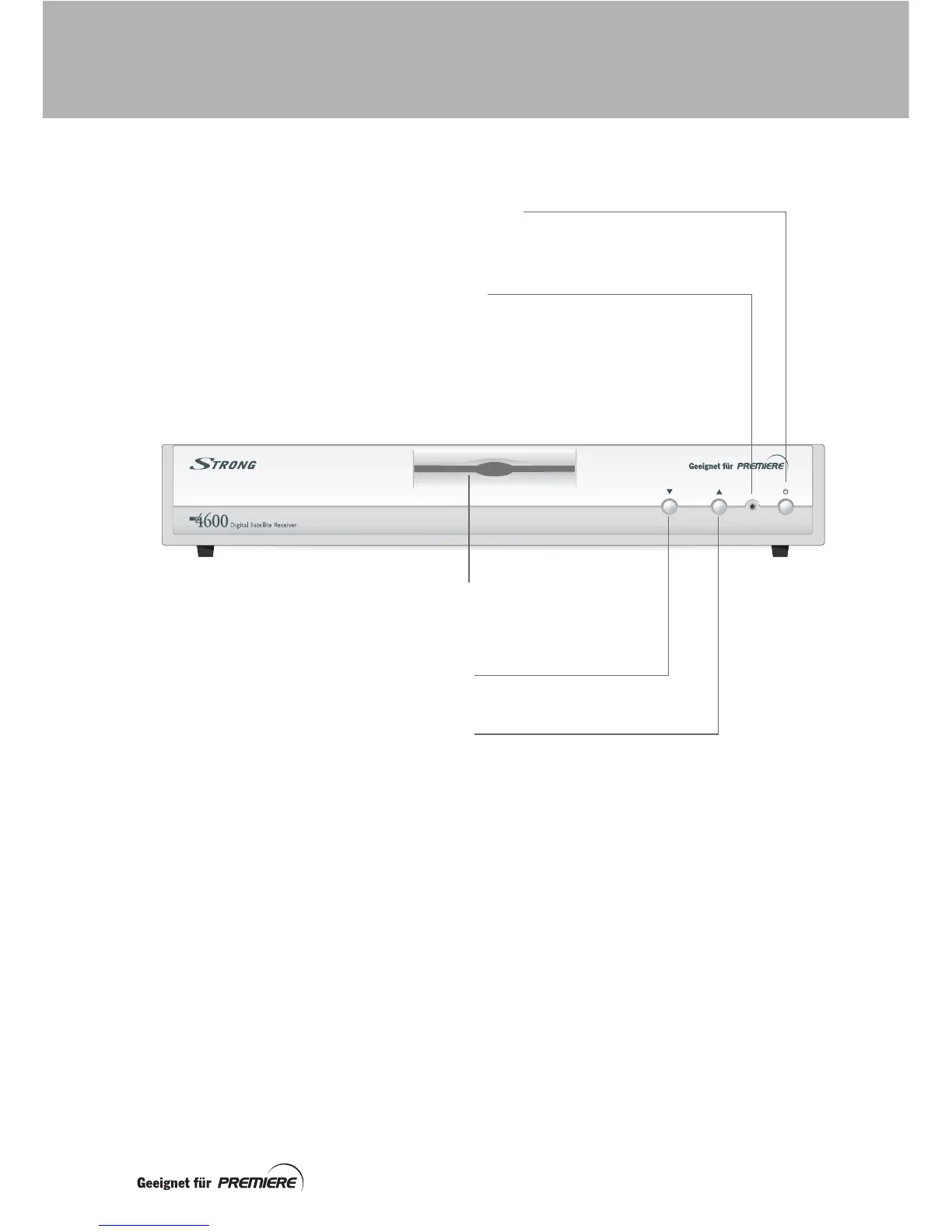
Standby button (S) –
to switch your set-top box on and off
Note: Even when your set-top box is in standby,
it supplies power to the LNB on your satellite dish.
Indicator light –
Green = switched on and out of standby
Orange = in standby
The indicator light flickers when your set-top box is
receiving a signal from your remote control.
Down button –
to change channel down
Up button –
to change channel up
Smartcard slot –
Insert your smartcard here
(see page 10 for further details)
YOUR STRONG SET-TOP BOX



 To Next Page