36
You may need to refer to the various
information screens if you contact the Call
Centre for help. The information on these
screens may help diagnose any difficulty you
are experiencing with your set-top box.
Press the Menü button to display the Main
menu, then select Premiere menu.
On the Premiere menu, highlight Smartcard.
When you do this, the smartcard serial
number pops up to the right of the menu.
This may be all the information you need, but if
you need more, press OK to display the
Smartcard screen.
To remove the screen, press Exit.
Press the Menü button to display the Main
menu, then select Premiere menu.
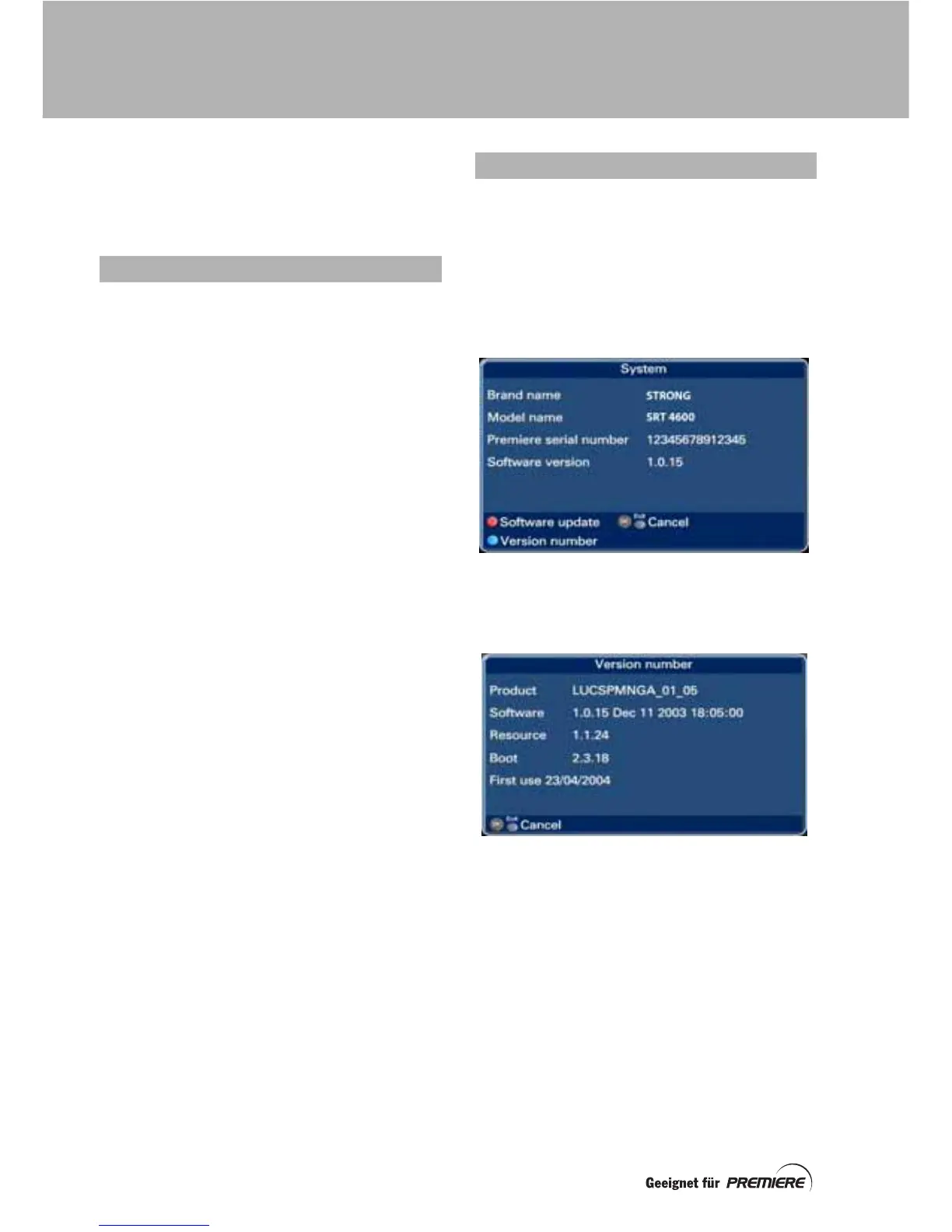
On the Premiere menu, highlight System.
When you do this, the brand and model
name or your set-top box pops up.
If you need more information, press OK to
display the System screen.
To display information about the software
version number, press the blue button.
To remove this screen and redisplay the
System screen, press Exit.
You can also start a software update from the
System screen by pressing the red button.
See page 38 for further details.
To remove System screen, press Exit.
SMARTCARD SCREEN
SYSTEM SCREEN
DISPLAYING INFORMATION SCREENS



 To Next Page