19
On PREMIERE DIREKT you can select
individual films starting at a variety of times. In
this way, you can call up these films around
the clock.
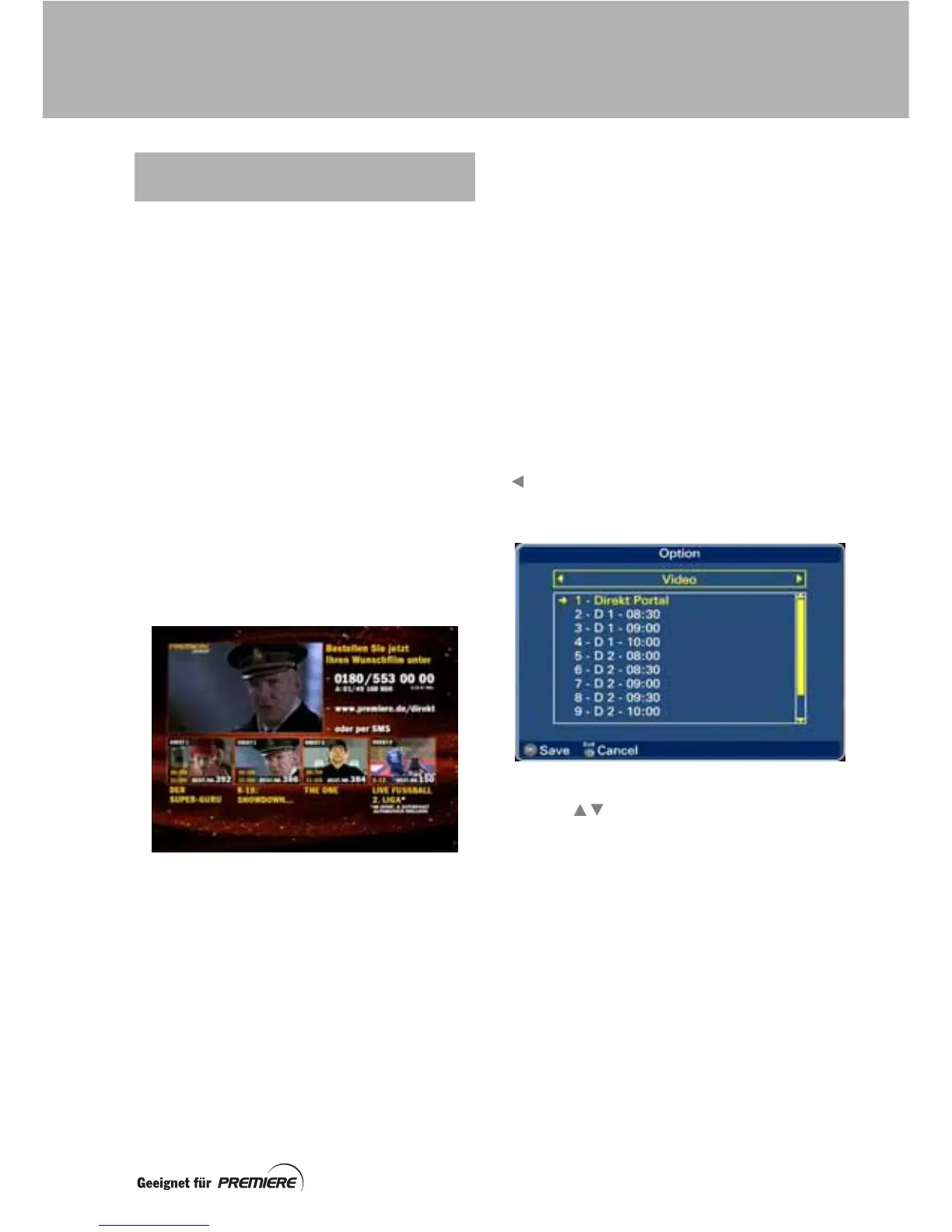
PREMIERE DIREKT Portal
When you select the channel PREMIERE
DIREKT, a summary of the viewing choices
available to you appears on your TV screen.
This is your “portal” to viewing choices from
PREMIERE DIREKT 1-4:
On PREMIERE DIREKT 1-3 you are offered, in
each case, a variety of films at different
starting times. On PREMIERE DIREKT 4 you
can see, for example, sports events or
concerts. You can find out more about these
offers in the Premiere Magazine or on the
Premiere web site.
The channel PREMIERE EROTIK works in a
similar manner.
The PREMIERE DIREKT 1-4 choices are
shown as the small pictures on the
PREMIERE DIREKT Portal screen. Short
previews of them are shown, in turn and
enlarged, at the top left-hand part of the
screen. Here you can see the next starting
time and ordering methods for each.
Buying an event
Decide on the event (film or sport/other event)
that you wish to buy and the time at which you
want to watch it.
Contact Premiere by making a phone call,
sending a text message or visiting its web site
and place your order.
You can find ordering information on the
PREMIERE DIREKT Portal, in the Premiere
Magazine or on the Premiere web site.
Watching the event you have bought
At the time you have chosen to watch your
purchased event, select the channel
PREMIERE DIREKT.
Press the option (Opt) button (followed by the
button if required) to display the Video
option screen.
Use the buttons to highlight the Direkt
choice (D1, D2, D3 or D4) you have bought and
the appropriate time that you ordered it for.
Press the OK button to see and hear the event.
If you make the wrong choice from the video
option screen, you will see a message on the
screen to inform you that your smartcard is not
authorised for this programme. Redisplay the
Video option screen and make the correct
choice or choose PREMIERE DIREKT Portal.
PREMIERE DIREKT:
CHOICE OF STARTING TIME
PREMIERE SPECIAL FUNCTIONS



 To Next Page