13
Your set-top box offers not only TV channels,
but also radio channels (along with information
about them, displayed on the TV screen).
To switch from TV channels to radio channels
(or back again), press the TV/Radio button on
your remote control.
Note: Everything in the following descriptions
applies to radio as well as to TV channels.
You can change channel by:
• using the number buttons to enter a
channel number;
• using the P + and P – buttons;
• selecting a channel from the Channel
list (see right);
• selecting a channel from the TV
Schedule (see page 15);
• pressing the Exit button to switch
between the current channel and the
last one you watched.
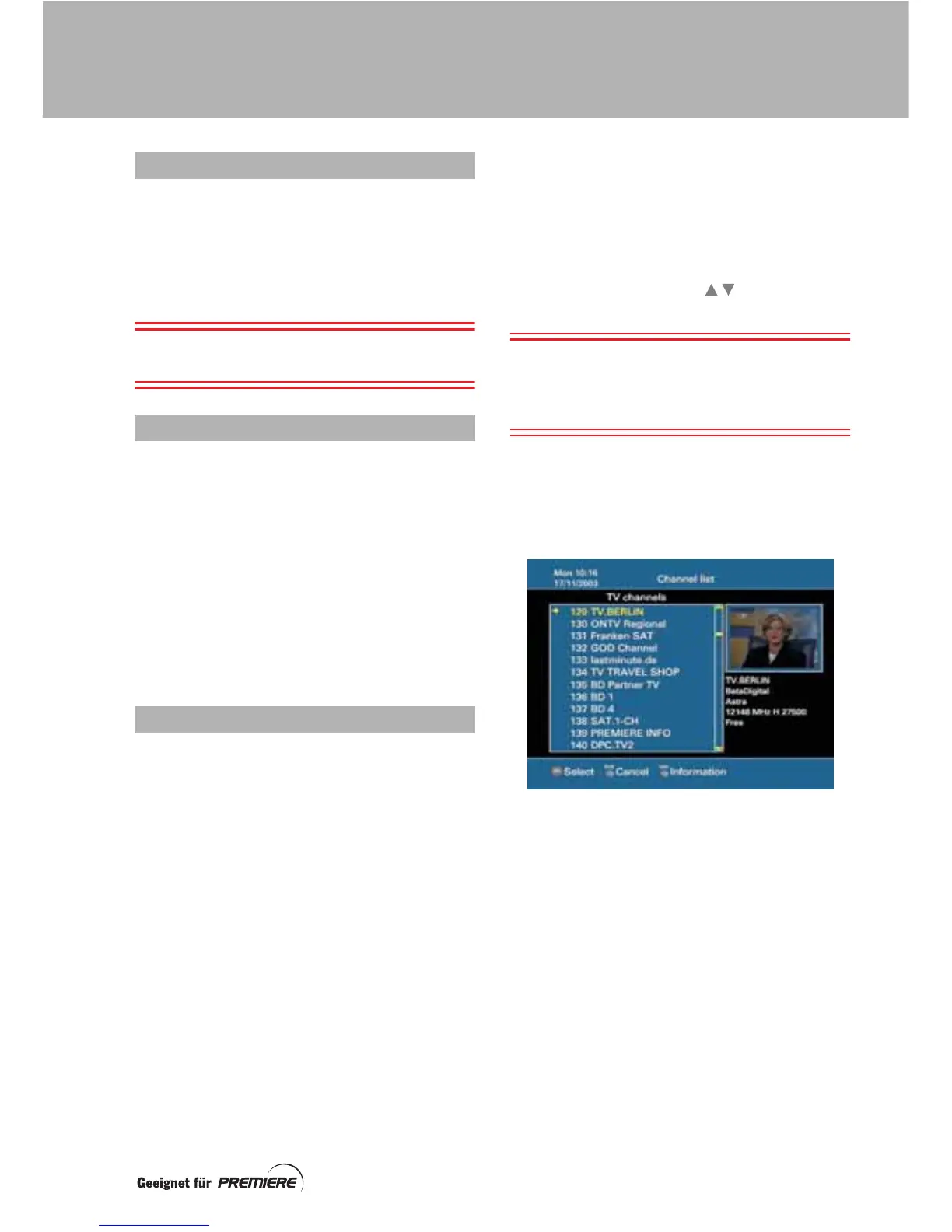
Your set-top box uses a Channel list as a way
of organising channels. The channels on the
list are numbered from 100 upwards. You can
adapt the list and use numbers 0 to 99 to
group together the channels you watch most
often. This creates your own User list, so that
you can select your favourite channels quickly.
For more information about setting up your
own user list, see page 22.
When your set-top box is new, you can choose
the Channel list to be pre-programmed with
German or Austrian channels (see page 25).
Using the Channel list
Press the list (Liste) button to display the list
on your TV screen. The channel you were just
watching is shown at the top.
To change channel, you must first highlight the
channel you want to watch.
Use the P+/P– buttons or buttons to
highlight the previous/next channel on the list,
Note: If you use P+/P–, the information shown
to the right of the screen is about the
highlighted channel. If you press the Info
button you can see more details (see page 37).
Use the page (Seite) + and – buttons to
display the previous/next page of the list.
To tune to the highlighted channel, press the
OK button.
TV AND RADIO CHANNELS
CHANGING CHANNEL
CHANNEL LIST
TUNING TO CHANNELS



 To Next Page