11
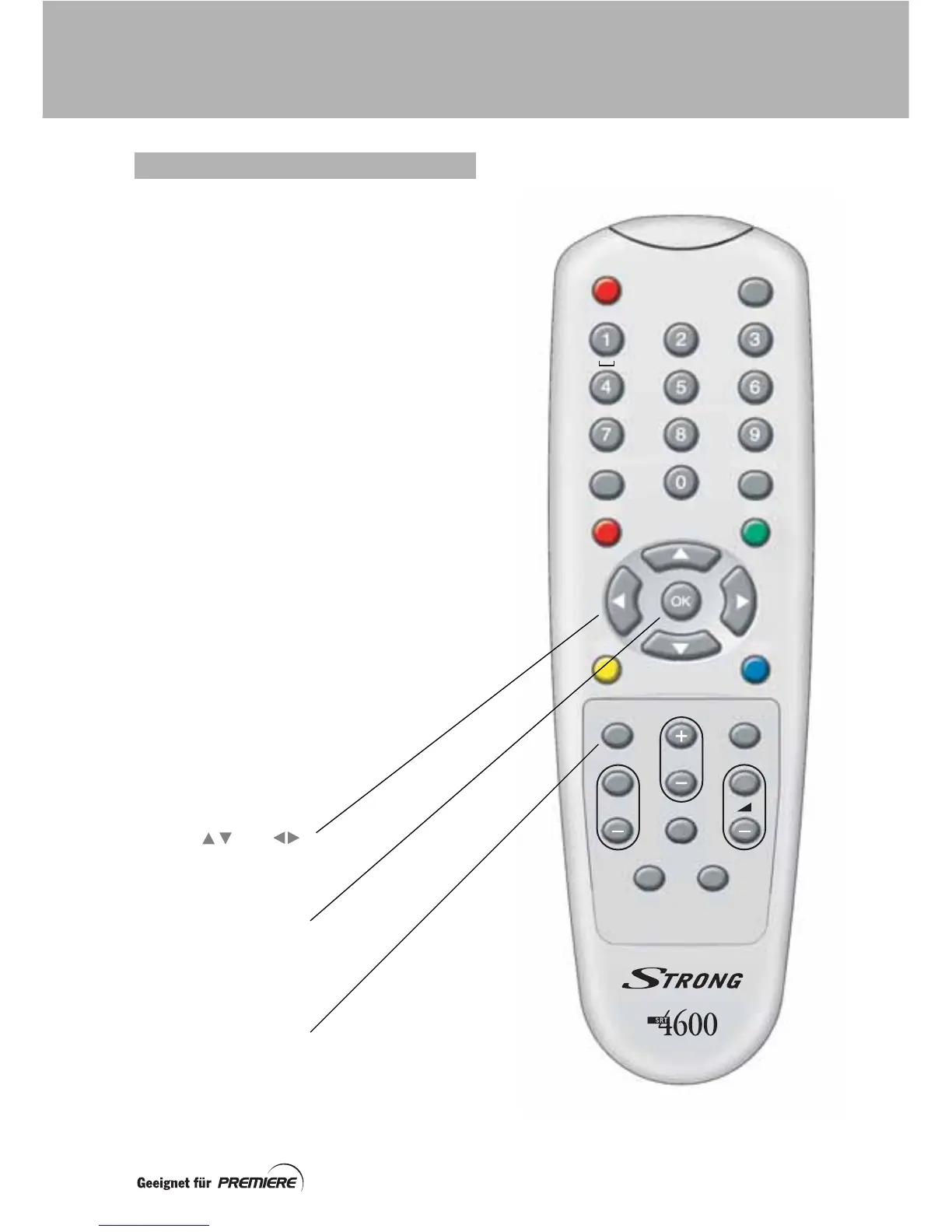
This page shows the buttons on your remote
control that you need to set up your set-top
box. All the other buttons are described on
page 12.
After you have set up your set-top box, you
use your remote control as follows:
Daily use
• switching on and off;
• changing channel;
• adjusting the volume;
• displaying information on the current
programme;
• displaying the
TV Schedule
;
• using the
Premiere
parental control
PIN-code
.
Occasional use
• editing the Channel list;
• changing the configuration settings;
• changing the Premiere parental
control PIN-code.
USING YOUR REMOTE CONTROL
Use the and
buttons to highlight/choose
settings
Press the OK button to
save your chosen settings
(or, on some menus, to
display further settings)
Press the Exit button to
return to the previous
screen (without saving any
changes)
Liste
Exit
Menü
Seite
TV/Radio
Opt
Info
EPG
c
B
P
+
+
abc def
ghi
jkl mno
tuv
pqrs
wxyz
YOUR REMOTE CONTROL



 To Next Page