22
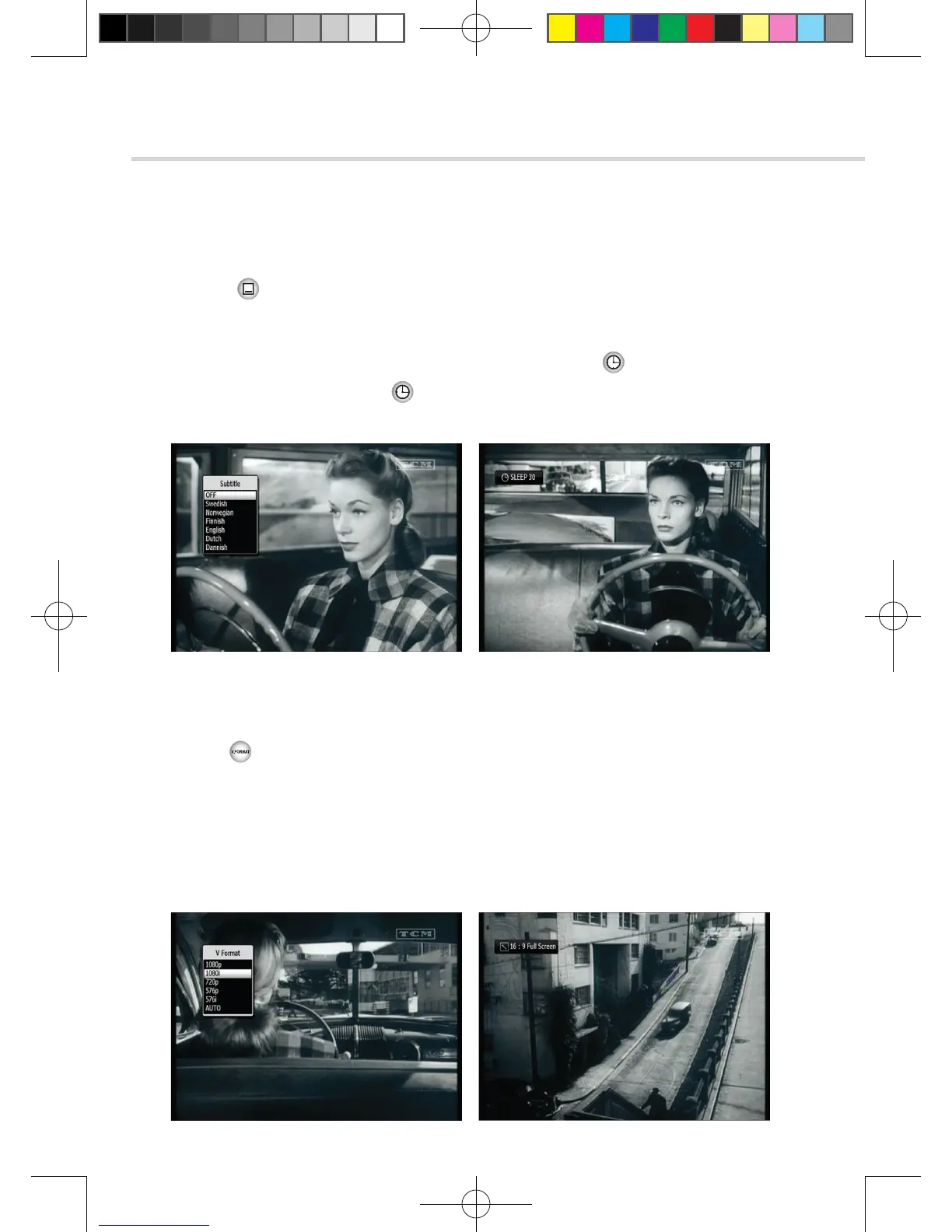
▣ SUBTITLE < Figure 6.1.17>
You can press to select the subtitle language of current channel.
▣ SLEEP < Figure 6.1.18 >
You can set the your receiver to turn off after a few minutes. Press to set the sleep timer.
▪ To cancel the sleep timer, please press until you set time as “0 min”.
(Disable, 10, 20, 30, 60, 100, 120 Minutes)
6. Operation
6.1
Getting Started
Figure 6.1.17
Figure 6.1.19
Figure 6.1.18
Figure 6.1.20
▣ V.FORMAT <Figure 6.1.19 >
You can press to change the video resoultion Select between, 1080p->1080i->720p-> 576p->576i
▣ WIDE <Figure 6.1.20>
You can press ASPECT to change the TV aspect ratio.
▪ 4:3: Pan-Scan or Letter-Box
▪ 16:9: Full-Screen or Pillar-Box
[2013.01.04]SRT4922A 매뉴얼_english_AUS.indd 22 2013-01-04 오후 4:49:49



 To Next Page