49
English
6.8 Conditional Access System
6. Operation
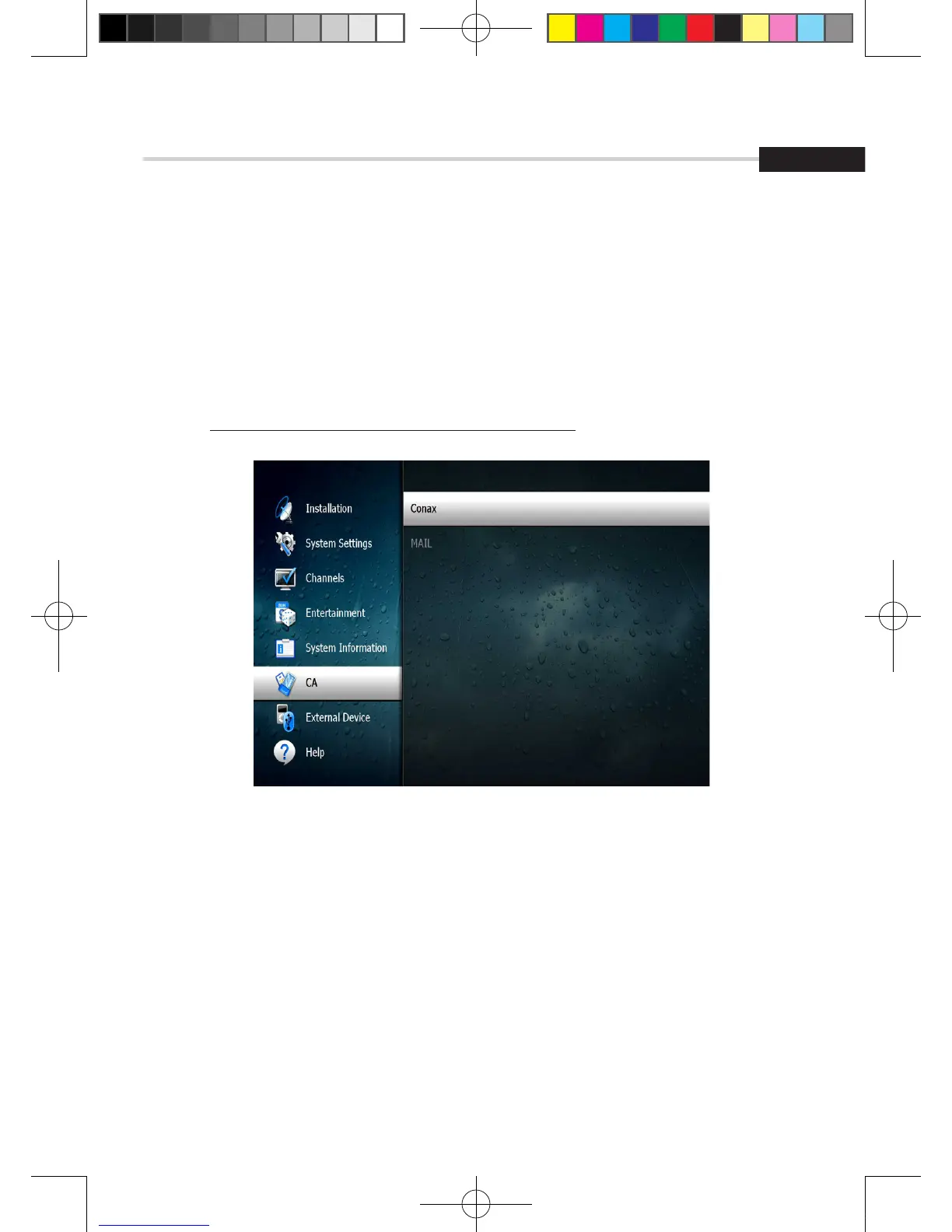
Figure 6.8.2
➋
The Status of the Smart Card
1. You can access detailed information about the Smart Card using the / keys in the Main Menu
to select ‘CA’ and pressing OK. <Figure 6.8.2>
2. Proceed with further instructions displayed on the screen to check more detailed information
depending on the Smart Card in use.
✽ Note: Further detailed information is not mentioned in this
[2013.01.04]SRT4922A 매뉴얼_english_AUS.indd 49 2013-01-04 오후 4:50:04



 To Next Page