18
6.1 Getting Started
➋ Antenna Setup
1. Press the MENU button to display the main menu.
2. Use
and to move in the menu.
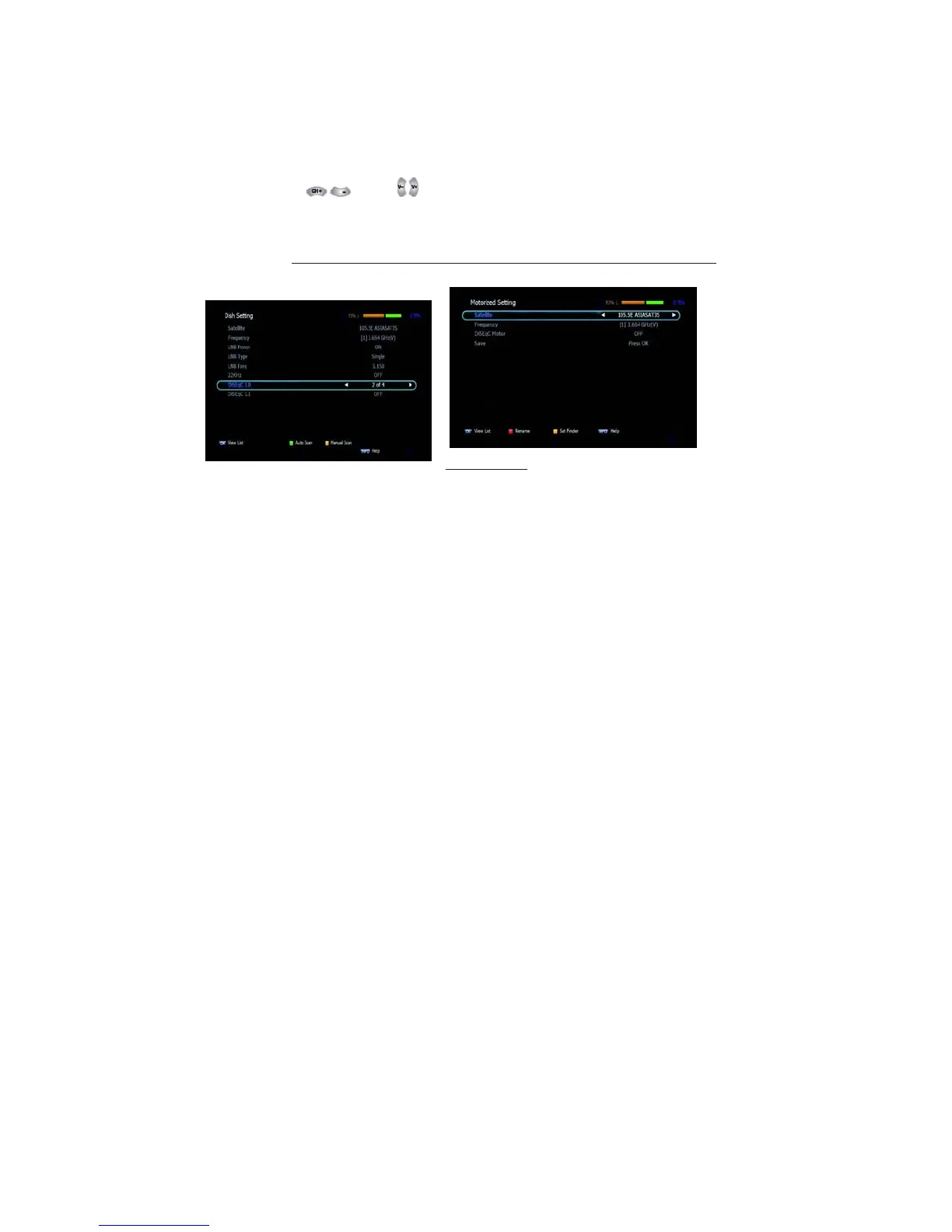
3. 3. Press OK on ‘Dish Setting’. The following window will appear.
<Figure 6.1.2> If you have a motorized dish, press OK on ‘Motorized
Setting’. < Figure 6.1.3>
✽ Note: Enter a 4-Digit password if need arises. The default password
is ‘0000’.
4. Select the item that you want to edit, and set its parameters as
desired. <Dish Setting>
▪ LNB Power: Select among ON/OFF/13V/18V.
▪ LNB Type: Select among Single/Universal/OCS/SaTCR.
▪ LNB Freq: Set the frequency of the LNB oscillator.
▪ 22KHz: When not AUTO, set the signal path from LNB or switch by selecting
a control signal among 0/22KHz.
▪ DiSEqC 1.0: Select DiSEqC 1.0 Port
▪ DiSEqC 1.1: Select DiSEqC 1.1 Port
5. Select the item that you want to edit and set its parameters as
desired. <Motorized Setting>
▪ Frequency: If the default TP frequency is not appropriate, you can
select another TP frequency at which to check
for signal.



 To Next Page