44
6.3 Channels
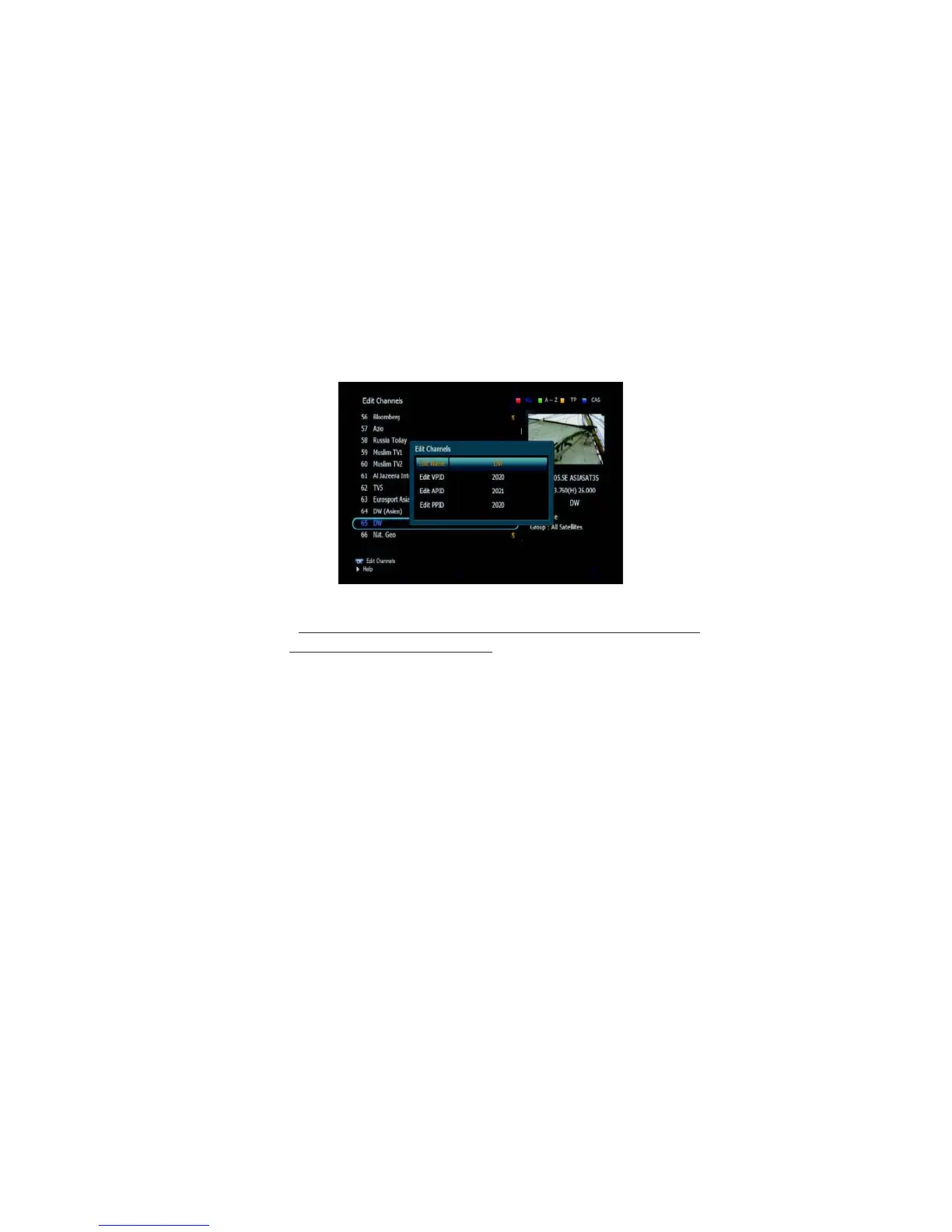
➋ Edit Channels
This submenu allows you to rename channels and input user PID. You
can select TV or Radio channels in an alternative way by pressing
the TV/RADIO button. You can choose a channel list group by pressing
the GROUP
button.
1. Press OK
on ‘Edit
Channels’. The following
menu will be displayed.
<Figure 6.3.3>
2. Press OK
on the
channel that you want
to edit.
3. Press OK
on ‘Edit Name’
to rename the channel;
the keypad will be
displayed.
4. Similarly, you can edit the PID data using the NUMERIC keys.
✽ Note: The VIDEO PID, AUDIO PID and PCR PID are very important
for optimal satellite signal reception. We recommend you
get professional advice where available.



 To Next Page