26
6.1 Getting Started
➍ Channel Selection
You can use / to navigate between channels until you find the channel
you want.
▣ If you know
the channel
number, you can enter it
with the
NUMERIC
buttons and wait 2 seconds
until the channel is
changed.
▣ If you know
the channel
name or transponder
or CAS, you
can press OK to
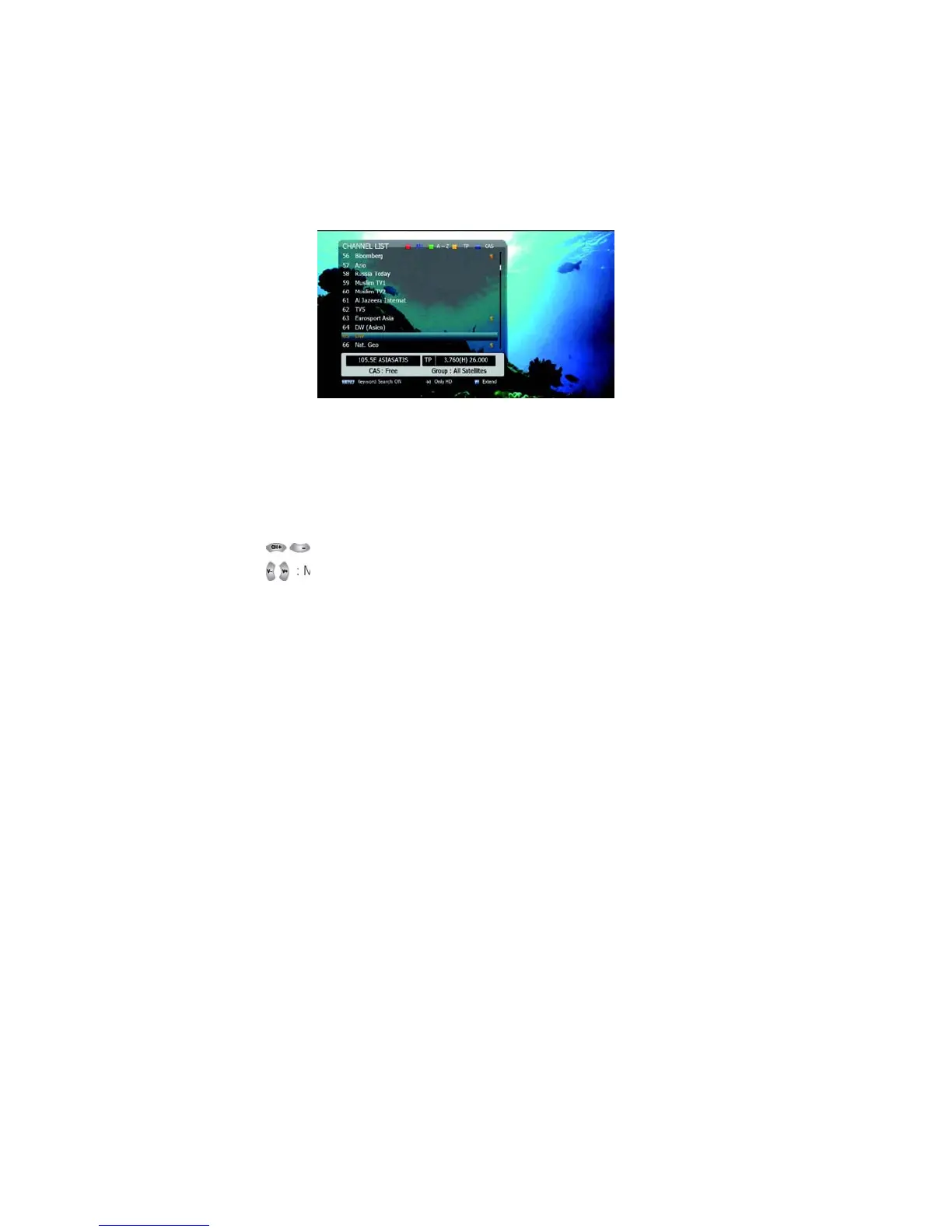
display the channel list
<Figure 6.1.13>
Figure 6.1.13
1. In the left side of screen, detailed information about the
selected channel will be displayed. (Satellite Name,
Frequency(Polar) and Channel Name)
2. You can use the following buttons to navigate between channels:
▪: Moves one channel up/ down.
: Moves one page up / one page down.
▪ RED: Shows all channels in the current group.



 To Next Page