59
6.6 External Device
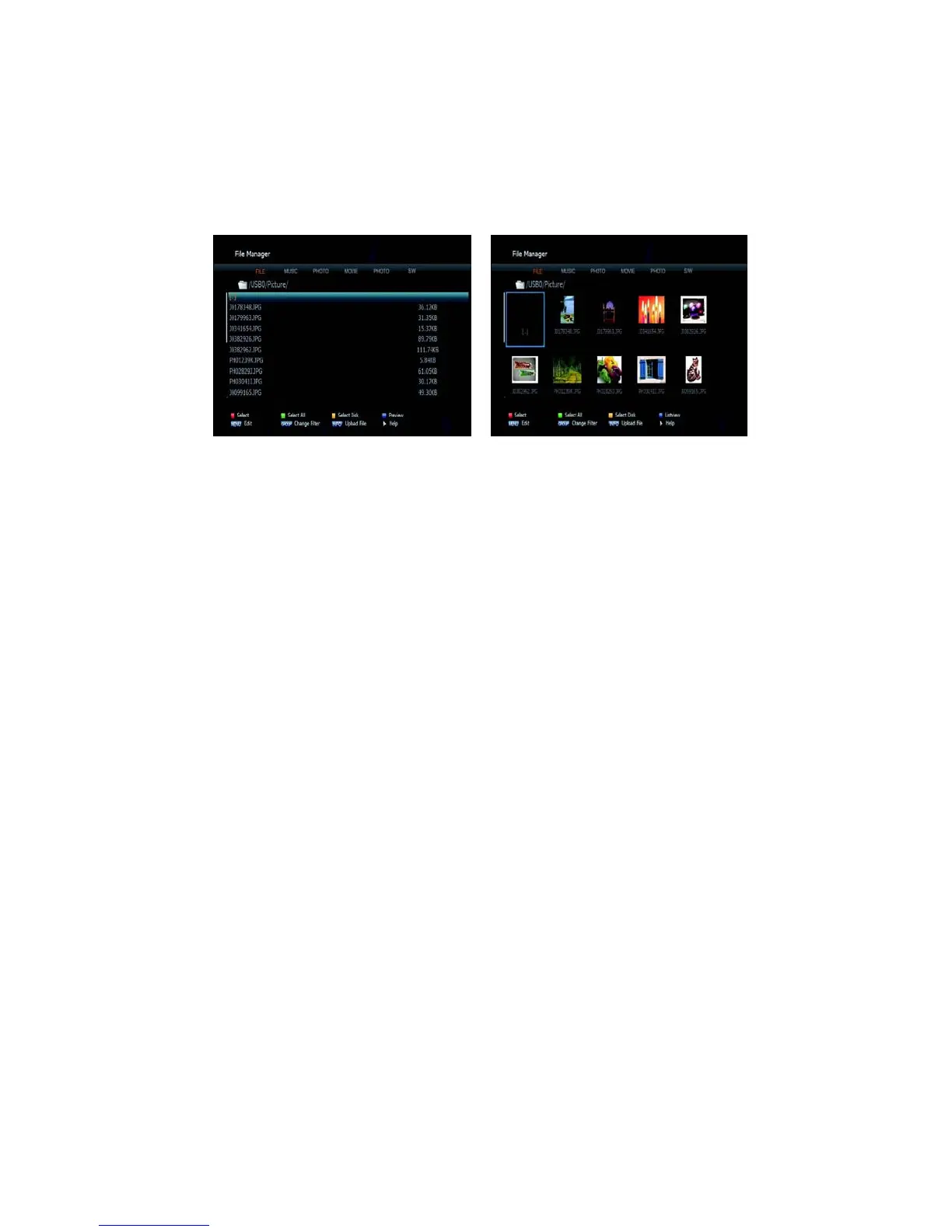
➋ File Manager
[Display]
1. BLUE KEY: To preview files.
2. GROUP KEY: To filter files.
Figure 6.6.2 Figure
6.6.3
[File Management (Copy, Move, New Folder, Delete, Rename)]
1. RED KEY: To select files.
2. MENU KEY: To select a function.
3. Copy (or Move): To copy(or Move) files.
4. Paste: To paste the copied files to a folder.



 To Next Page