23
English
6.1 Getting Started
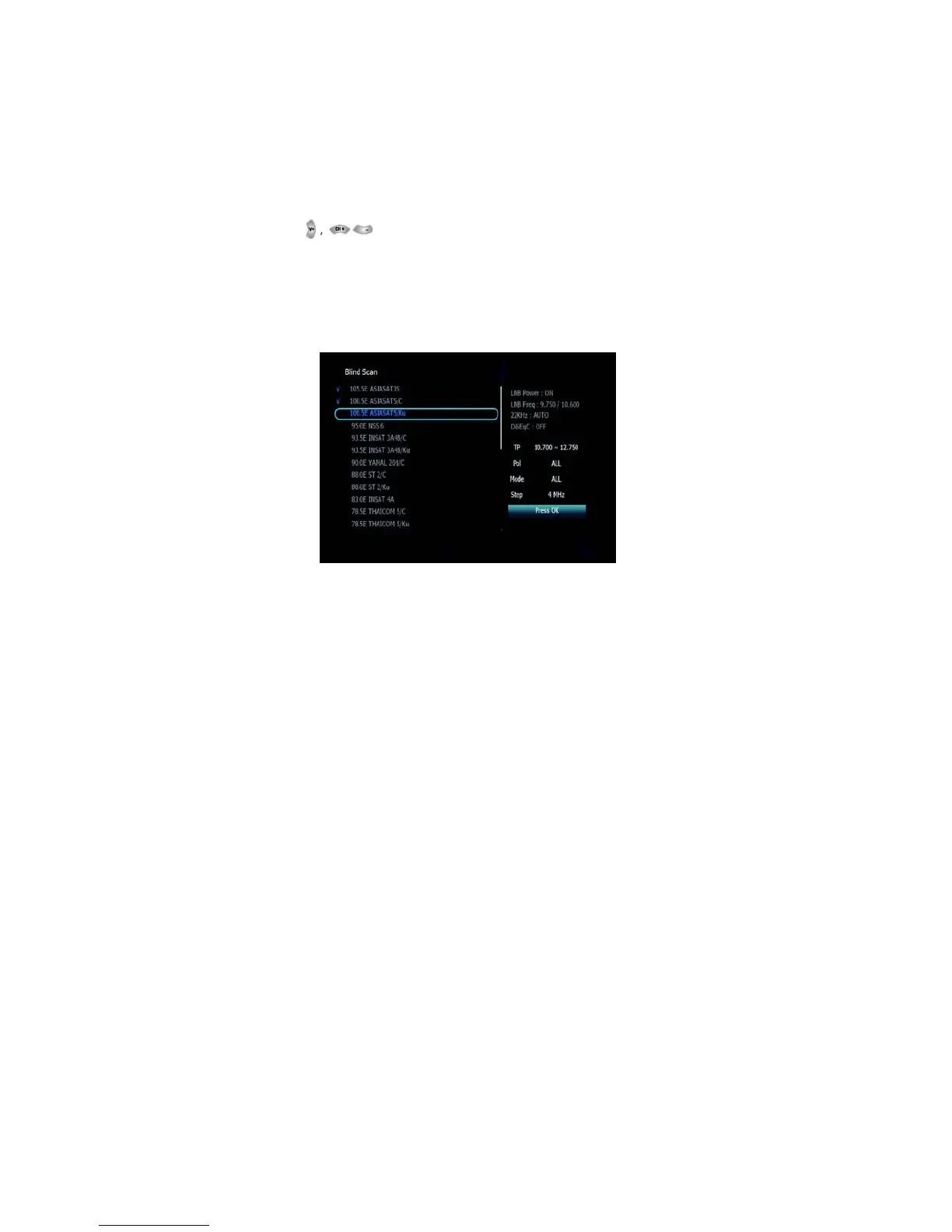
▣ Blind Scan <Figure 6.1.10>
1. Select the satellites you want to search by pressing the OK button
on the remote.
Press to set the “Polarization” and “Scan
2.
Mode”options.
▪ TP: Select TP Frequency
▪ Polarization:Select among All / Vertical / Horizontal
▪ Mode:
Select among
All / Free / TV
▪ SCAN: Begin
channel
search of the selected
satellites.
Figure 6.1.10
▣ Manual Scan <Figure 6.1.11>
1. Select a transponder.
2. To change a transponder’s information (Frequency, Symbol Rate),
use the NUMERIC buttons.
3. To add a new transponder, press the GREEN button.
4. To delete a transponder, press the YELLOW button with the cursor
next to the Frequency parameter.
5. To search a transponder, set its different parameters and press



 To Next Page