31
6.1 Getting Started
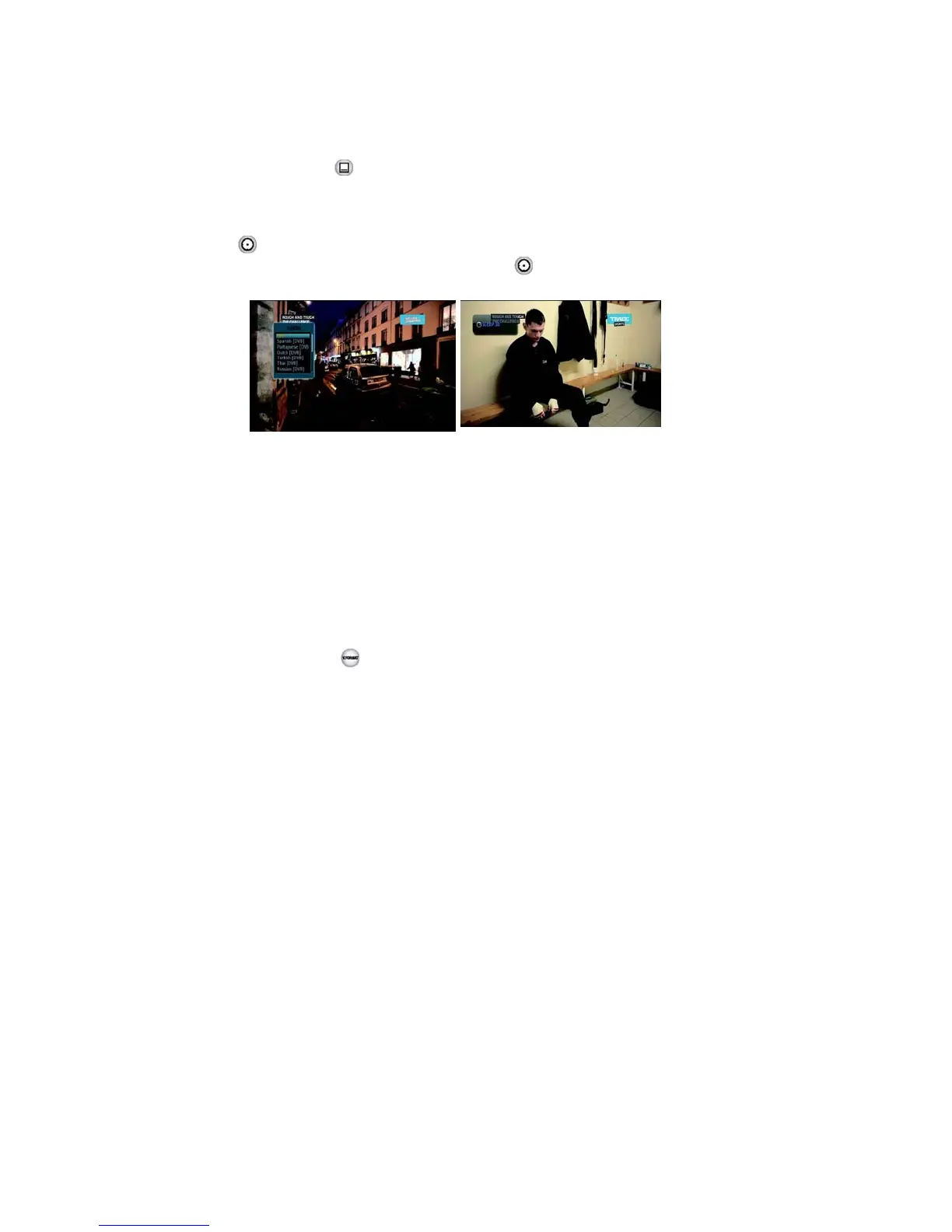
▣ SUBTITLE <Figure 6.1.17>
You can press to select the subtitle language of current channel.
▣ SLEEP <Figure 6.1.18>
You can set the your receiver to turn off after a few minutes. Press
to set the sleep timer.
▪ To cancel the sleep timer, please press until you set time
“0 min”.
as
(Disable, 10, 20, 30, 60, 100, 120 Minutes)
Figure 6.1.17 Figure 6.1.18
▣ V.FORMAT <Figure 6.1.19>
You can press to change the video resolution Select
between1080p->1080i->720p-> 576p->576i
▣ WIDE <Figure 6.1.20>
You can press ASPECT to change the TV aspect ratio.
▪ 4:3: Pan-Scan or Letter-Box
▪ 16:9: Full-Screen or Pillar-Box



 To Next Page