46
6. Operation
6.3 Channels
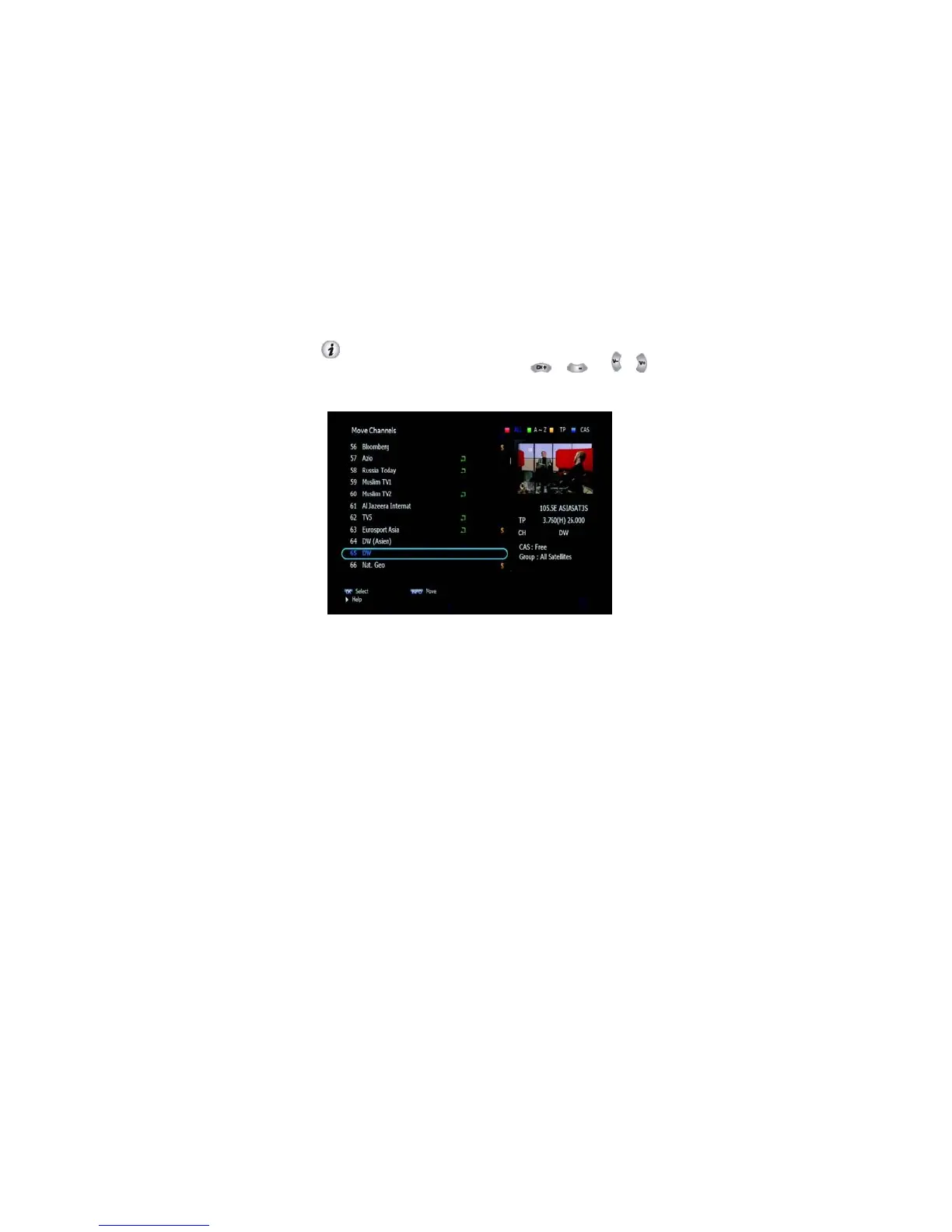
➌ Move Channels
This submenu allows you to move channels. You can select TV or Radio
channels in an alternative way by pressing the TV/RADIO button. You
can choose a channel list group by pressing the GROUP button.
1. Press OK on ‘Move Channels’. The following menu will be
displayed.<Figure 6.3.4>
2. Press OK on the channel that you want to move; a ‘move’ icon
will be displayed.
After press , use the , , , , NUMERIC 3.
buttons to move the selected channel.
4. Press OK again to place the channel.
5. Press
the EXIT button
to return to the
previous menu.
Figure 6.3.4
\



 To Next Page