50
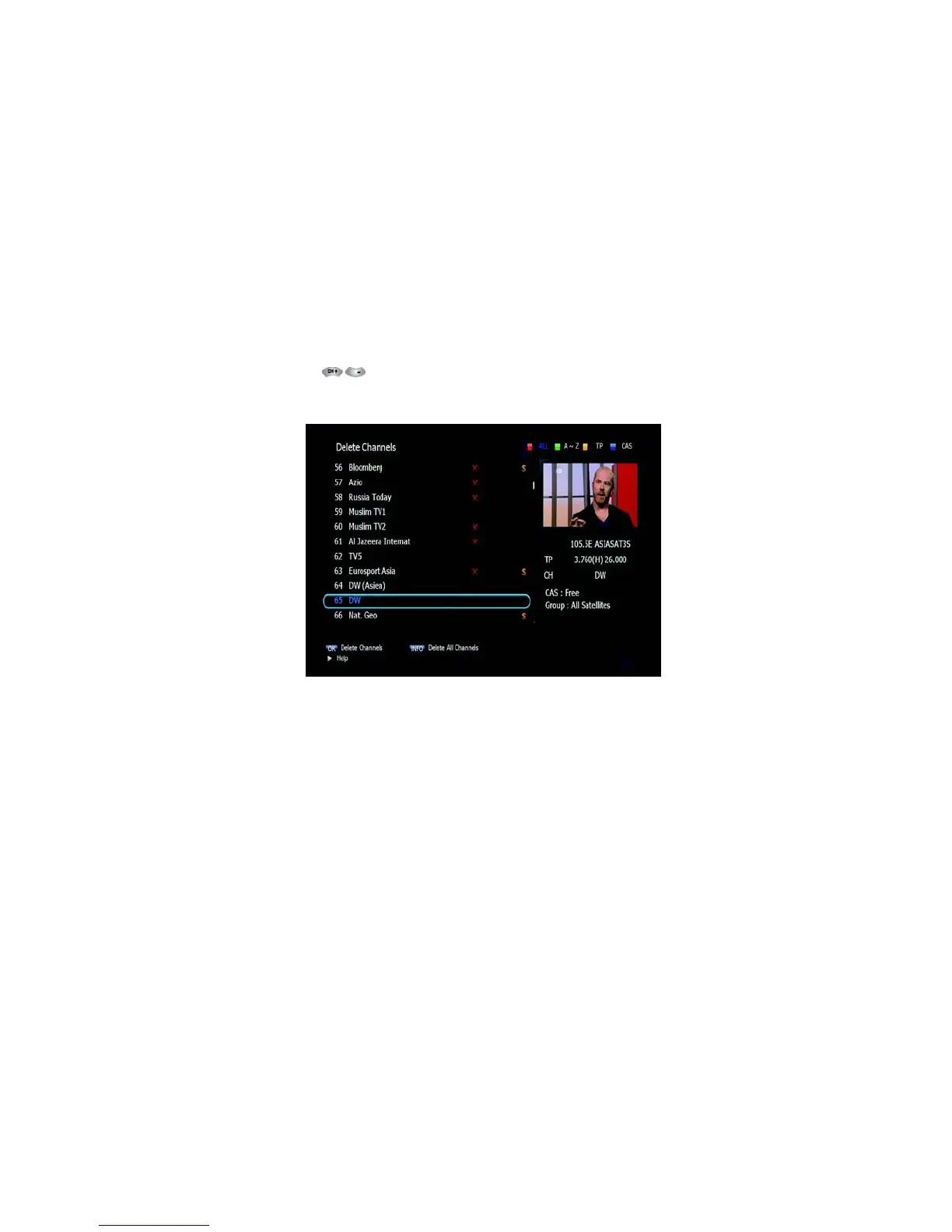
Figure 6.3.7
6.3 Channels
➐ Add Channels
This submenu allows you to add channels.
1. Press on ‘Add Channels’. The following menu will be displayed.
<Figure 6.3.8>
2. Press to change the parameter.
▪ Frequency: Select TP Frequency
▪ Channel Name: Press to display Keypad pop-up; Edit a channel’s name
▪ Channel Type: Select among TV / RADIO
▪ You can add specific channel of the transponder by setting its PID
data
(Video, Audio and PCR).
▪ Video Type: Select the video type
(MPEG1/2, H.264)
▪ Audio Type: Select the video type



 To Next Page