16
Assure the correct A/V mode has been selected
in the Menu.
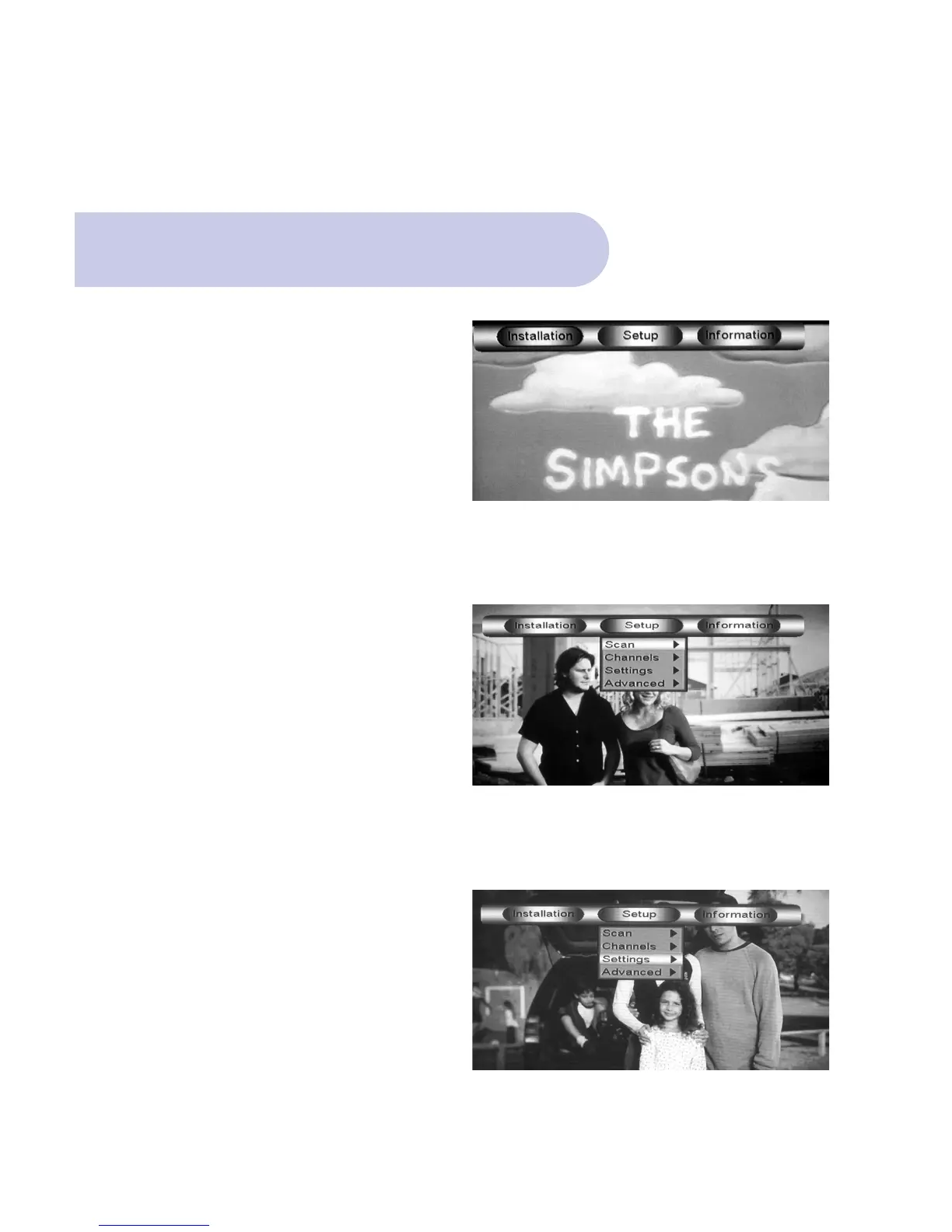
• Push the MENU Button, and Welcome Banner
will appear.
• Push the BLUE Button for Main Menu.
• Banner at the top of the TV screen will be viewed
listing: Installation / Set Up / Information.
The Correct A/V Mode
• Scroll to & select Set Up by pushing OK Button and
4 topics will appear.
• Scroll down to Setting & push OK, and 5 topics will
be viewed.



 To Next Page