30
Service Set Up
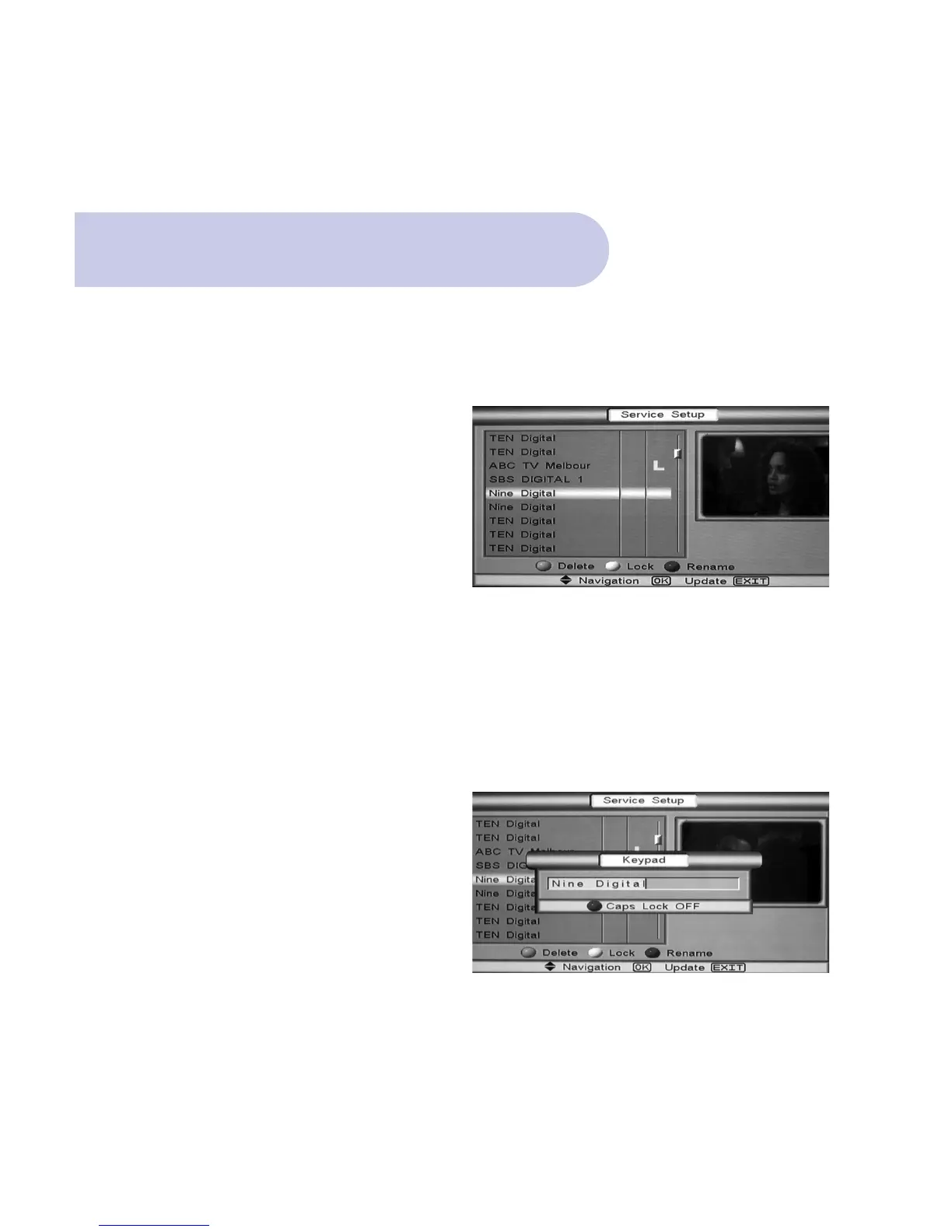
To Lock a Channel
• This will then require the password to be input to
Access that Channel.
• With Channel Highlighted, Push Yellow (Lock) button
and L icon will appear beside the selected channel.
• Push OK to confirm
Once you have placed a channel in Lock mode; as
you are watching normal TV broadcasts, when you
select that channel, you will be prompted to input
password.
Once password has been entered, channel broadcast
will be viewed.
To Rename a Channel
• With channel selected, Push Blue (Rename) button
and Key Pad Banner will be viewed.
• Enter your preferred channel name via the remote
control numeric buttons.
• Push OK to confirm.



 To Next Page