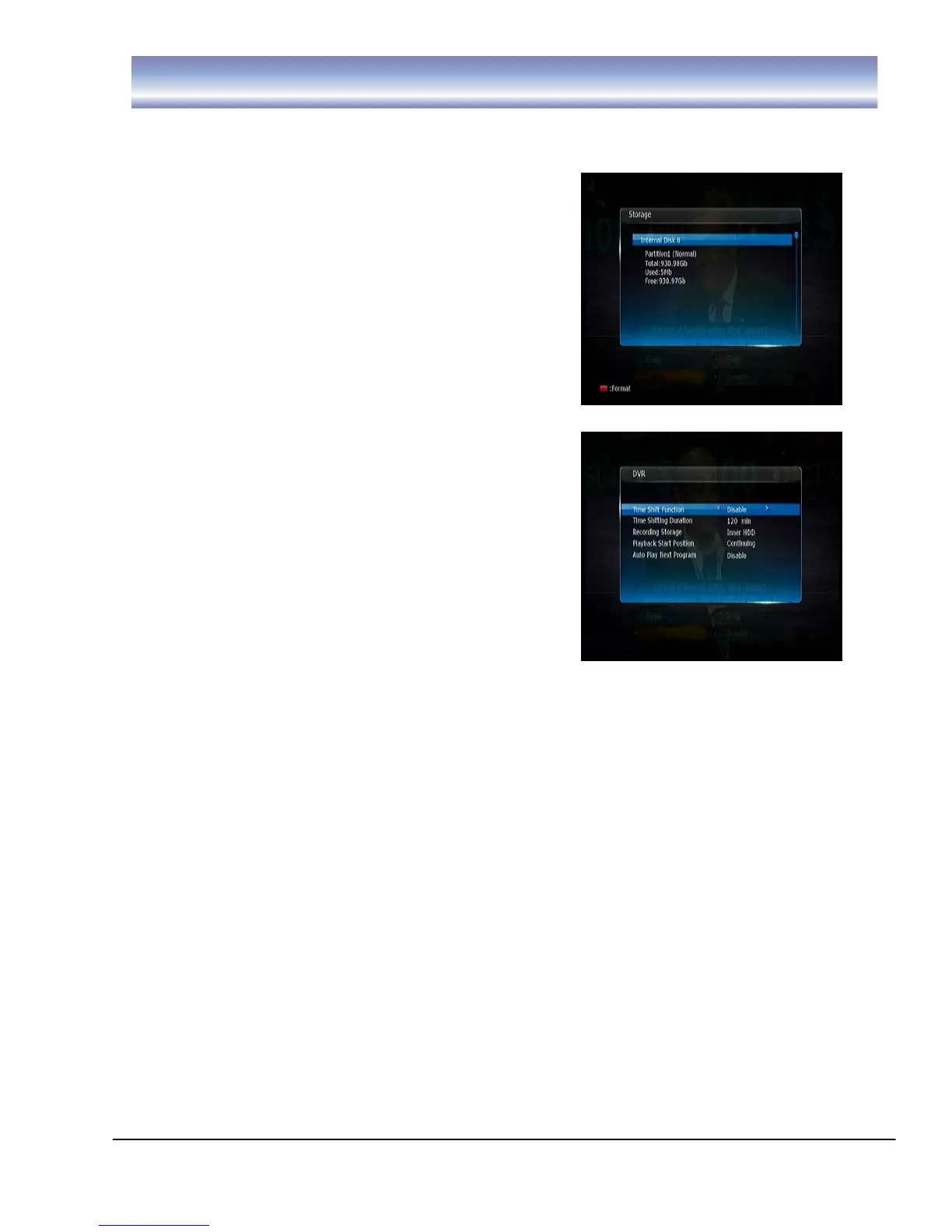
Storage
To view the status of the Hard disk
Format the HDD (this will delete all files)
DVR Setting
Time Shift Function
-Enable or Disable Timeshift
Time Shift Duration
-To set the desired Time Shift time, 30
minutes to 2 hours is available.
Recording Storage
-To select the storage device for recording. All related files for incoming
recordings will be stored on the selected drive.
-There are 2 options: Inner HDD (Built-in Hard disk), USB (front USB slot).
Playback Start Position
-To select the start point for playing recorded programs
-Available option: Beginning, Continuing (Continuing will begin playback
from last viewed position)
Auto Play Next Program
-Available option: Enable or Disable
-Selecting “Enable”, the SRT 6500 will play the next recorded program in
the list once the current program is finished.
-Selecting “Disable” the SRT 6500 will only play the program which was
selected.



 To Next Page