Basic Operation
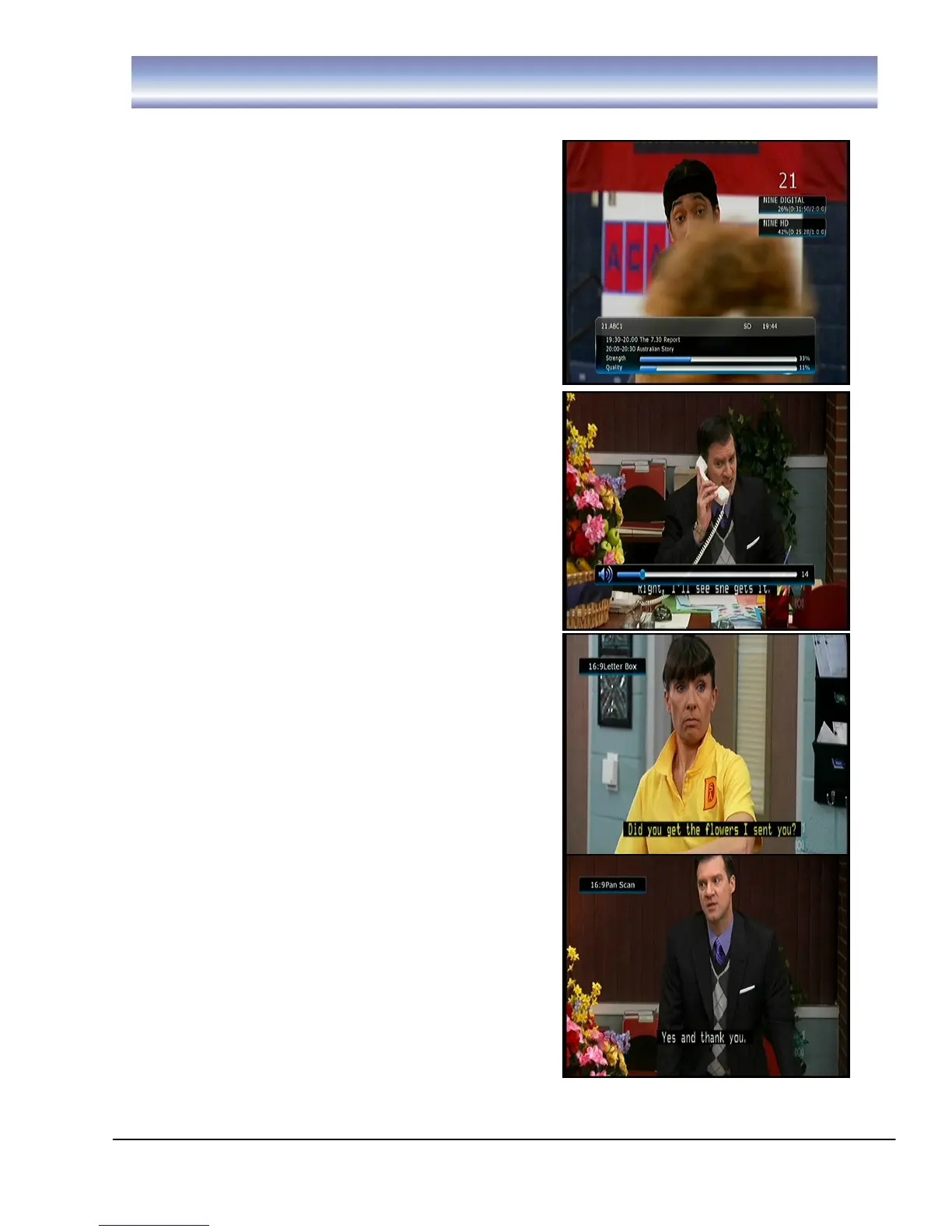
Channel Info Banner
1. Open Info Banner by pressing [INFO] in Live
TV Mode.
2. Info banner shows the current and next
program and the relative information of the
program.
3. To clear info banner press [EXIT].
4. When recording, the record status will be
shown in the top right corner of the screen.
Changing Volume
Press the [VOL+]/[VOL-] to increase or decrease
the volume accordingly.
The current volume level will be shown on the
bottom of the screen.
Subtitle
Press [SUB] to navigate between available
subtitles of the currently viewed channel or to turn
them off. Subtitle selection will be displayed on
top right hand of screen.
Aspect
Press [ASPECT] to navigate between available
options which are, 16:9 Full, 16:9 Letter Box, 16:9
Pan Scan, 4:3 Full, 4:3 Letter Box and 4:3 Pan
Scan, your selection will be displayed on the top
right hand corner of the screen.



 To Next Page