Basic Operation
Scanning for channels
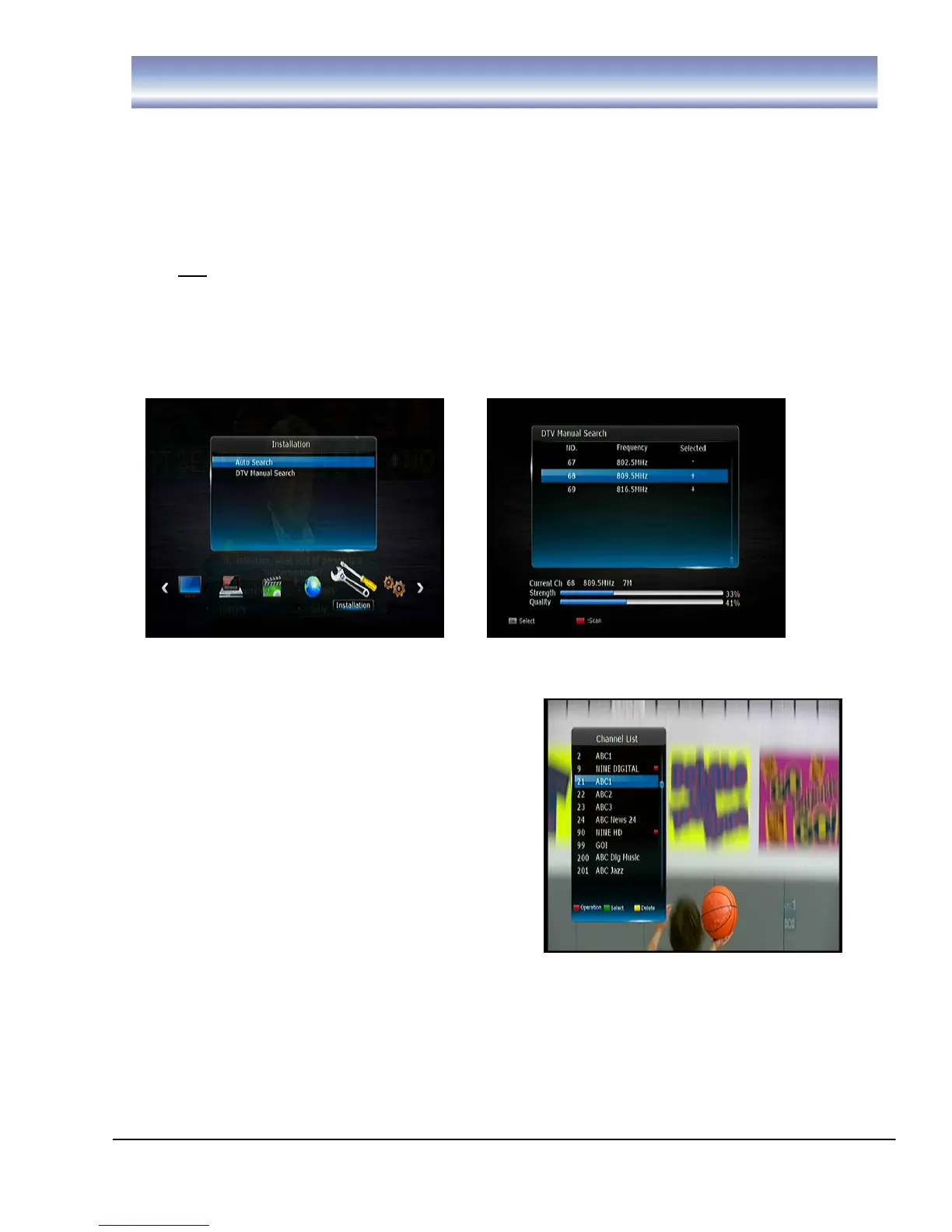
1. Press [MENU] and then press [LEFT]/[RIGHT] and highlight [Installation].
2. Press [OK] /[▶] to enter [Installation] menu.
3. Press [UP]/[DOWN] to select “Auto Search” and press [OK], the unit will start
to scan all available channels.
4. OR you can use the Manual Search option to search for specific channels.
Once you have entered the [Installation] menu, use [UP]/[DOWN] to select and
enter “DTV Manual Search”.
a) Press [▲][▼] to view the channel frequency
b) Press [OK] to confirm the channel frequency to search
c) Press RED button to begin scan
Changing Channels
1. Open Channel List menu by pressing [OK]
in Live TV Mode.
2. Press [UP]/ [DOWN] key to navigate
through available channels.
3. Press [OK] key to view the selected
channel.
4. Channel Change can also be done by:
Press [CH+][CH-] in Live TV Mode.
Input the Channel number using the
numeric keypad in Live TV Mode.
Note: When recording 2 programs, only channels associated with the 2 networks will
be able to be viewed. A red square indicates channels being recorded.



 To Next Page