43
BLU-RAY PLAYER
1. Press 【BD/DTV】key to switch between the DTV and BD mode.
2. After entering BD mode,SRT6500 can auto play disk
3. Press 【■】key and the press【Setup】key to come in setup menu
4. Setup the setting refer to menu information
5. Press 【Setup】key to return to previous menu
5
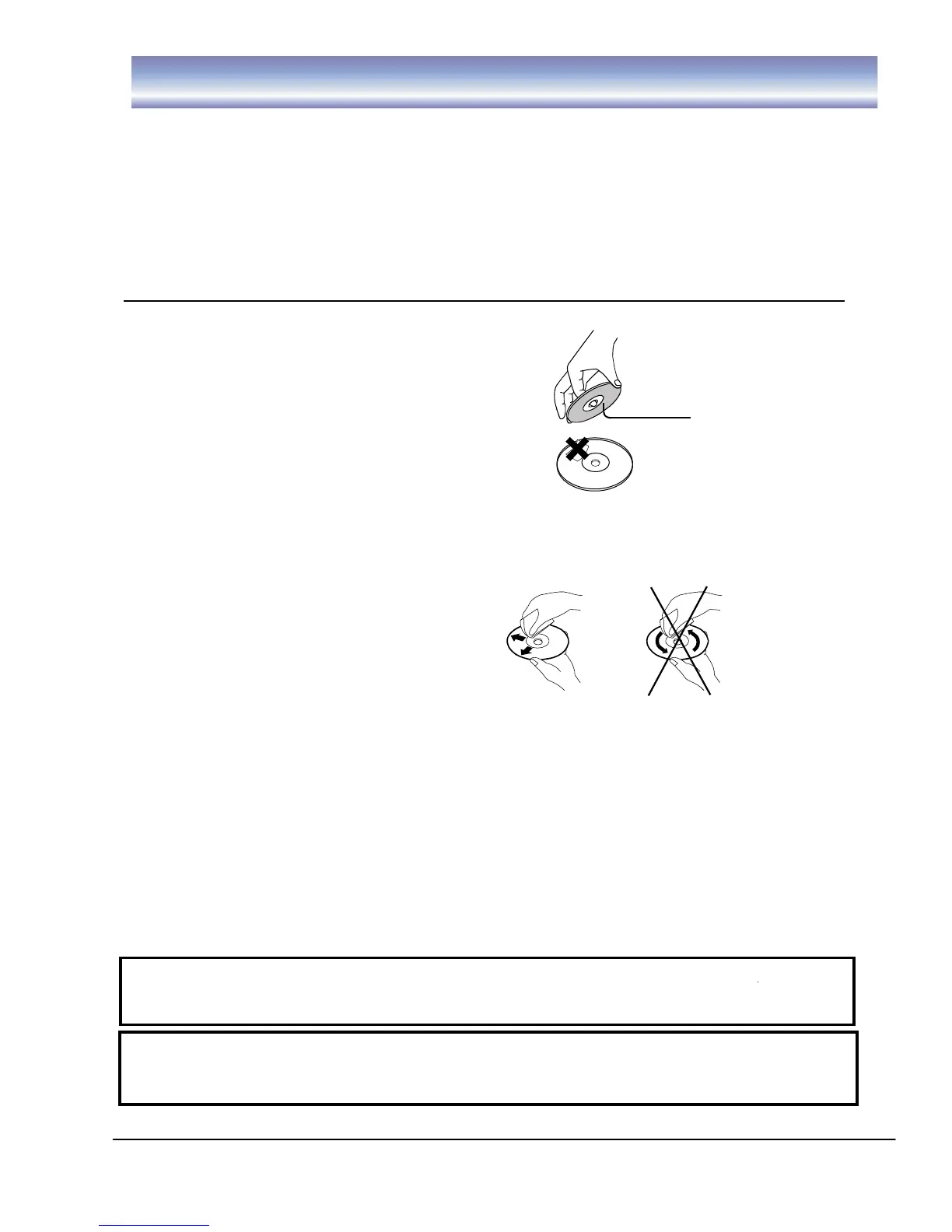
Holding the disc:
Do not touch the playing side of the disc
Do not paste paper or adhesive tape on the playing side
of the disc
Cleaning the disc:
The fingerprint and dirt on the disc surface may affect the audio and video quality. Use soft
cloth to wipe the disc from center to outside.
Disc storage:
If the dirt can’t be cleaned with soft cloth, please wipe with wet cloth, and then use dry cloth.
Do not use any solvents, e.g. thinner, gasoline solvent and detergent on market, or else the disc may be
damaged.
The User’s Manual:
Do not place the disc at the places irradiated by sunlight directly or near heat source.
Do not put the discs vertically in the case, or else the discs may be bent.
The User’s Manual describes the basic specifications of the DVD player. Certain DVD discs may have
special requirements or limitation and may be not compatible with this player. Please refer to the disc
description.
Prompt:
The company will upgrade the product continuously. If the actual operation is different from the
Manual, please refer to the actual function of the player.
Prompt:
If the player won’t be used for a long time, please put a disc in the machine to avoid affecting the
performance of the laser head.



 To Next Page