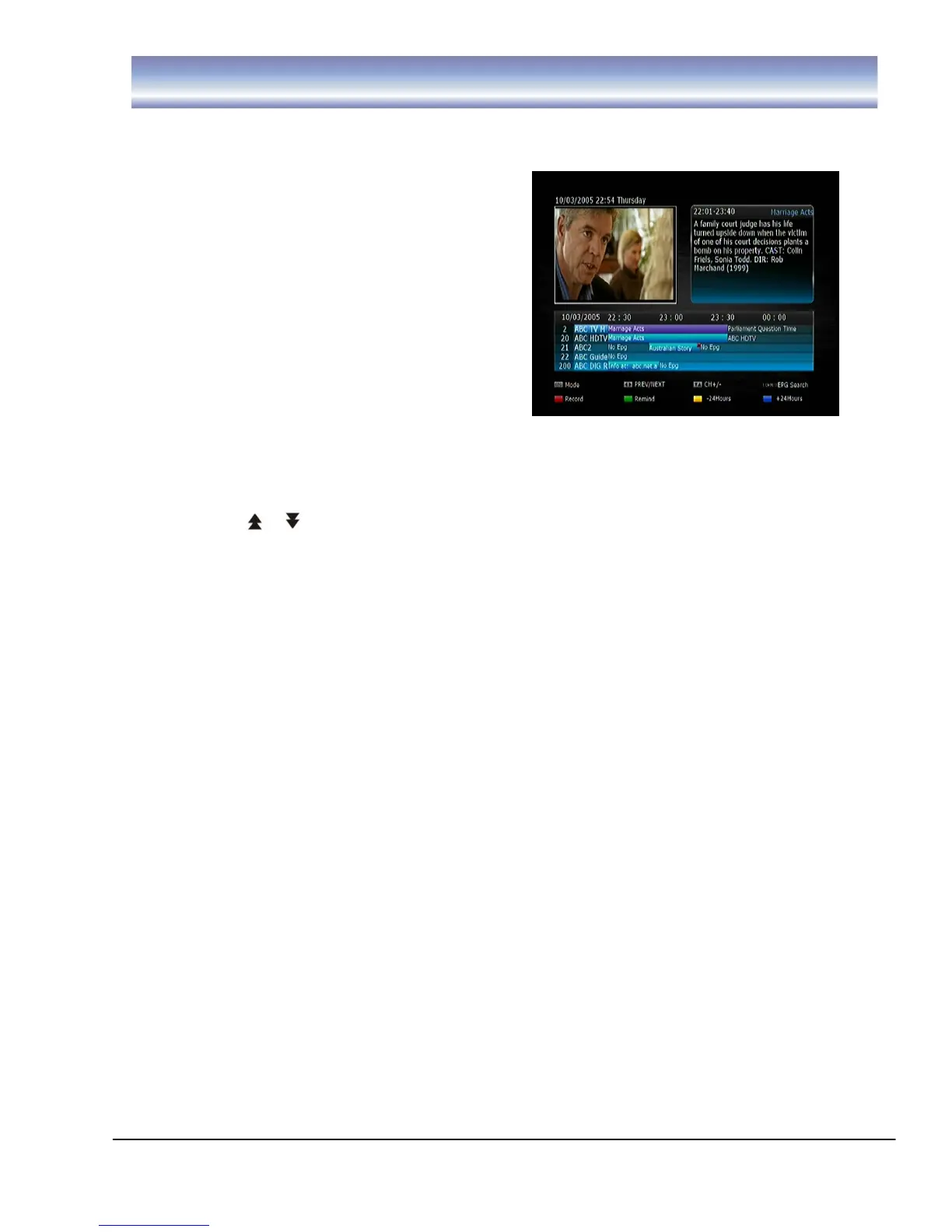
Electronic Program Guide (EPG)
Access EPG by pressing [EPG] in Live TV Mode.
EPG in Horizontal Display Mode
5. Press [▲][▼] [CH+][CH-] to highlight
channel then press OK to access this
channel.
6. Press [ ▶ ] button to enter electronic
program data list.
7. Press [◀][▶] to highlight program then
press OK to view extended program
information.
8. Press [EXIT] button to quit and return to
normal viewing.
Once in the electronic program data list.
7. Press [◀][▶] to navigate the available programs.
8. Press [ ][ ] to scroll between pages.
9. Press [GREEN] button to set the remind function, the receiver will switch to
selected channel when the selected program begins.
Pressing the [GREEN] button once will place , a “green square” icon next to
the selected program
Pressing the [GREEN] button after setting the reminder will allow you to edit
the reminder frequency from Once, Daily, Weekly, Weekday).
Pressing the [GREEN] button a third time will cancel the remind function.
10. Press [YELLOW]/[BLUE] button to view the electronic program data list for
previous or next day.
11. Press [EPG] to enter Horizontal EPG display mode.
12. Press [EXIT] button to quit.



 To Next Page