12
7.7 EPG
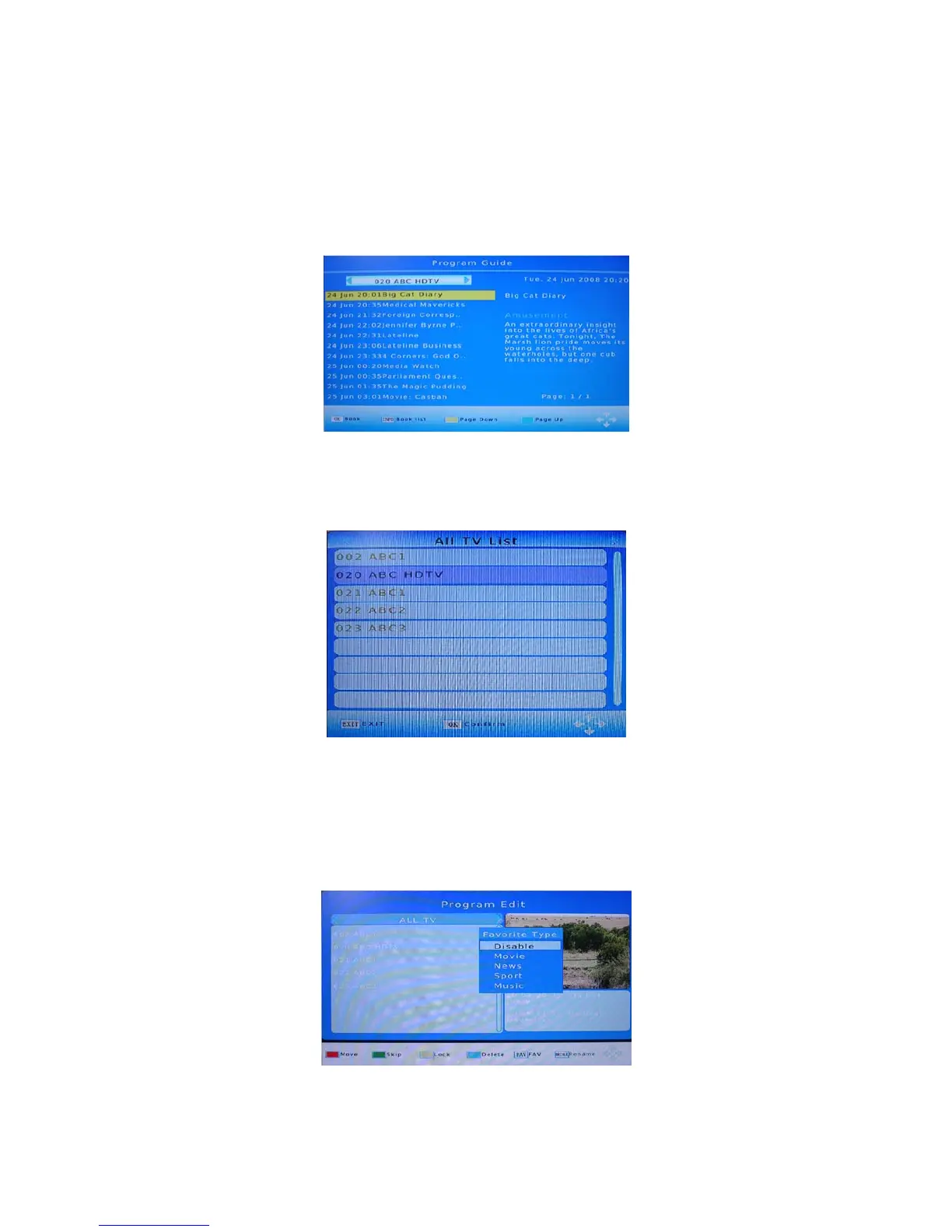
Press EPG key to display the on screen electronic program guide.
This displays a 7 Day Electronic Program Guide for all programs being broadcast from all
broadcasters.
7.8 TV CHANNEL AND RADIO CHANNEL LIST
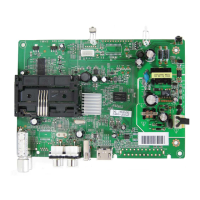
Press OK key to display all TV channels or all Radio channels. Follow the help information
at the bottom of the window to select preferred channel.
7.9 FAVOURITE CHANNEL
Setting up Favourite TV or Radio Channels:
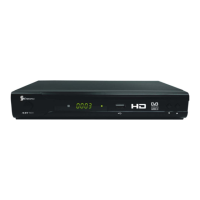
You can add preferred channels to a favourite’s channel list. Press the Menu key to
access the Program Edit Menu. The Favourite channel option allows you to classify the
channels by different genre: Movies/News/Sports/Music. Press the “FAV” or “OK” key to
confirm your selection. A heart shaped symbol will appear next to that channel which
confirms your selection.


 To Next Page