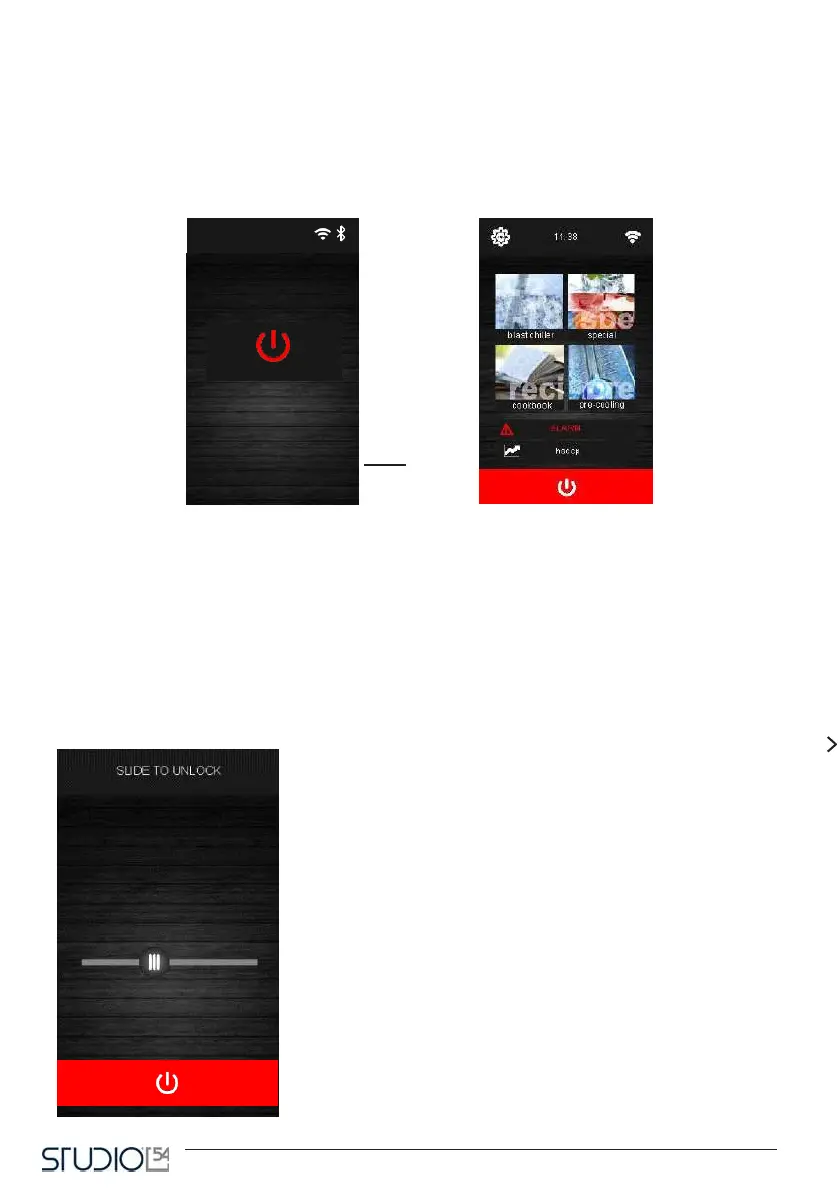
1.1 First starting of the device
After approximately 5 seconds, the device will go back to the operating condition where it was before being
unplugged, as follows:
- on the On/stand-by screen, from where you can go back to the Home screen by clicking on
the central window;
- directly on the Home screen.
On/stand-by screen Home screen
Restarting the device, the
RTC error (clock error) may
appear. You must reset time
and date on the settings
screen.
Switching on/off the device
To switch on the device, from the On/stand by screen, click on the
central window: the Home screen will appear.
To switch off the device, from the Home screen click on the red win-
dow on the bottom.



 To Next Page